
Critical Thinking with BibiGPT: AI Dialogues + Custom Prompts for Deep Learning in 2025
Turn BibiGPT into a thinking partner. Learn how to combine AI dialogues with custom prompts to move beyond surface summaries and build a repeatable critical-thinking workflow for any video.
Critical Thinking with BibiGPT: AI Dialogues + Custom Prompts for Deep Learning in 2025
Table of Contents
- A Gradual Path to Deep Learning
- Mode 1: Interactive Exploration with AI Dialogues
- Mode 2: Systematic Analysis with Custom Prompts
- Your Thinking Partner Is Faster and Deeper
- FAQ
- Start Your Deep Learning Journey
Ever watched a dense, persuasive video, generated a quick summary, felt “I’ve got this,” and then realized nothing stuck? You’re not alone. AI summaries deliver speed, but speed alone isn’t mastery.
Many BibiGPT users told us they want to think better—not just read faster. They asked how to craft prompts that surface deeper insights. That request hits the core of learning: turning information into understanding.
This guide shows you how to pair AI dialogues with custom prompts so BibiGPT evolves from a summarizer into a true thinking partner.
A Gradual Path to Deep Learning
Not every video deserves heavy analysis. Entertainment clips? A simple summary works. But expert talks, industry briefings, or documentaries with layered arguments deserve more.
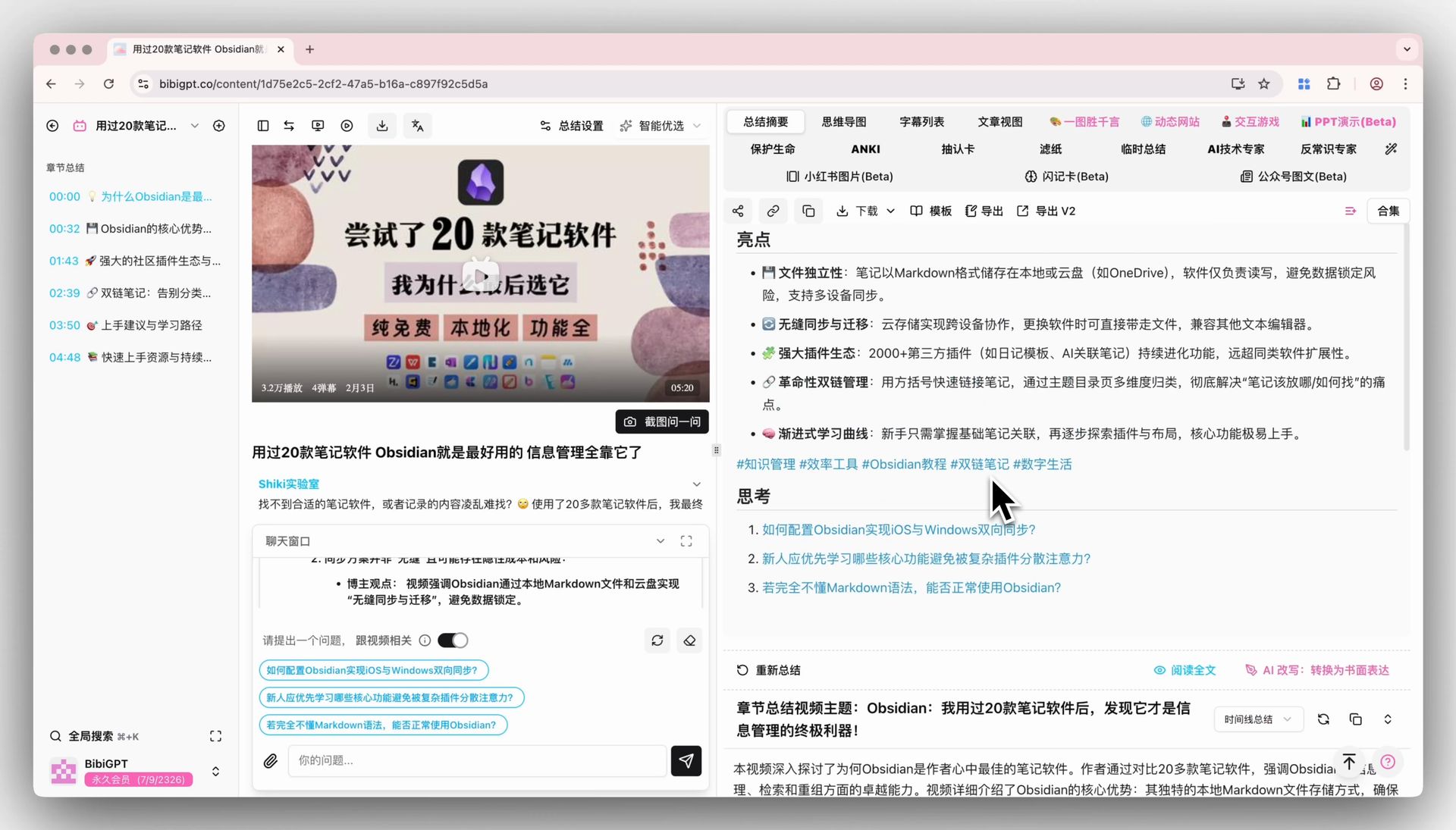 Standard AI summary
BibiGPT supports a two-step journey:
- Interactive exploration: Use AI dialogues to question, challenge, and brainstorm in real time.
- Systematic analysis: Once you’ve formed a perspective, encode it into custom prompts so your framework becomes repeatable.
Let’s walk through both.
Mode 1: Interactive Exploration with AI Dialogues
Scenario: You just finished a video with strong claims. It sounded airtight, yet something feels off.
Open the AI dialogue panel. This chatbot isn’t a parrot—it’s a Socratic partner ready to spar with ideas.
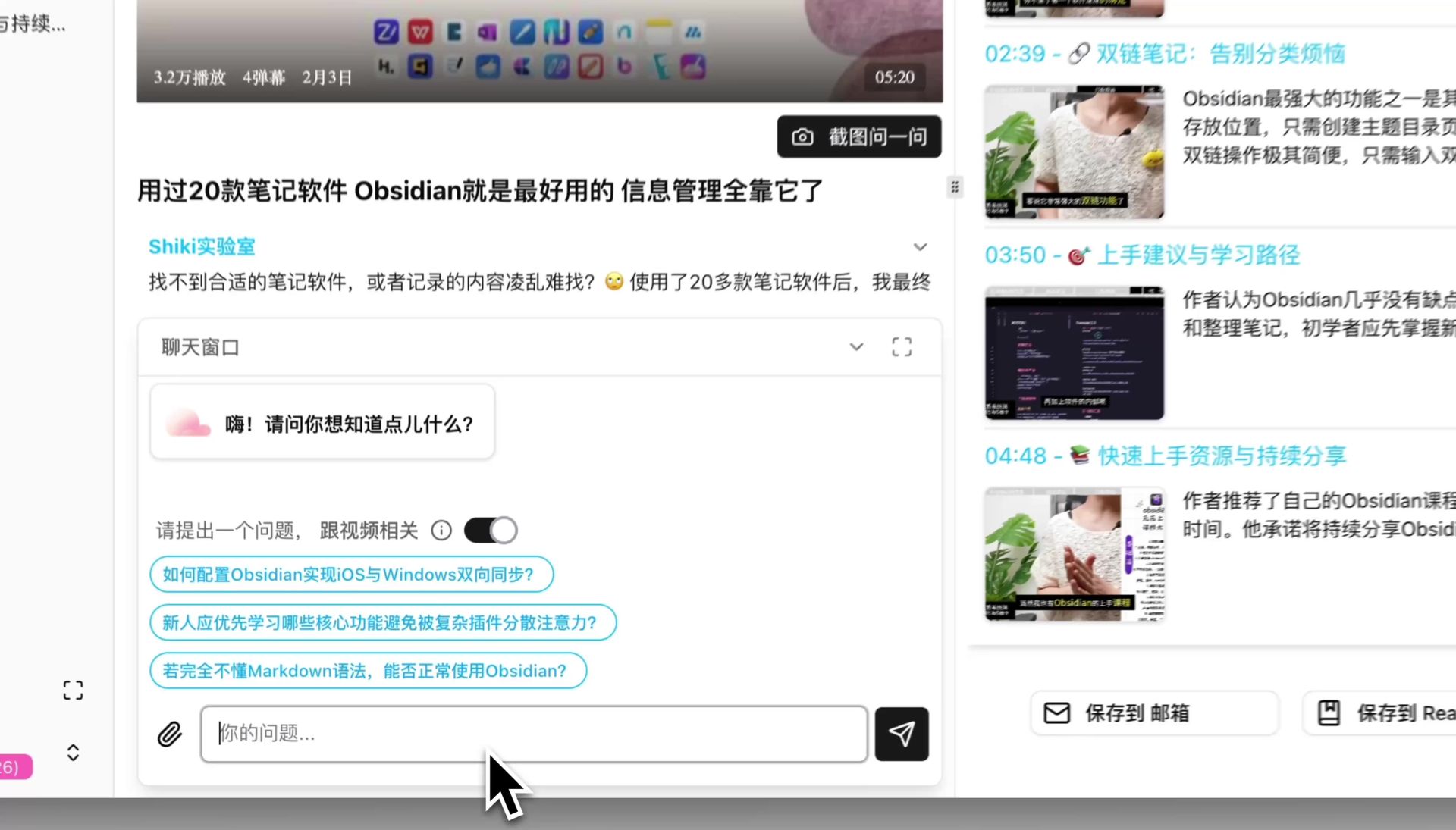 Ask a question
Start with a provocative question, for example:
“Generate three counterarguments to the creator’s main thesis so I can examine the video more objectively.”
The magic lies in the follow-up:
- “Provide real-world examples that support the first counterargument.”
- “What logical fallacy might this reveal?”
- “If this counterargument holds, how does it change the original conclusion?”
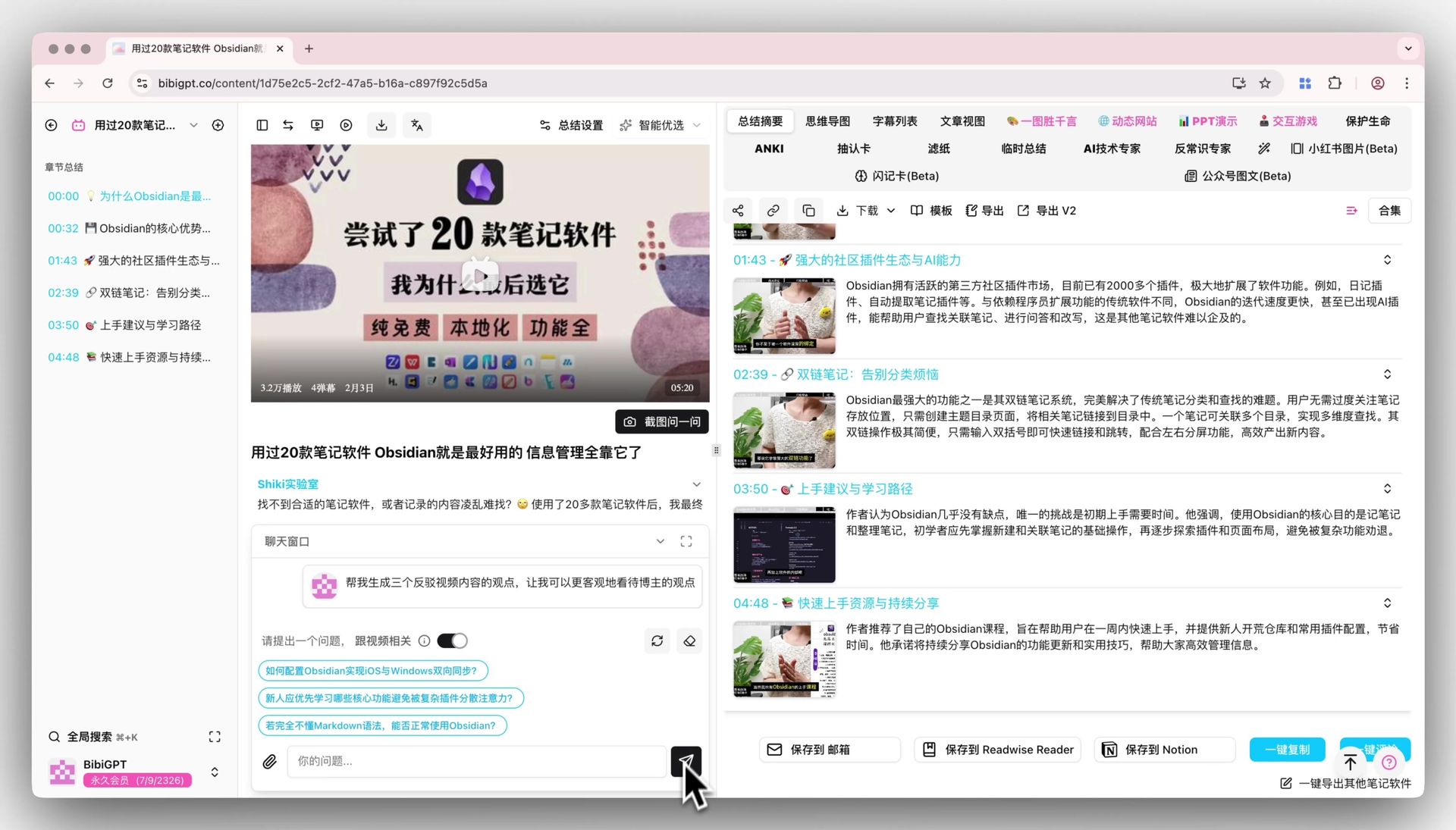 AI generating analysis
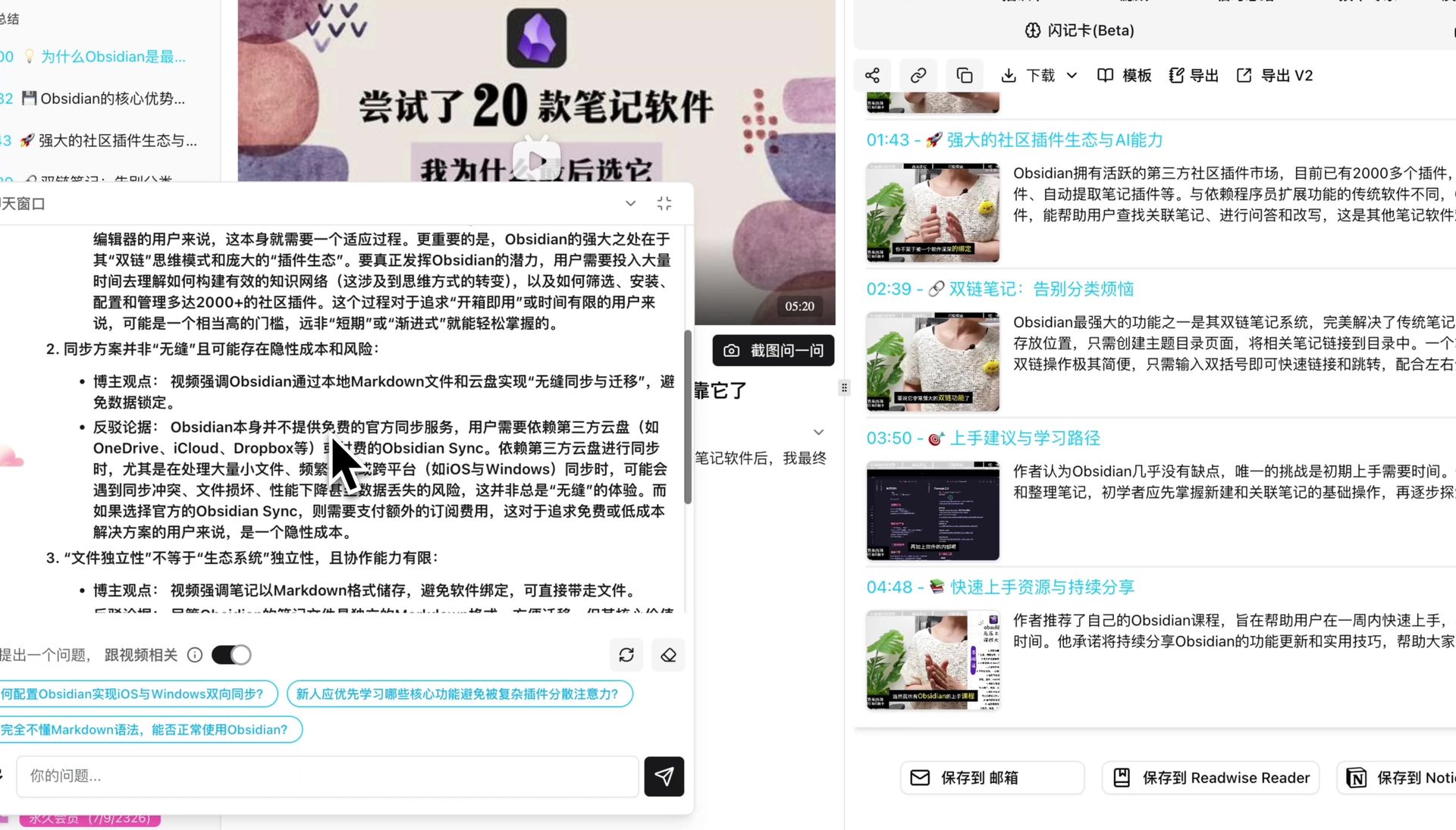 AI response
The dialogue becomes a Socratic loop that pushes your thinking further every time you ask “why,” “what if,” or “so what.”
Mode 2: Systematic Analysis with Custom Prompts
Interactive probing is great, but you’ll eventually discover patterns. Maybe you always analyze videos from “evidence, logic, counterpoint.” Capture that method with custom prompts so it’s just one click away.
Open Settings → Custom Prompts, then define the scaffold you want:
## 角色设定
你是一位批判性思维教练,需要帮助我从多个角度审视视频内容。

## 输出结构
1. 主要论点
2. 支撑证据与其可信度
3. 可能的漏洞或未被讨论的假设
4. 反对观点及应对策略
5. 可执行的行动或进一步研究方向
Save it, return to the summary, and run the new prompt. Instantly you’ll receive a structured critique that mirrors your preferred framework—no manual retyping required.
Over time, this library of prompts becomes your personal playbook for analysis, strategy, or note-taking.
Your Thinking Partner Is Faster and Deeper
 AI summary with prompt options
BibiGPT isn’t just about faster summaries. It supports multiple modes of thinking:
- Surface skim when you need the gist.
- Dialogic exploration when you crave debate.
- Systematic breakdown when you want reusable insight.
Together they turn BibiGPT into a thinking companion that grows with you.
FAQ
How is this different from a standard summary?
A standard summary tells you what was said. Critical thinking workflows help you evaluate why it matters, whether it’s valid, and how it changes your decisions. Dialogue plus custom prompts ensures AI augments your reasoning instead of replacing it.
Do I need to be an expert to use custom prompts?
No. Start small—ask AI to identify evidence, assumptions, or alternative viewpoints. As you discover what matters most to you, refine the prompt. It’s an iterative process, and the prompt library can evolve with your learning style.
Will AI do the thinking for me?
AI is a catalyst, not a substitute. It reveals patterns, challenges biases, and gathers counterarguments. The judgment—accepting, rejecting, or reframing ideas—comes from you. Treat the AI as a relentless sparring partner.
How can I tell if the analysis is reliable?
Use the same criteria you’d apply to human sources:
- Evidence: Does AI cite data, examples, or references?
- Logic: Are transitions and causal links sound?
- Perspective: Has the analysis considered multiple angles?
- Assumptions: What premises is the argument resting on?
Confirming these points helps you either reinforce the creator’s message or see it in a new light.
Isn’t deep analysis time-consuming?
It does take more energy. Use a tiered approach:
- Entertainment: quick summary only.
- Informational content: summary + one dialogue round.
- High-impact knowledge: full critical-thinking flow.
Choose depth strategically so you get maximum ROI on your time.
Start Your Deep Learning Journey
Ready to level up? Don’t stop at “what did this video say?” Ask, “what do I think—and why?”
Open BibiGPT, launch an AI dialogue, craft a custom prompt, and turn every video into a training ground for sharper thinking. Then share your favorite frameworks with the community—we’d love to learn from you, too!