
How to Extract TikTok Video Captions & Subtitles: 2026 AI Guide (BibiGPT Tested)
Need a TikTok caption downloader? BibiGPT's TikTok subtitle extractor pulls full captions, SRT and TXT from any TikTok link in 30 seconds, with multilingual translation and AI summary.
How to Extract TikTok Video Captions & Subtitles: 2026 AI Guide (BibiGPT Tested)
Want to download captions or subtitles from a TikTok video? Paste the link into BibiGPT and get a full SRT / TXT transcript with timestamps in about 30 seconds, plus AI summaries and translations in four languages. No install, no login. This guide walks through the fastest path, compares the popular TikTok caption downloaders, and shows how creators and researchers scale it to hundreds of clips.
Try pasting your video link
Supports YouTube, Bilibili, TikTok, Xiaohongshu and 30+ platforms
Table of Contents
- Quick Answer: How to Download TikTok Subtitles
- Option 1: Extract with BibiGPT (Recommended)
- Option 2: TikTok's Native Caption Toggle
- Option 3: Other TikTok Caption Downloader Tools
- Batch Extraction for Creators and Researchers
- FAQ: TikTok Caption & Subtitle Downloads
Quick Answer: How to Download TikTok Subtitles
Core answer: The fastest way to download TikTok captions today is to paste the video URL into the BibiGPT TikTok subtitle downloader. In roughly 30 seconds you get a timestamped SRT file, plain-text transcript, and optional translations in English, Simplified/Traditional Chinese, Japanese, and Korean.
TikTok itself does not expose a native "download caption" button. Its player only lets viewers toggle captions on or off. To get an editable, translatable file, you need a TikTok subtitle extractor. The three common paths:
- AI video assistants (BibiGPT, etc.) — paste and go, works on both soft auto-captions and burned-in (hard) subtitles;
- Browser extensions — require sign-in, per-device installs, and tend to break;
- Download the MP4 + run Whisper locally — powerful but slow, needs engineering setup.
For creators, overseas marketers, and learners turning short clips into notes, an AI TikTok subtitle tool is the least friction option available in 2026.
Option 1: Extract with BibiGPT (Recommended)
BibiGPT converts any TikTok link into a timestamped SRT, a clean text transcript, and multilingual translations in about 30 seconds. The platform is trusted by over 1 million users and has generated over 5 million AI summaries across 30+ video and audio platforms.
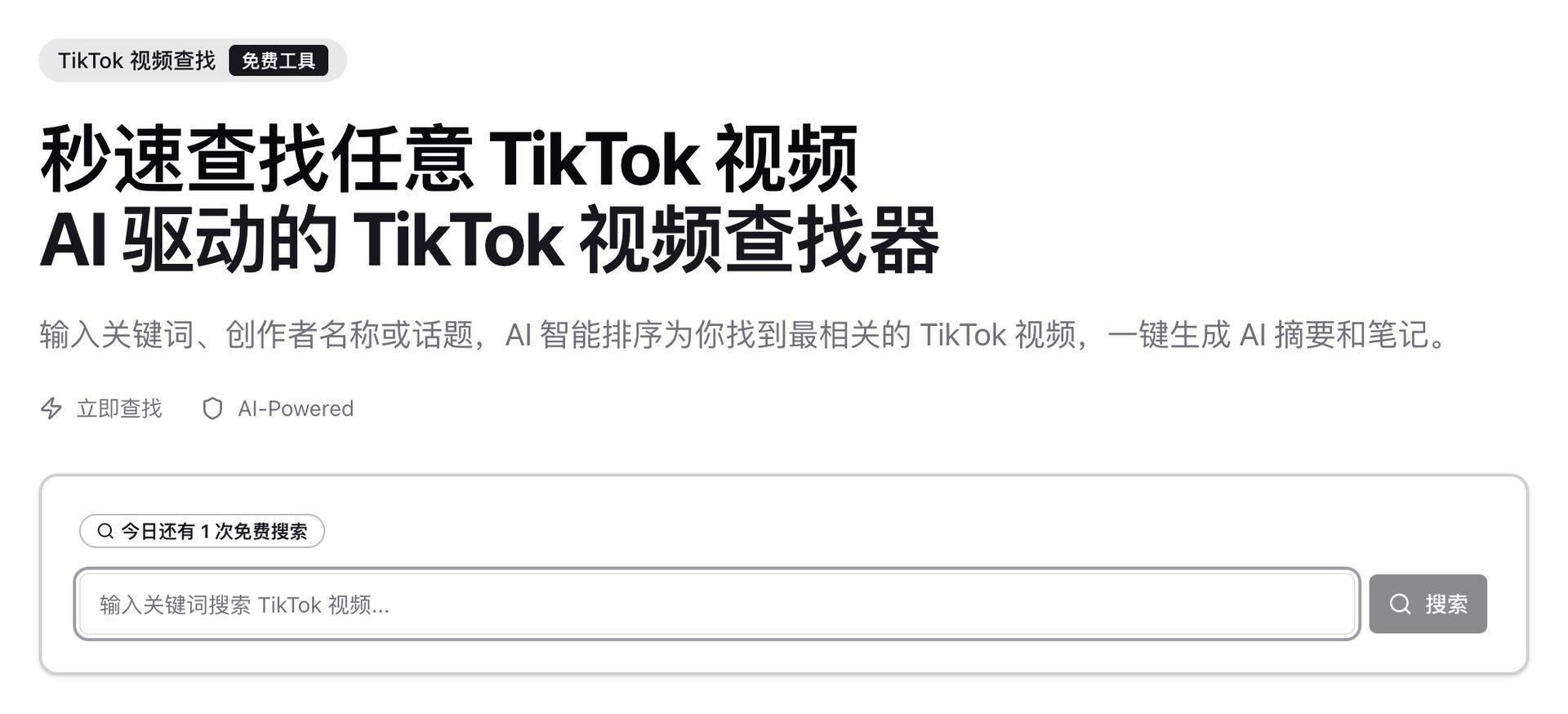 tiktok-finder-search-page
Three steps:
- Open the BibiGPT TikTok subtitle downloader and paste the TikTok URL;
- Wait around 30 seconds. BibiGPT prefers native soft captions; if the clip has none, it automatically falls back to ASR plus burned-in subtitle OCR;
- In the right-hand Transcript panel, click Export SRT or Export TXT. Toggle the smart subtitle segmentation setting if you prefer longer, prose-style paragraphs instead of raw per-line captions.
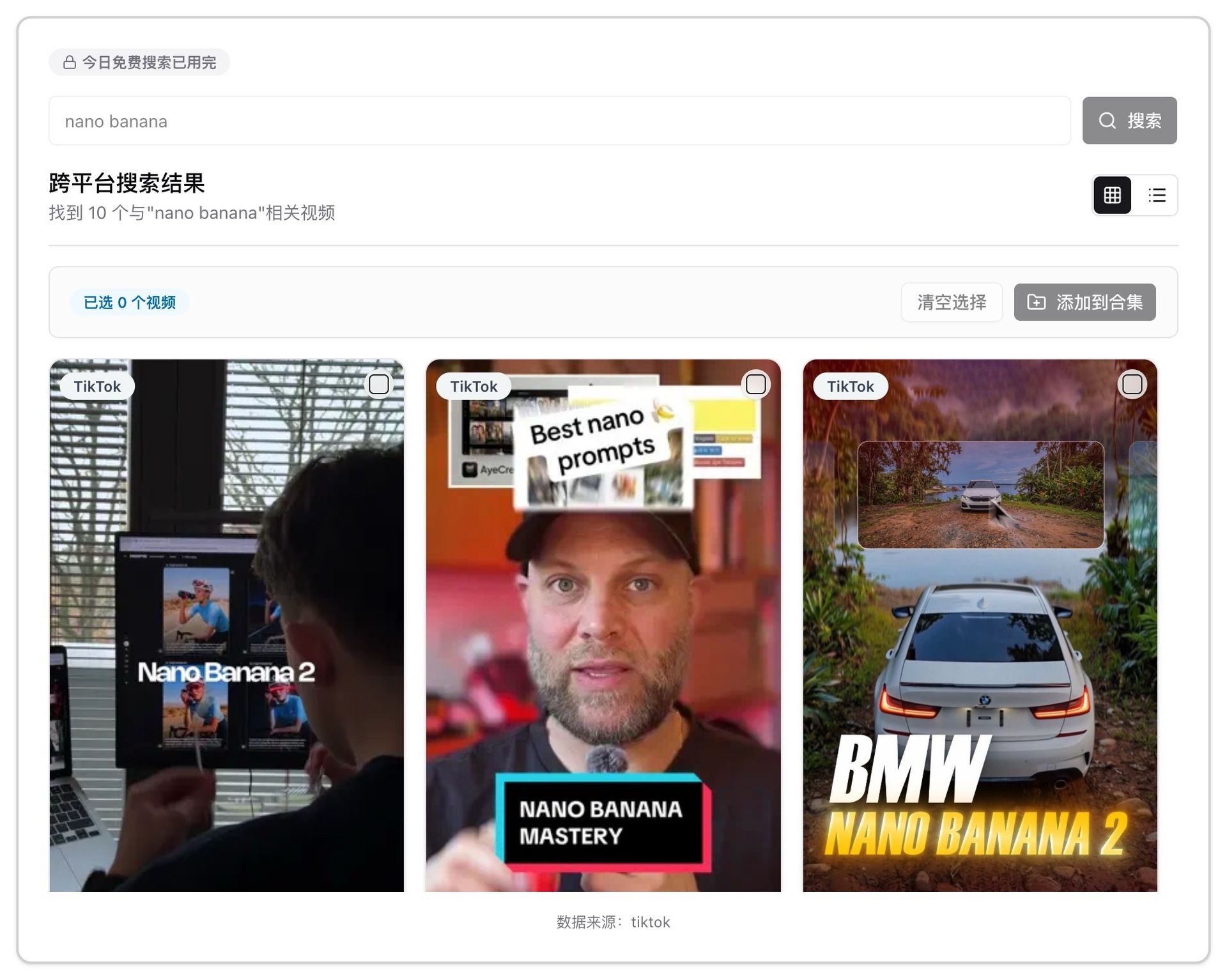 tiktok-finder-search-results
Why creators prefer it over a plain caption downloader:
- No install, no login to preview — ideal for grabbing a single link;
- Handles soft and burned-in captions — TikTok creators frequently burn captions into the frame; BibiGPT includes a hard-subtitle OCR engine (Beta) to recover them;
- Captions + summary + translation in one pass — alongside the SRT you get a timestamped AI summary, mind map, and translations;
- Works beyond TikTok — the same workspace handles Douyin subtitle downloads and YouTube subtitle downloads, covering 30+ platforms without switching tools.
AI Subtitle Extraction Preview

Bilibili: GPT-4 & Workflow Revolution
A deep-dive explainer on how GPT-4 transforms work, covering model internals, training stages, and the societal shift ahead.
Want to summarize your own videos?
BibiGPT supports YouTube, Bilibili, TikTok and 30+ platforms with one-click AI summaries
Try BibiGPT FreeOption 2: TikTok's Native Caption Toggle
Core answer: TikTok ships a Captions on/off switch in the player, but there is no export. It is useful to read along; it is not a solution if you need a file you can edit, translate, or repurpose.
Tap the CC / Captions icon on the TikTok web or mobile player to show auto-generated captions when a clip supports them. That covers the passive-viewing use case, not editing, translating, or repurposing — which is where a dedicated TikTok subtitle extractor like BibiGPT comes in.
Option 3: Other TikTok Caption Downloader Tools
To ground the recommendation, we tested a bilingual TikTok clip across several tool categories:
| Category | Example | Caption quality | Timestamps | Multilingual translation | Batch processing |
|---|---|---|---|---|---|
| AI video assistant | BibiGPT | High (soft + hard-subtitle OCR) | ✅ | ✅ EN/ZH/JA/KO | ✅ Multi-link batch |
| Browser extension | Misc. Chrome add-ons | Medium (relies on TikTok API) | Partial | ❌ | ❌ |
| Online SRT site | Third-party web tools | Low-medium (often breaks) | Partial | ❌ | ❌ |
| Local Whisper script | Self-hosted pipeline | High | ✅ | Manual | Manual |
For creators, cross-border e-commerce teams, and overseas market researchers, the real productivity win is the captions + AI summary + translation + repurposing loop — that is where BibiGPT differentiates.
Batch Extraction for Creators and Researchers
If you need transcripts for dozens of TikTok clips from a single creator or hashtag, manual copy-paste breaks down fast. BibiGPT pairs two capabilities:
- TikTok Video Finder — search a creator, keyword, or hashtag inside the TikTok discovery tool and select videos in a grid to push into a collection;
- Multi-link batch summaries — paste multiple TikTok URLs line-by-line into the home input to queue them. See Best Douyin and TikTok subtitle tools compared for a deep dive that applies the same workflow to short-video batches.
Who it fits:
- Creators repurposing viral TikTok scripts into long-form newsletters, Xiaohongshu posts, or YouTube Shorts;
- Market and competitor research tracking global TikTok storefronts for messaging shifts;
- Language learners building bilingual TikTok corpora from Japanese or English creators.
FAQ: TikTok Caption & Subtitle Downloads
Q1: Can I extract captions from a TikTok that has no visible subtitles?
A: Yes. BibiGPT falls back to ASR and generates a full timestamped transcript even when the original has no Auto-captions.
Q2: Which languages does the BibiGPT TikTok caption downloader support?
A: It supports 30+ languages, including English, Simplified/Traditional Chinese, Japanese, Korean, plus soft-caption, hard-subtitle OCR, and cross-language translation layers.
Q3: Is it legal to download TikTok captions?
A: Personal study, research, and content inspiration are usually fine as fair use. Republishing commercially requires permission from the original creator and compliance with TikTok's terms.
Q4: What other platforms work with BibiGPT?
A: BibiGPT supports 30+ mainstream video and audio platforms including YouTube, Bilibili, Douyin, Xiaohongshu, and major podcast networks. Browse the BibiGPT feature matrix for details.
Q5: What can I do with the SRT after I download it?
A: Drop it into a video editor for burned-in translations, route it into Notion or Obsidian as study notes, or feed it back into BibiGPT's video-to-article workflow to generate newsletters, Xiaohongshu posts, or social threads.
Start your AI efficient learning journey now:
- 🌐 Official Website: https://aitodo.co
- 📱 Mobile Download: https://aitodo.co/app
- 💻 Desktop Download: https://aitodo.co/download/desktop
- ✨ Learn More Features: https://aitodo.co/features
BibiGPT Team