
Best NoteGPT Alternatives 2026: Top 5 AI Video Summary Tools
The best NoteGPT alternatives in 2026 are BibiGPT, Otter.ai, Monica, Notion AI, and ScreenApp. Compare features, pricing, and free tiers in our hands-on review.
Best NoteGPT Alternatives 2026: Top 5 AI Video Summary Tools
Last Updated: April 2026
The best NoteGPT alternatives in 2026 are BibiGPT, Otter.ai, Monica, Notion AI, and ScreenApp. BibiGPT leads the pack for audio/video summarization — it supports 30+ platforms (YouTube, Bilibili, podcasts, and more), offers mind maps, AI Q&A follow-ups, and structured notes, and is trusted by over 1 million users worldwide.
NoteGPT's user experience has deteriorated significantly (Trustpilot: 2.3/5), with reports of unauthorized charges and shrinking quotas. If you're looking for a more reliable alternative, here are 5 tested tools with a comparison table and free trial links.
💡 Try in 30 seconds: Paste any YouTube or Bilibili link below to see AI summarization in action (no signup required):
Try pasting your video link
Supports YouTube, Bilibili, TikTok, Xiaohongshu and 30+ platforms
Quick Picks (by use case):
- BibiGPT — Best for YouTube/Bilibili/podcast deep summarization
- Otter.ai — Best for real-time meeting transcription
- Monica — Best for in-browser web page processing
- Notion AI — Best for Notion-native knowledge workflows
- ScreenApp — Best for screen recording + team collaboration
Quick Comparison Table
| Tool | Best For | Platforms Supported | Free Tier | Price |
|---|---|---|---|---|
| BibiGPT | YouTube/Bilibili/Podcast deep summary | YouTube, Bilibili, Xiaohongshu, Douyin, podcasts, local files | ✅ Core features free | Free + membership |
| ScreenApp | Screen recording + team collaboration | Desktop | Limited free | $10+/mo |
| Monica | In-browser web processing | Chrome extension | Limited free | $9.9/mo |
| Notion AI | Knowledge base writing enhancement | Notion ecosystem | Limited for free users | $10/mo |
| Otter.ai | Real-time meeting transcription | Web, iOS, Android | 300 min/mo | $10+/mo |
Why Users Are Leaving NoteGPT
NoteGPT excels at "cross-format content summarization," supporting PDFs, web pages, and videos. However, user experience has deteriorated significantly:
- Trustpilot rating 2.3/5: Unauthorized charges, sudden quota reductions
- Slow customer support: Long response times, difficult refunds
- Feature gaps: Limited support for non-English video platforms (Bilibili, Xiaohongshu, Douyin)
Meanwhile, modern learning and creative workflows increasingly center on audio and video: structured long-video search, podcast transcription with chapter navigation, cross-language subtitles and concept maps. These demands call for AI summarizer tools built specifically for deep audio/video understanding.
For deeper comparisons with specific tools, see: NotebookLM vs BibiGPT, Snipd vs BibiGPT, and Summify vs BibiGPT.
See BibiGPT's AI Summary in Action

Bilibili: GPT-4 & Workflow Revolution
A deep-dive explainer on how GPT-4 transforms work, covering model internals, training stages, and the societal shift ahead.
Want to summarize your own videos?
BibiGPT supports YouTube, Bilibili, TikTok and 30+ platforms with one-click AI summaries
Try BibiGPT FreeDetailed Comparison of 5 NoteGPT Alternatives
1. BibiGPT — AI-Powered Audio/Video Learning Assistant (Recommended)
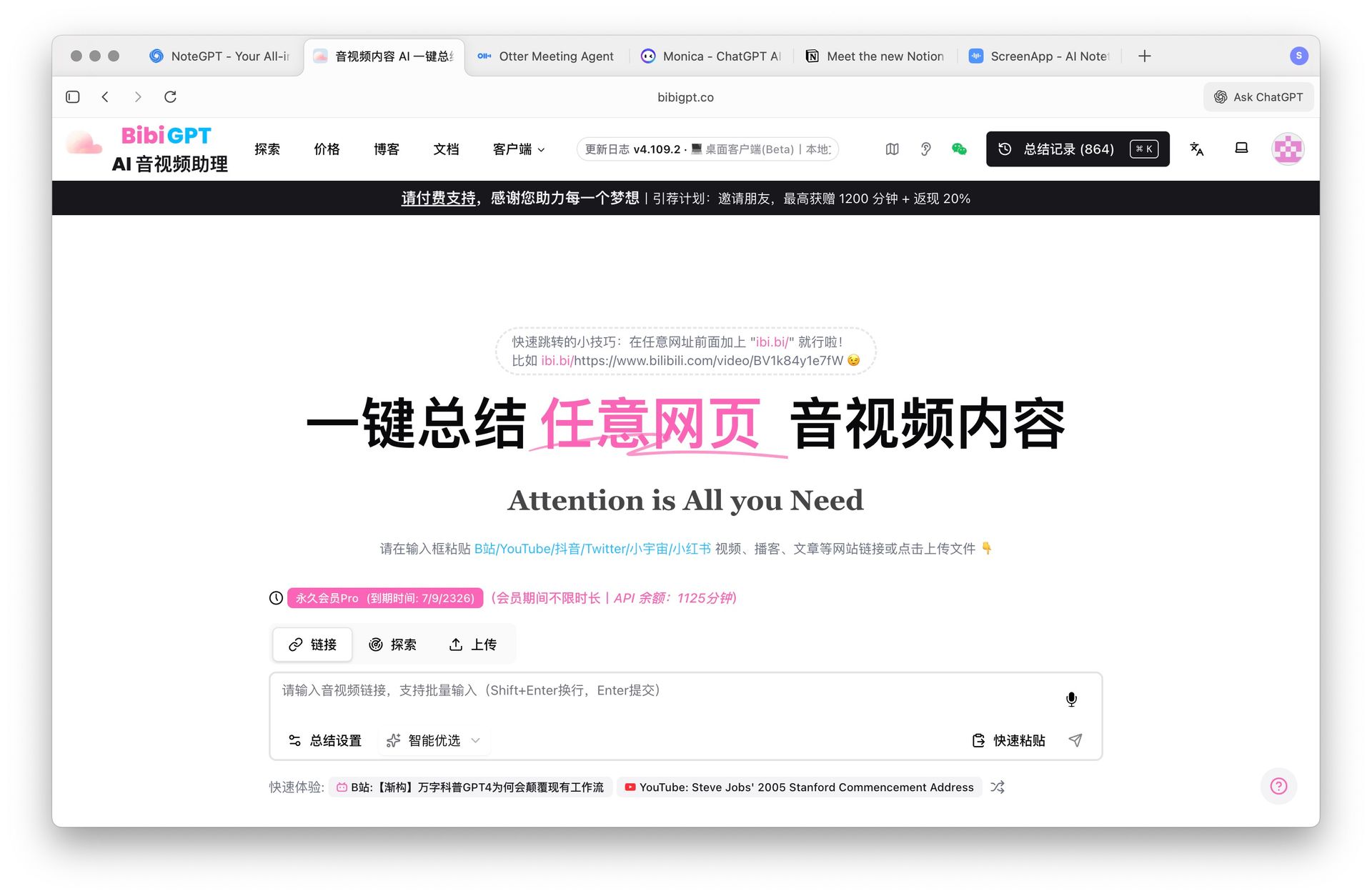 BibiGPT AI audio video summary interface
Core Highlights:
- Cross-platform audio/video support: YouTube, Bilibili, Xiaohongshu, Douyin, podcasts, and local files — one-click subtitles, summaries, mind maps, and key point cards
- Multimodal understanding: Combines visual and audio for structured extraction, ideal for knowledge-intensive long videos with "quick overview + precise review"
- AI Q&A follow-up: Ask follow-up questions after reading the summary to dig deeper into video content
- Practice-oriented output: Export to presentations and structured notes, integrating with Notion, Obsidian, Readwise, and more
- Pricing: Core features free, membership unlocks advanced capabilities. See all features →
Typical Use Cases:
- YouTube video summarization: Timestamp navigation + key point extraction
- Bilibili video summarization: Chinese-friendly, precise chapter location
- Podcast smart summarization: Transcription + search + playback
- Local speech-to-text: Local asset management
- Free video summarizer: Zero-barrier online experience
💡 Paste any video link to try AI summarization instantly:
Try pasting your video link
Supports YouTube, Bilibili, TikTok, Xiaohongshu and 30+ platforms
2. ScreenApp — Screen Recording + Team Collaboration
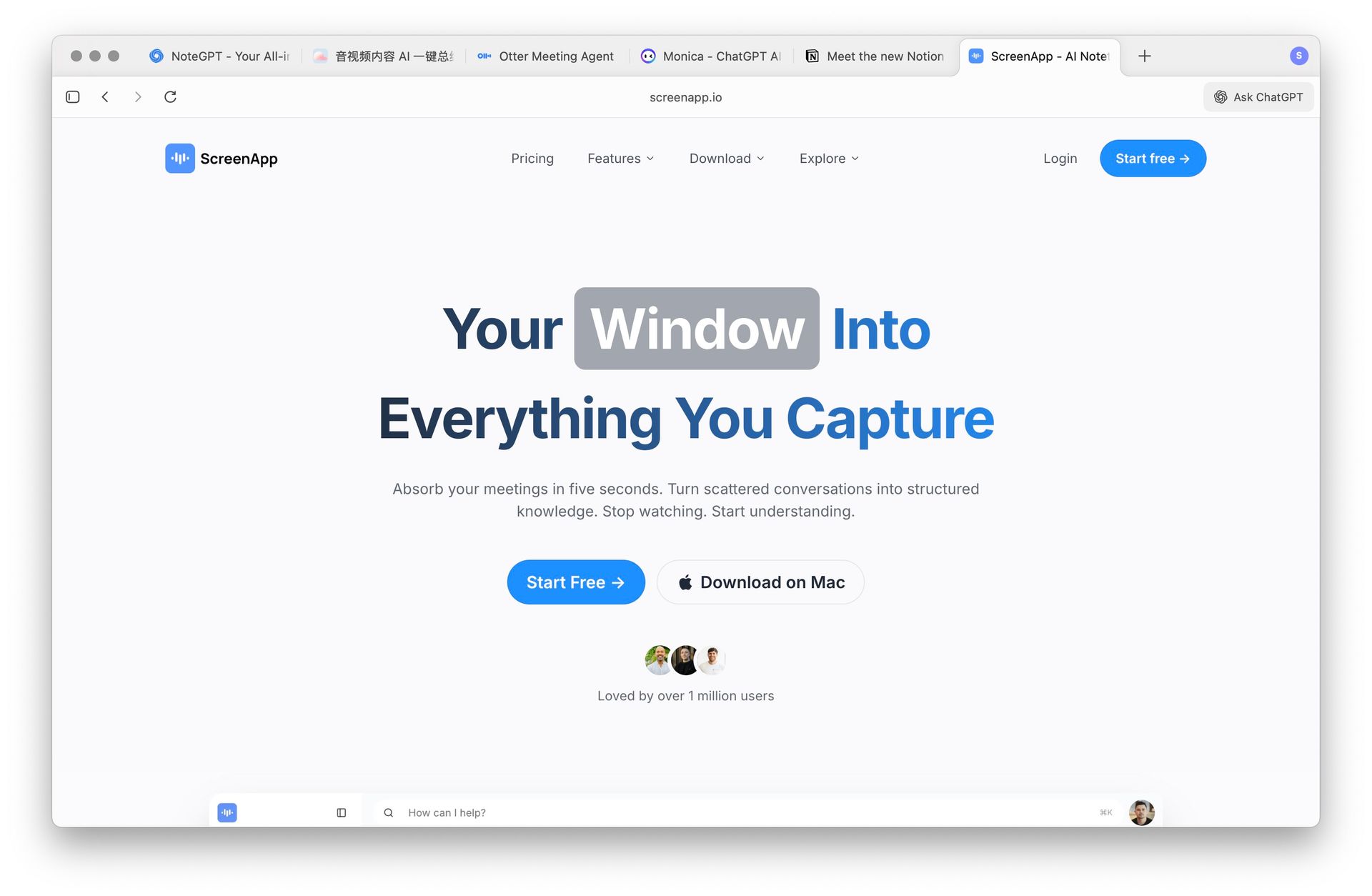 ScreenApp screen recording and summary interface
Core Highlights: "Create while recording" — integrates screen recording, meeting notes, and summarization. Great for tutorial creation, team collaboration, and training review.
Is it right for you? If your core need is quickly distilling real-time activities into knowledge documents, ScreenApp is a solid choice. However, it doesn't support Bilibili, Xiaohongshu, or other Chinese platforms.
Pricing: Limited free version, paid $10+/mo.
3. Monica — Multi-Scenario Browser Assistant
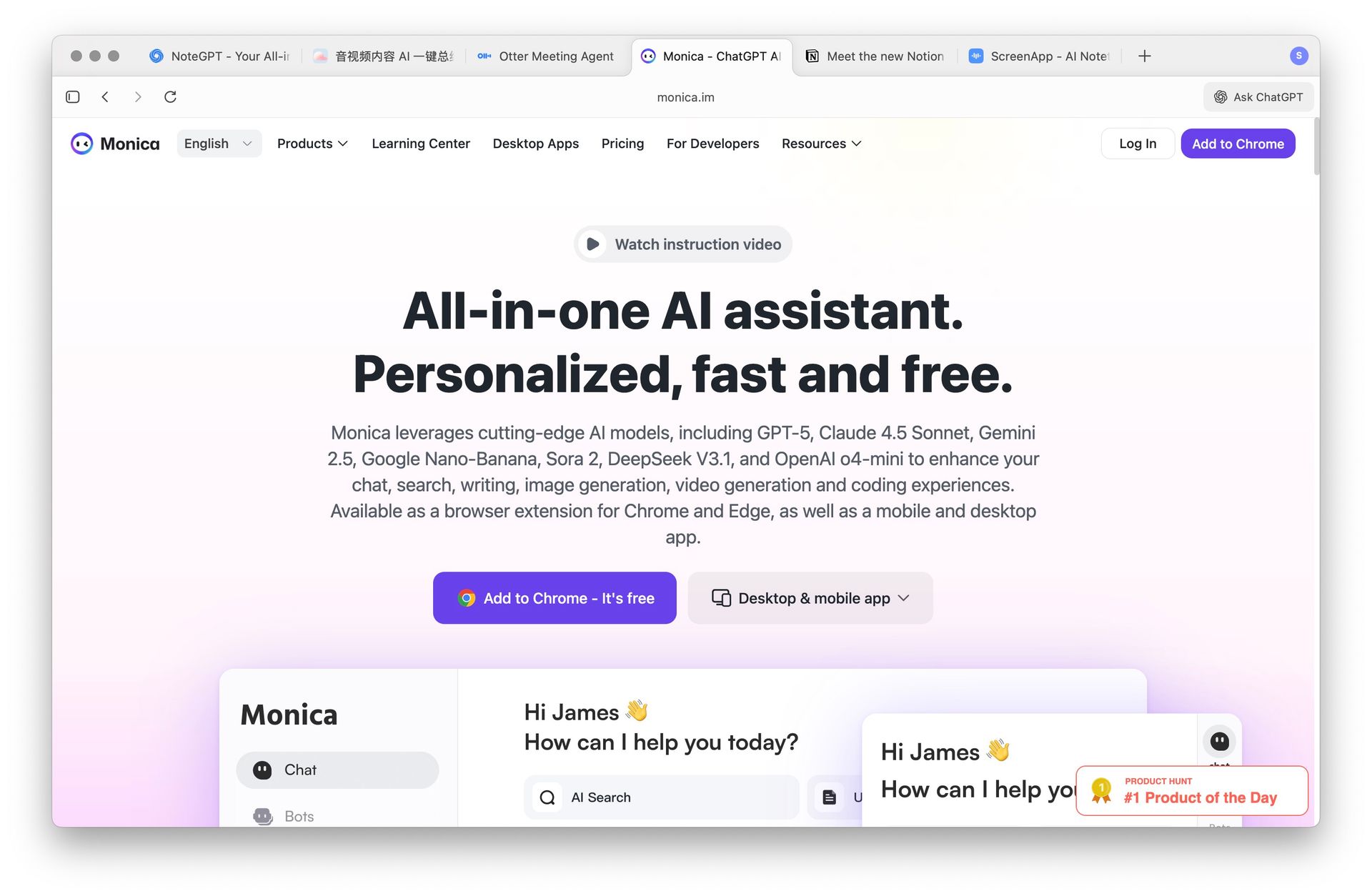 Monica browser extension interface
Core Highlights: Chrome sidebar access to summarization, rewriting, translation, and more — covering lightweight processing of web articles, emails, and temporary materials.
Is it right for you? If you primarily process web content (not audio/video), Monica's "what you see is what you get" workflow is smooth. But its video content understanding is limited.
Pricing: Limited free, paid $9.9/mo.
4. Notion AI — Integrated Knowledge Base Writing
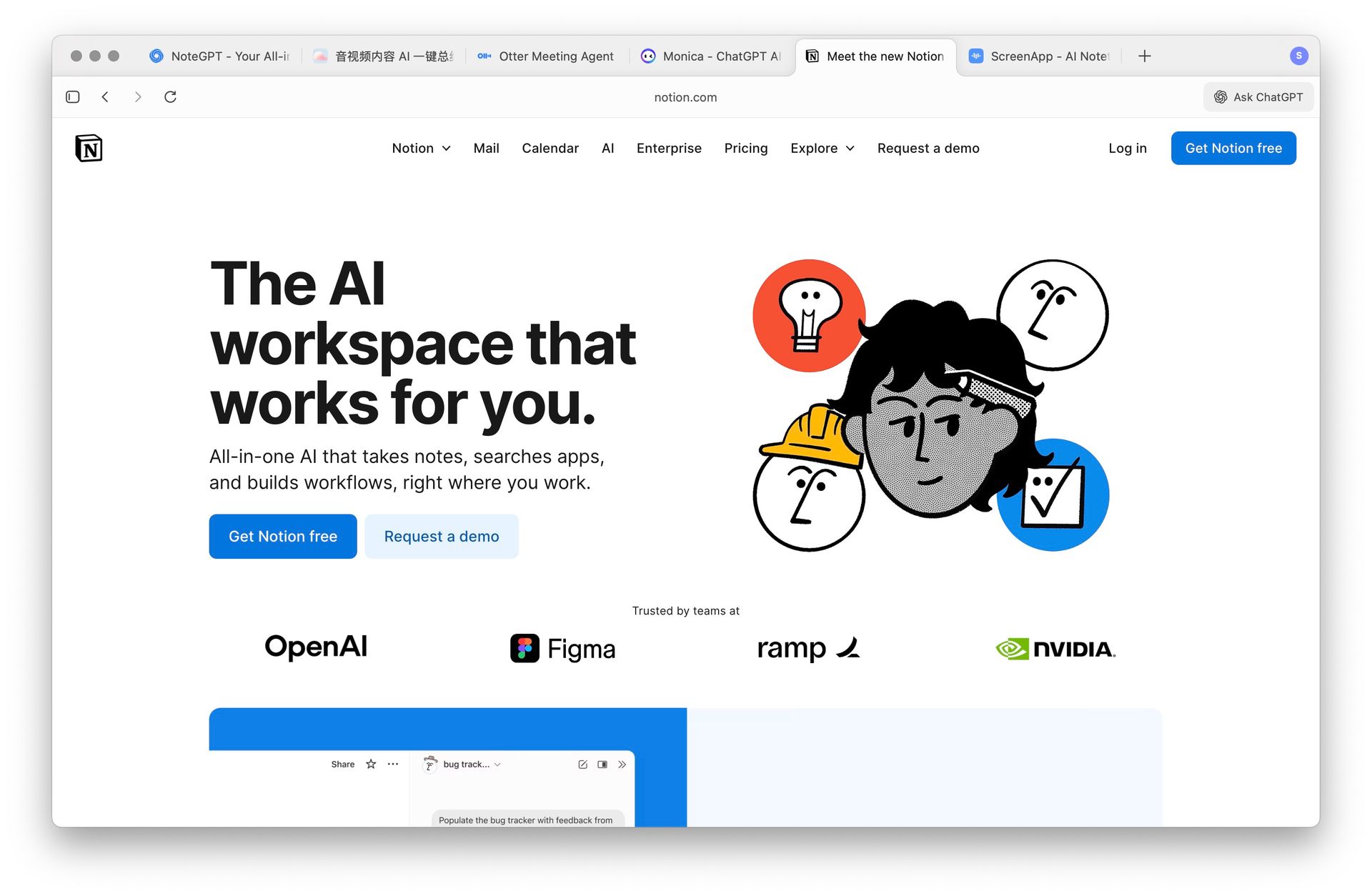 Notion AI knowledge base writing interface
Core Highlights: Writing enhancement, meeting minutes, and task organization within the Notion knowledge base environment. Ideal for teams already deep into the Notion ecosystem.
Is it right for you? If your "material sedimentation and collaborative editing" workflow lives in Notion, Notion AI's seamless integration is compelling. But it's not a dedicated audio/video tool.
Pricing: Limited for free Notion users, full version $10/mo.
5. Otter.ai — Real-Time Transcription & Meeting Notes
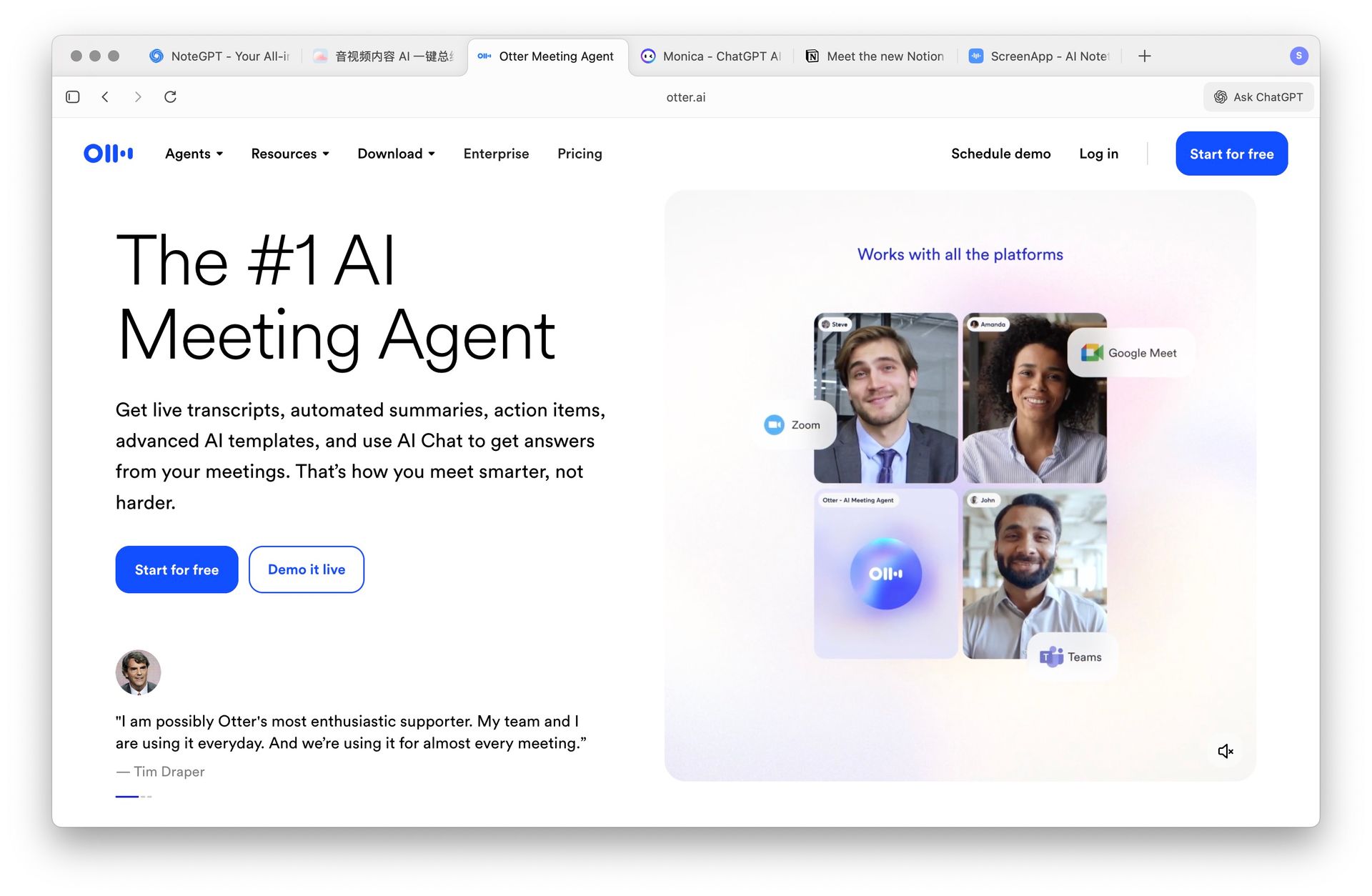 Otter.ai real-time transcription interface
Core Highlights: Multi-speaker recognition + real-time transcription, suitable for online meetings, classrooms, and interviews.
Is it right for you? If your core focus is accurate meeting minutes capture and collaboration, Otter.ai excels. But its support for pre-recorded videos and Chinese platforms is limited.
Pricing: Free 300 min/mo, paid $10+/mo.
Use Case Matching Guide
| Your Core Scenario | Recommended Tool | Why |
|---|---|---|
| YouTube/Bilibili/Podcast learning & research | BibiGPT | Chapter-based understanding, concept maps, AI Q&A, multi-platform |
| Real-time meeting recording | Otter.ai | Speaker recognition, real-time transcription, team collaboration |
| In-browser web & document processing | Monica | Sidebar one-click operations, multi-scenario coverage |
| Notion-based knowledge management | Notion AI | Seamless integration, collaborative editing |
| Screen recording + training | ScreenApp | Recording + summarization in one |
Further Reading:
- NotebookLM vs BibiGPT · Snipd vs BibiGPT · Summify vs BibiGPT
- Best YouTube AI Summarizer Chrome Extensions · How to Summarize YouTube Videos
- AI Video Summary Guide · Best Podcast Summarizer Tools · AI Summarizer Tools
Recommended BibiGPT Features
Based on this article, we recommend the most relevant AI audio/video processing tools
AI YouTube summary
Generate instant AI summaries for YouTube videos with timestamp navigation and key takeaways.
AI Bilibili summary
Chinese-friendly summaries for Bilibili videos with accurate chapters and highlights.
AI podcast summary
Transcribe, search, and replay podcasts to capture the key talking points.
Frequently Asked Questions (FAQ)
Q: What is the biggest difference between NoteGPT and BibiGPT? A: NoteGPT focuses on cross-format text summarization (PDFs, web pages, videos), while BibiGPT specializes in deep audio/video understanding — supporting YouTube, Bilibili, Xiaohongshu, Douyin and more, with mind maps, AI Q&A follow-ups, and highlight notes designed specifically for video content.
Q: Why is NoteGPT's rating so low? A: As of March 2026, NoteGPT's Trustpilot rating has dropped to 2.3/5. User complaints primarily focus on unauthorized billing charges, sudden quota reductions, and slow customer support response times. If you're experiencing these issues, consider switching to a more transparent alternative.
Q: Are there free NoteGPT alternatives? A: BibiGPT offers a free tier with core summarization features — no credit card required. You can try the free video summarizer right now. Otter.ai provides 300 free minutes per month. Notion AI offers limited credits for free Notion users. For advanced features, check BibiGPT pricing.
Q: Which tool is best for non-English audio/video content? A: BibiGPT has the most comprehensive support for non-English audio/video, natively supporting direct URL paste-and-summarize for Bilibili, Xiaohongshu, Douyin, and Xiao Universe (Chinese podcast platform). Other tools generally lack support for these platforms.
Q: How do prices compare across these tools? A: BibiGPT's core features are free; ScreenApp, Notion AI, and Otter.ai cost approximately $10/mo each; Monica is about $9.9/mo. For overall features and non-English support, BibiGPT offers the best value.
Q: Can I try before I commit? A: Yes. BibiGPT lets you use core features for free — no credit card required. Just paste a video link to experience the full AI summarization workflow. Try it free →
Conclusion
Which tool is right for you depends on your core use case. If your primary materials are video and audio, and you want to go beyond summarization to generate presentations, structured notes, and searchable knowledge bases, BibiGPT is the best fit. Over 1 million users trust BibiGPT for their audio and video content.
Start your AI efficient learning journey now:
- 🌐 Official Website: https://aitodo.co
- 📱 Mobile Download: https://aitodo.co/app
- 💻 Desktop Download: https://aitodo.co/download/desktop
- ✨ Learn More Features: https://aitodo.co/features
BibiGPT Team