
Feature Update: Batch Summaries, Video-to-Article Export, and Desktop Enhancements
Explore BibiGPT’s latest improvements—multi-link batch summaries in the main input, AI video-to-article exports, desktop toolbar upgrades, tray shortcuts, and WeChat notification controls.
Feature Update: Batch Summaries, Video-to-Article Export, and Desktop Enhancements
Hello BibiGPT users,
Thank you for the constant feedback—it directly shapes our roadmap. Today we’re launching a series of upgrades focused on smoother operations and more powerful workflows so you can watch faster, find smarter, and use better.
Watch Faster
Efficiency is everything, so we refined the entry points you use most.
Batch Summaries Right from the Main Input
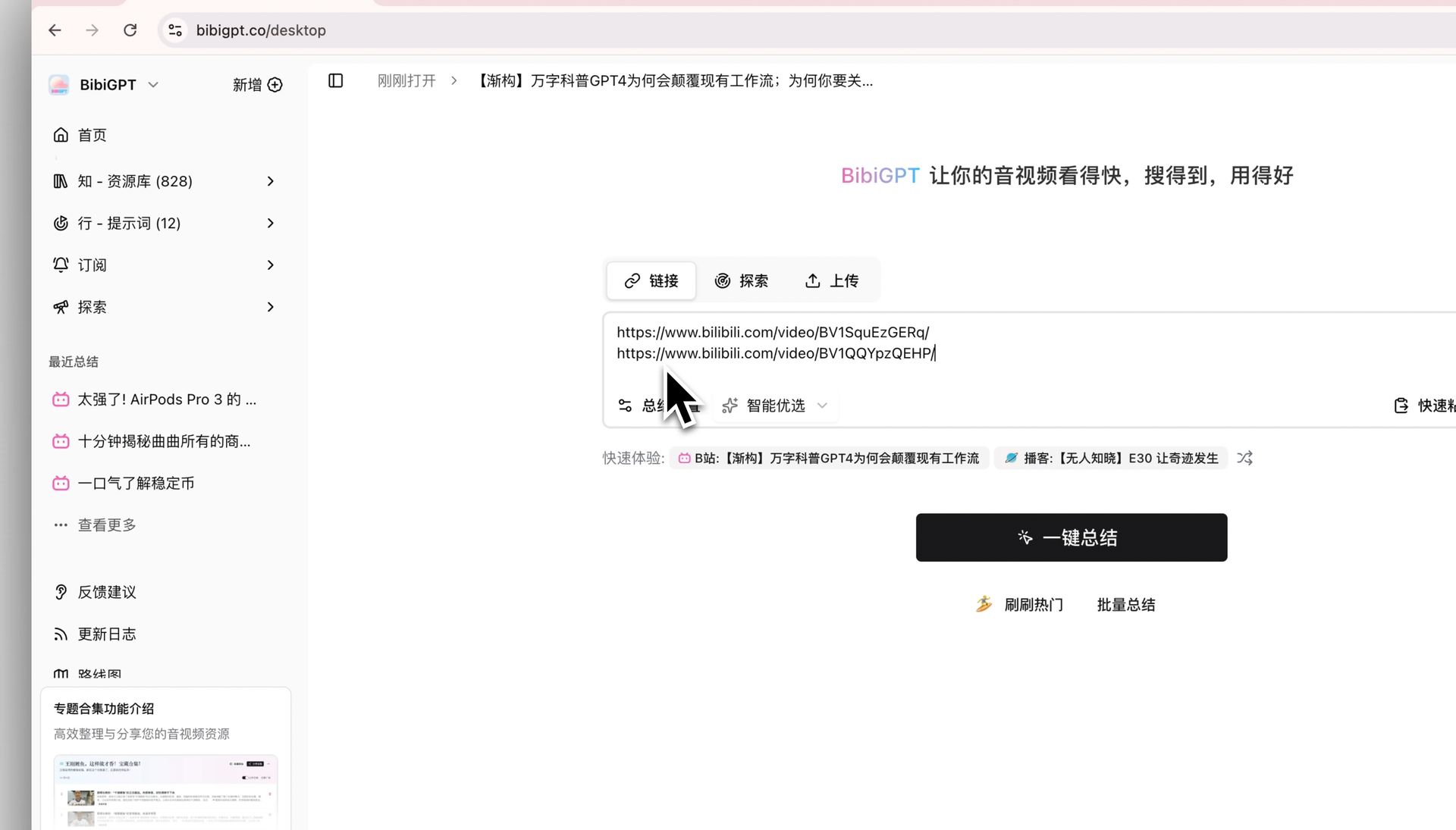 Batch summary input
Paste multiple links in the homepage input (use Shift+Enter for new lines) and start all summaries at once—no extra pages required. BibiGPT queues each video, processes them in parallel, and opens the first summary when ready.
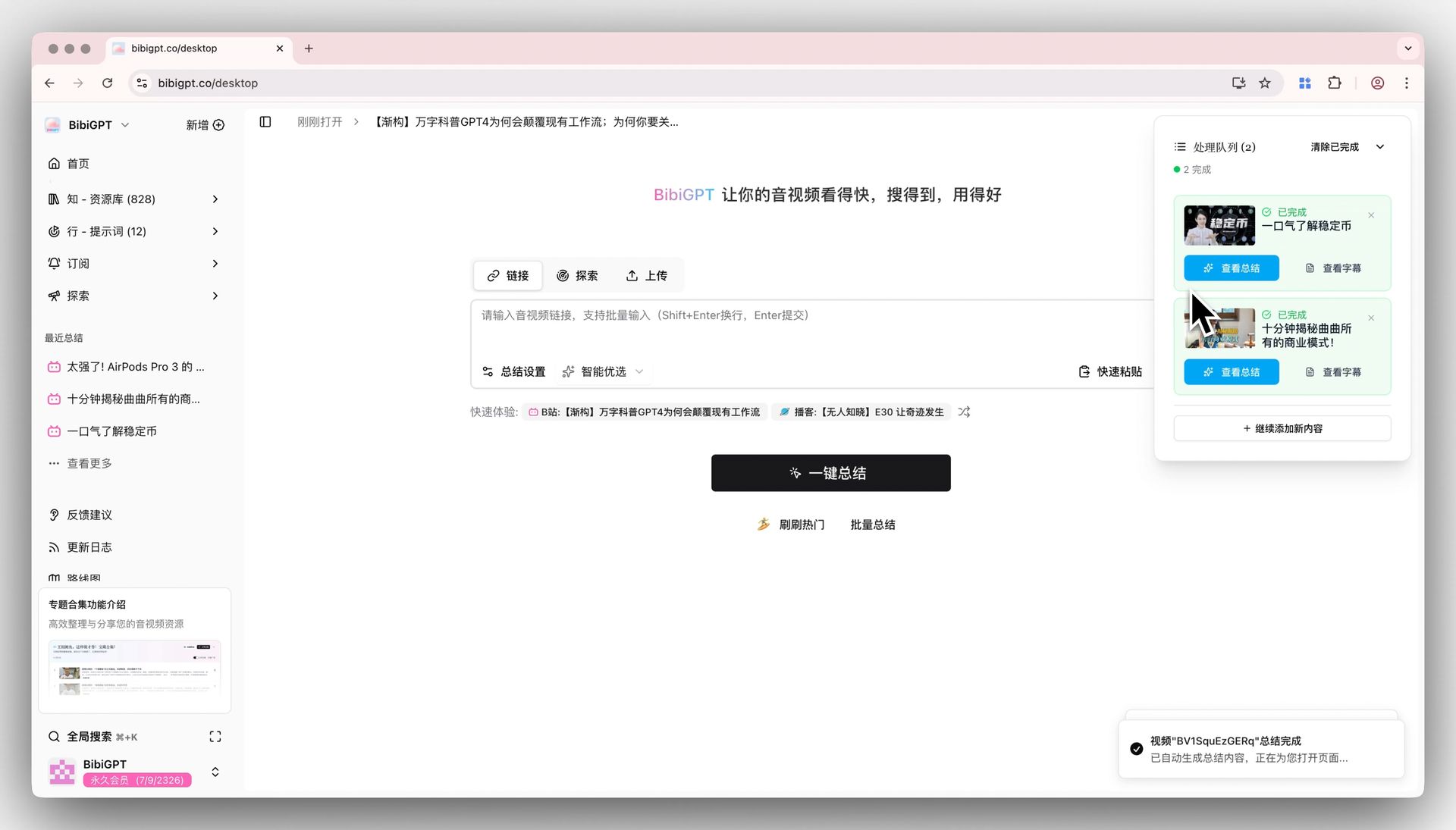 Batch queue
AI Video-to-Article Export
Creators and educators can now turn any supported video into a rich article with keyframe illustrations. Access it from the WeChat Article tab—or visit the dedicated page at bibigpt.co/article.
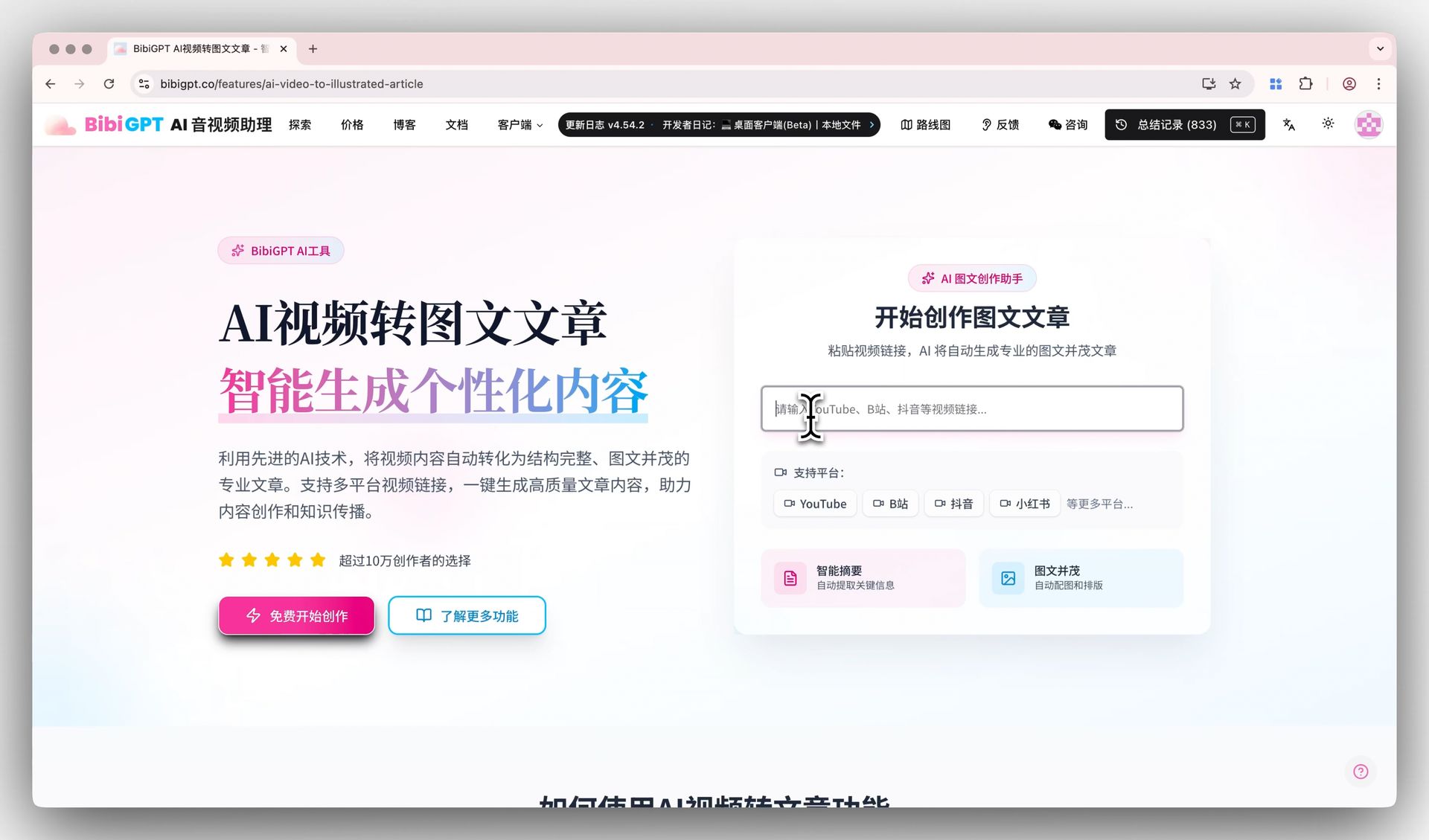 Input page
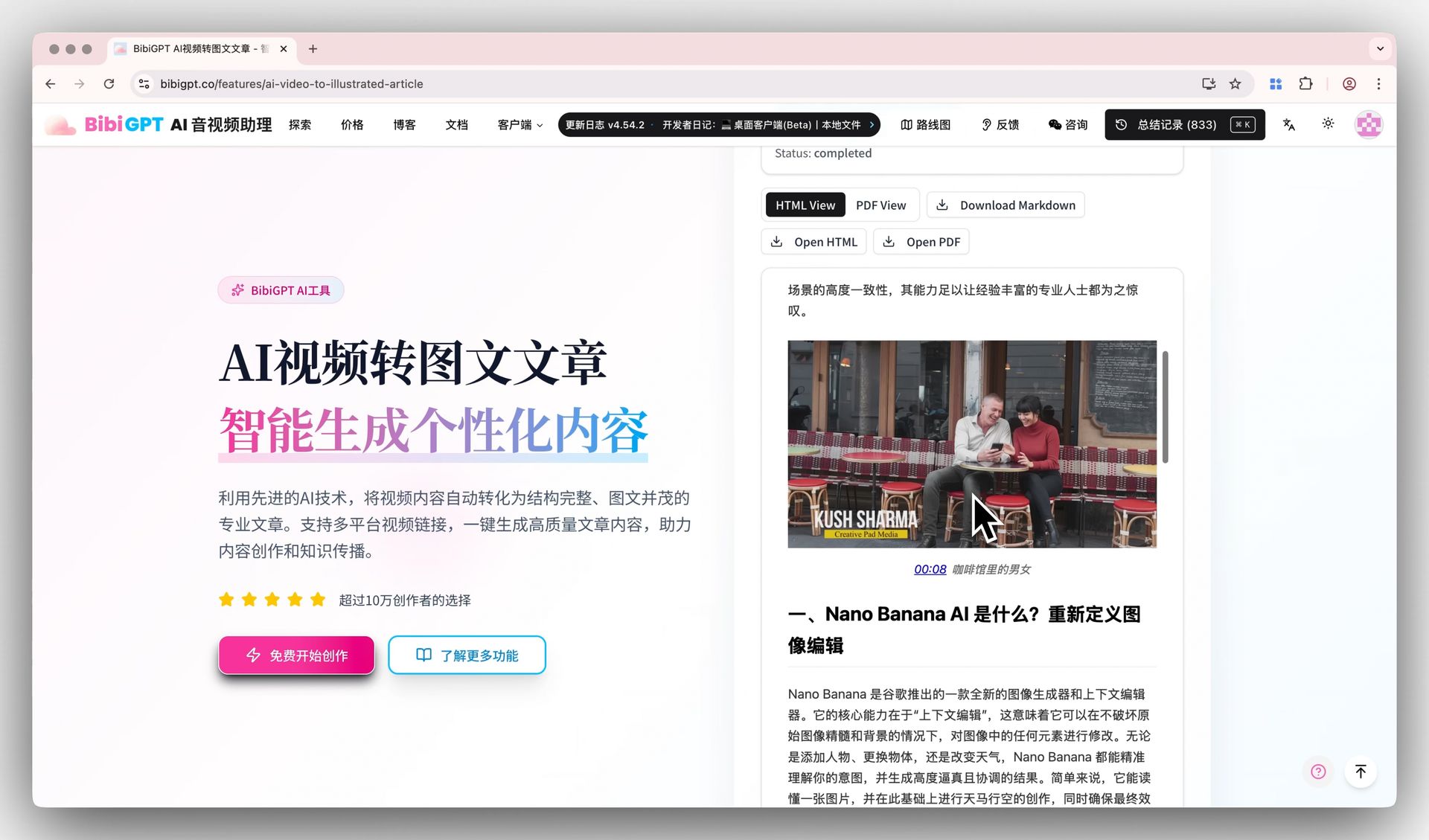 Article output
It’s the fastest route from video insights to distribution-ready content.
Find Smarter
Pagination Jump in History
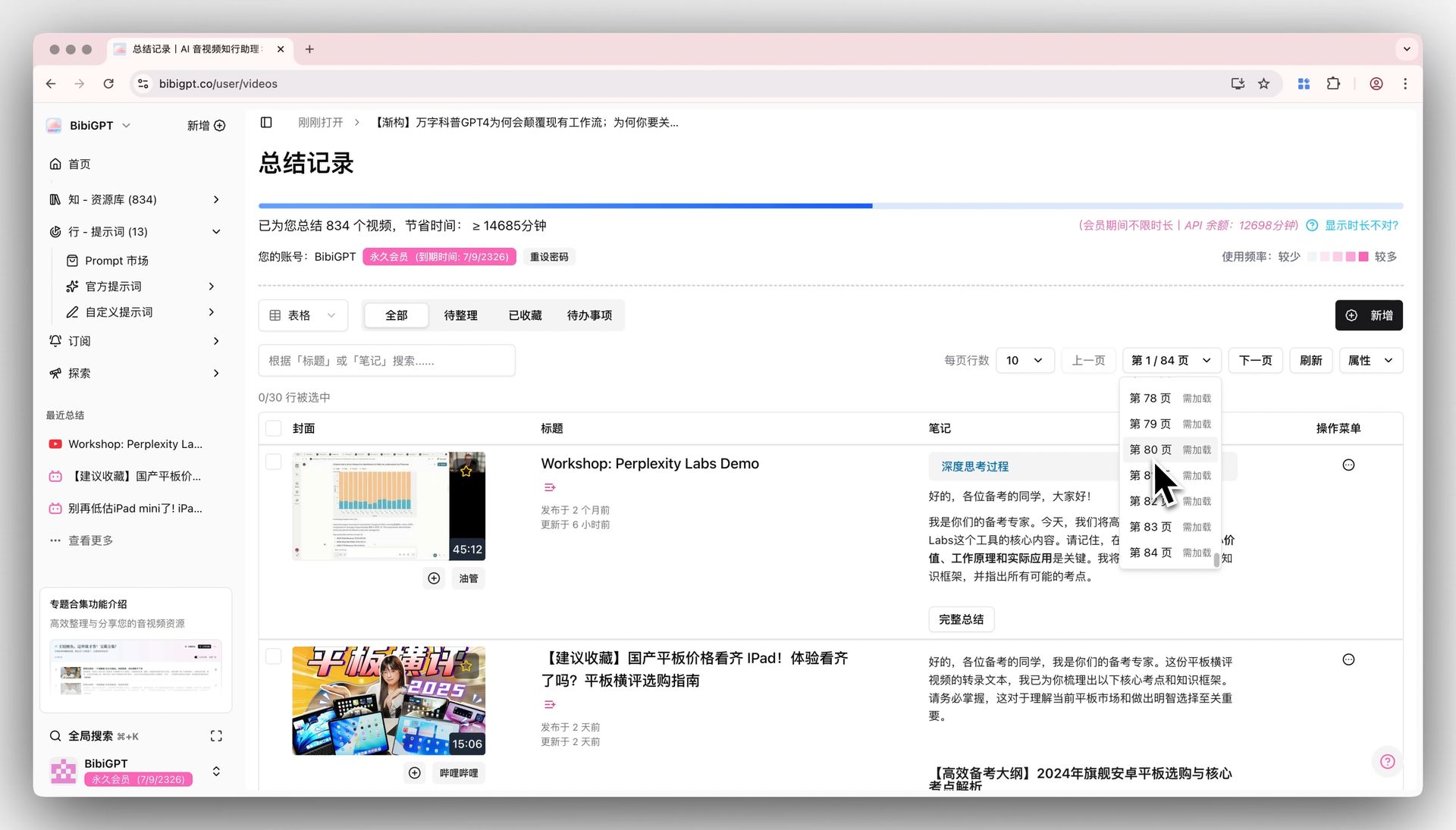 Pagination jump
Skip the endless clicking. On your history page, jump directly to any page via the new page selector—a lifesaver for veteran users with extensive archives.
Native Desktop Menu Bar
Our desktop app now includes a native menu housing user guides, shortcut settings, and update checks.
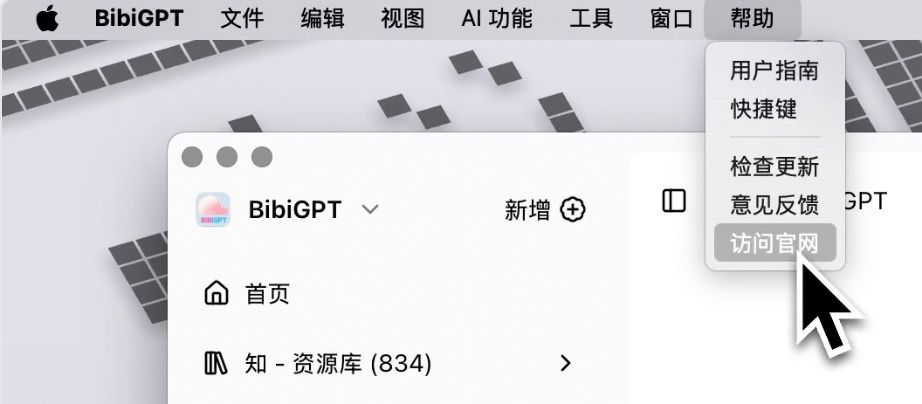 Toolbar
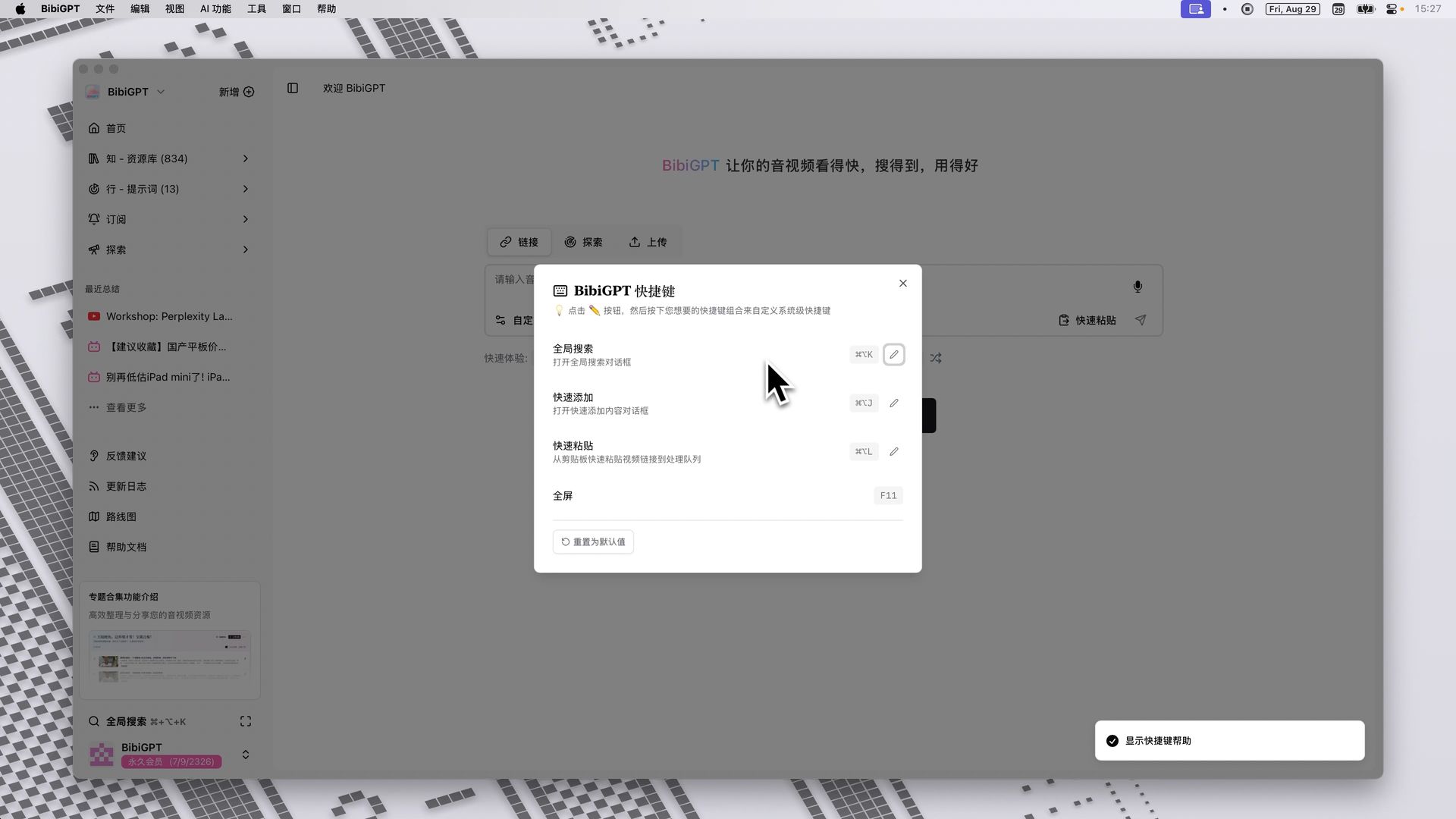 Shortcut configuration
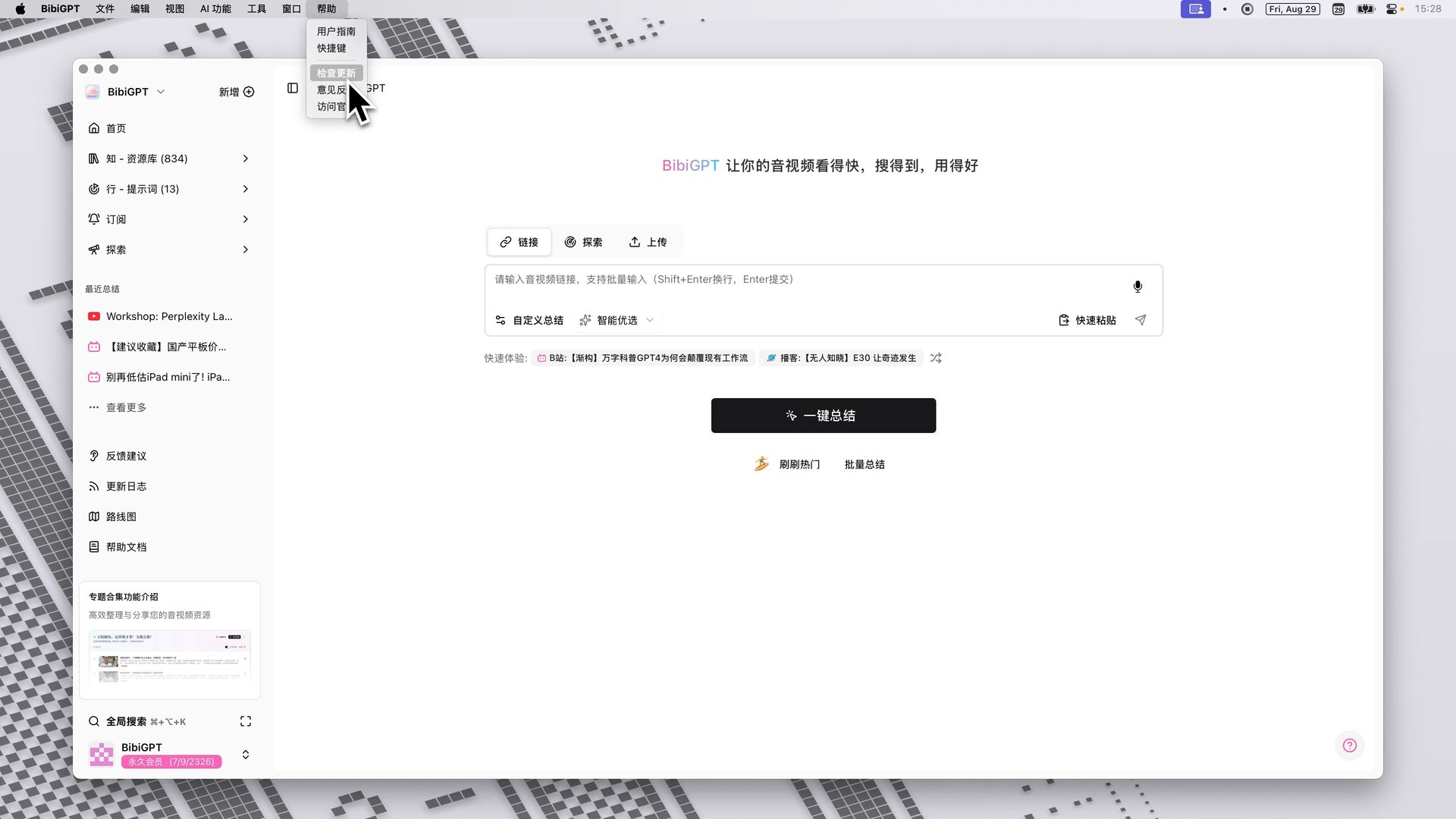 Check for updates
It keeps the main UI cleaner while giving power users direct access to advanced controls.
Use Better
Desktop Tray Shortcuts
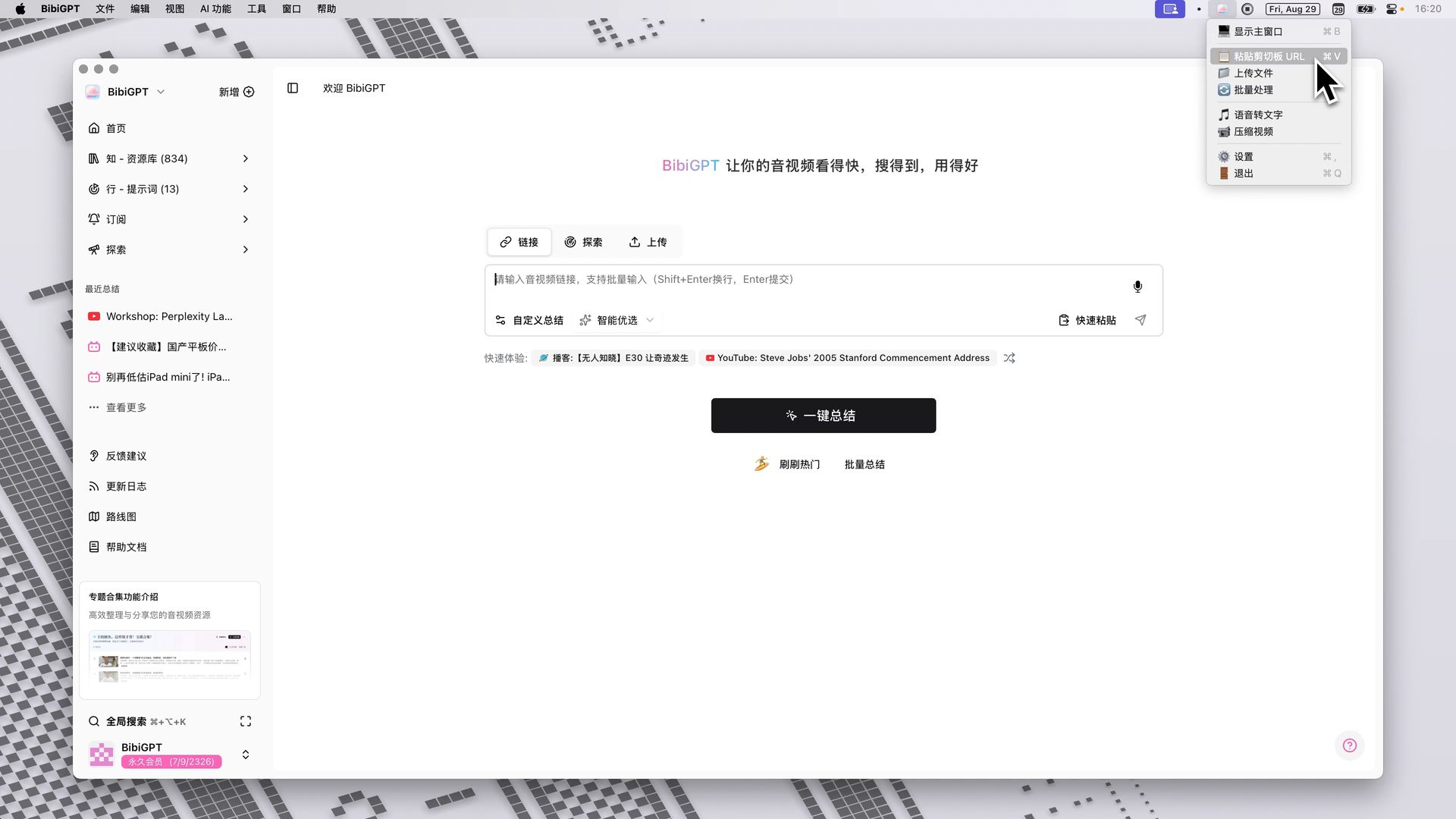 Tray entry
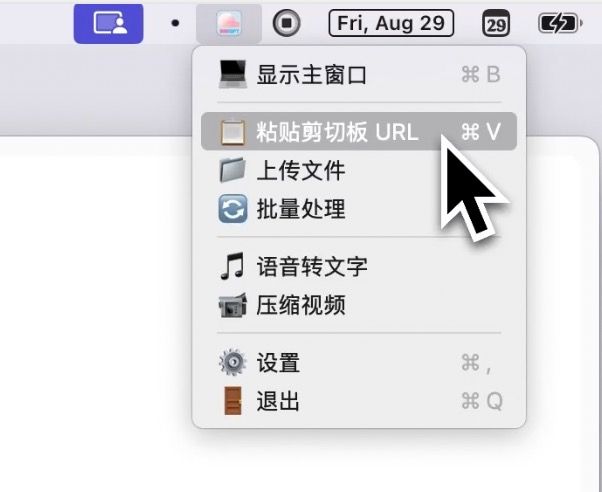 Tray overview
The desktop app now lives quietly in your system tray (menu bar on macOS). Launch key actions—paste link, upload file, speech-to-text—without opening the main window. BibiGPT is always one click away.
WeChat Review Reminder Toggle
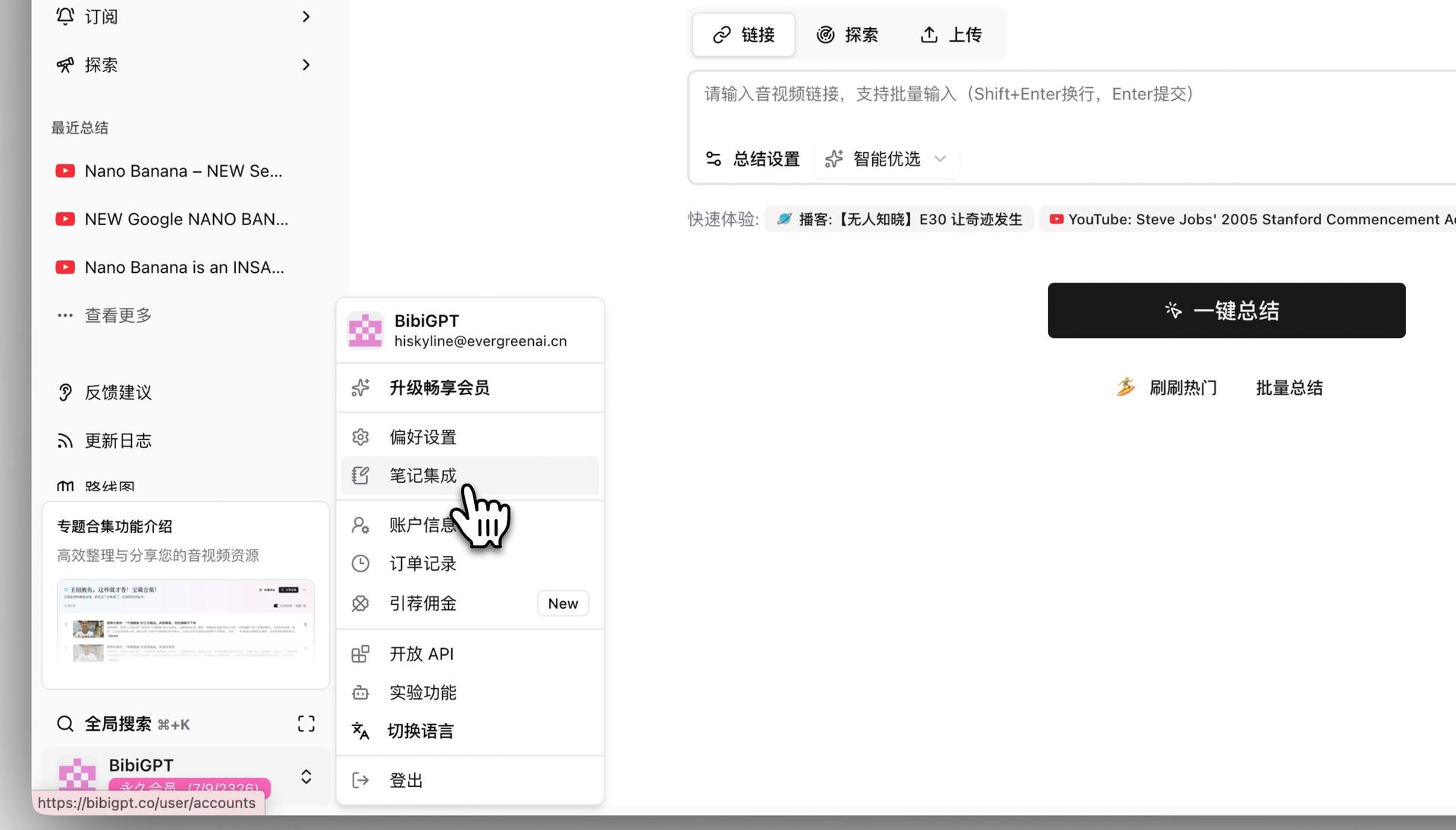 Notification toggle
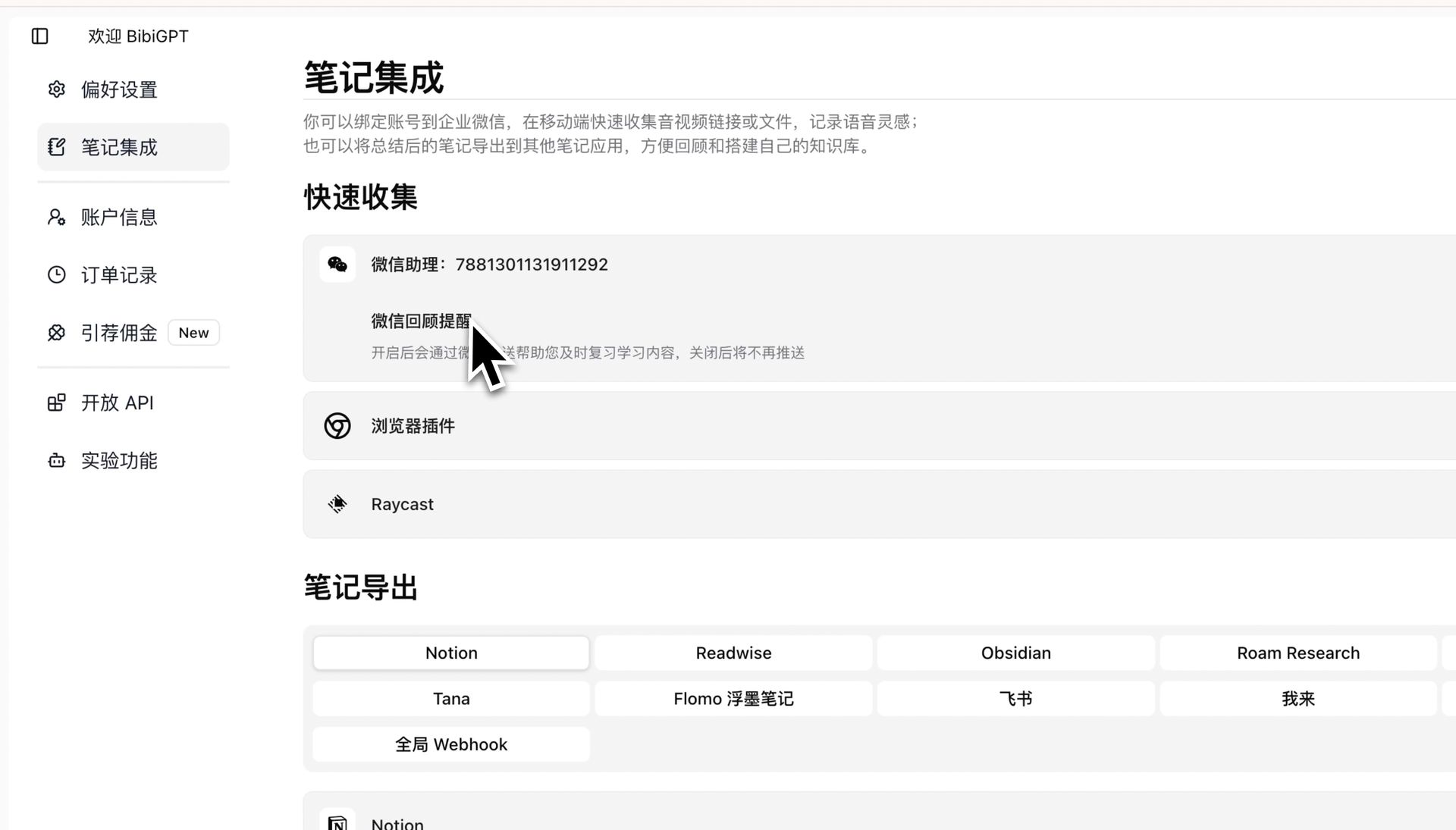 Toggle demo
Summarizing in bulk? Avoid notification overload by turning off WeChat review reminders under Notes Integrations. Stay focused when you’re working outside the WeChat ecosystem.
Summary
These improvements streamline everyday workflows:
- Batch process links from the main input.
- Transform videos into illustrated articles.
- Jump through your history with ease.
- Access shortcuts via native menus and tray icons.
- Control WeChat reminders to match your focus mode.
Try the new features today at BibiGPT and keep the feedback coming—we’re building this with you.
Enjoy the upgrade!
The BibiGPT Team