Search video knowledge in seconds
A cross-platform video search engine is a free tool that searches YouTube, Bilibili, and TikTok simultaneously. Enter any topic to discover curated videos across platforms, then send them to BibiGPT for AI summaries, transcripts, and structured notes.
Powerful Video Content Search Tool
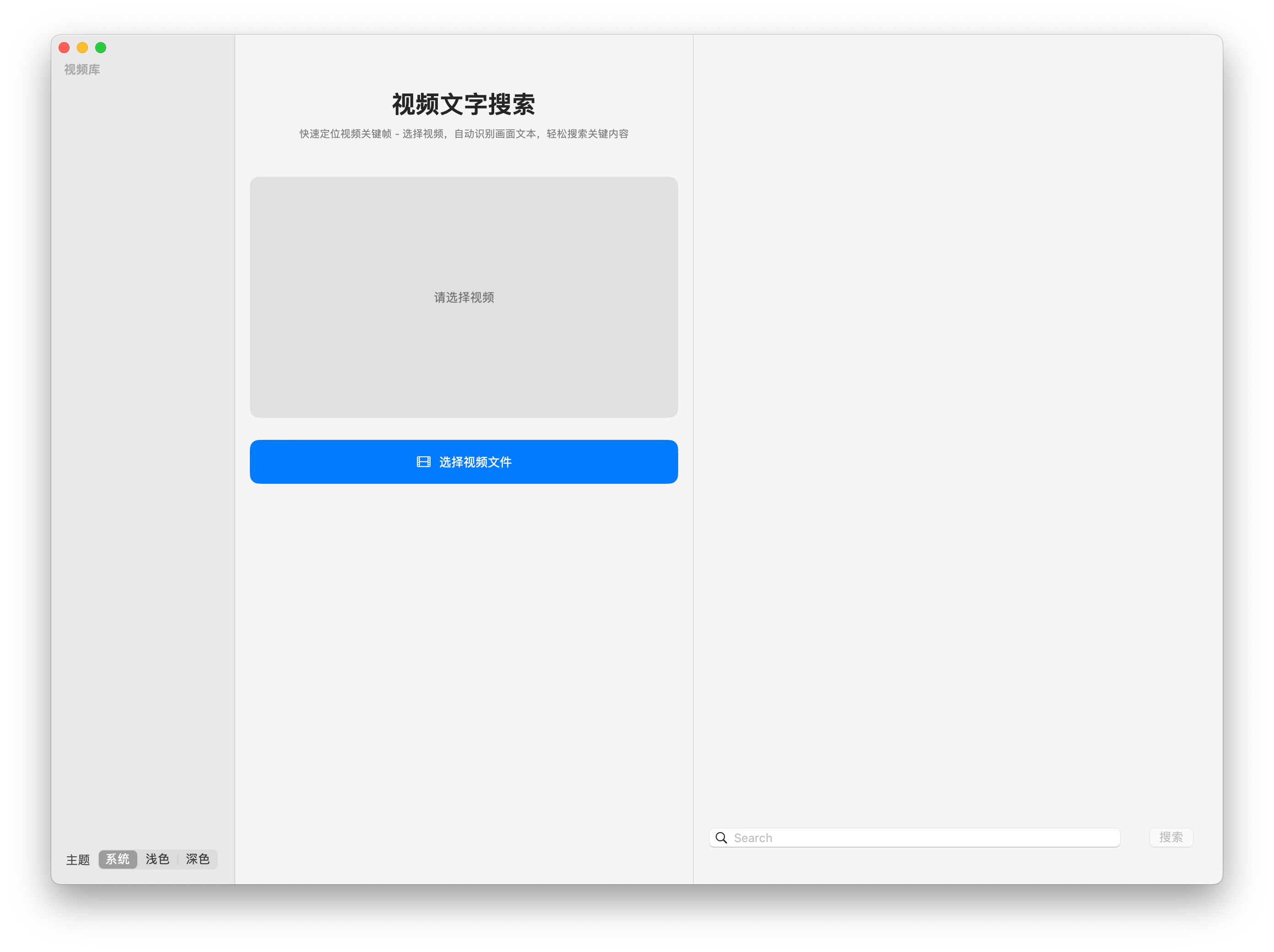
Whether you are a student, researcher, content creator, or professional, VideoSearch can greatly improve your work efficiency. Quickly locate specific content in videos and save valuable time.
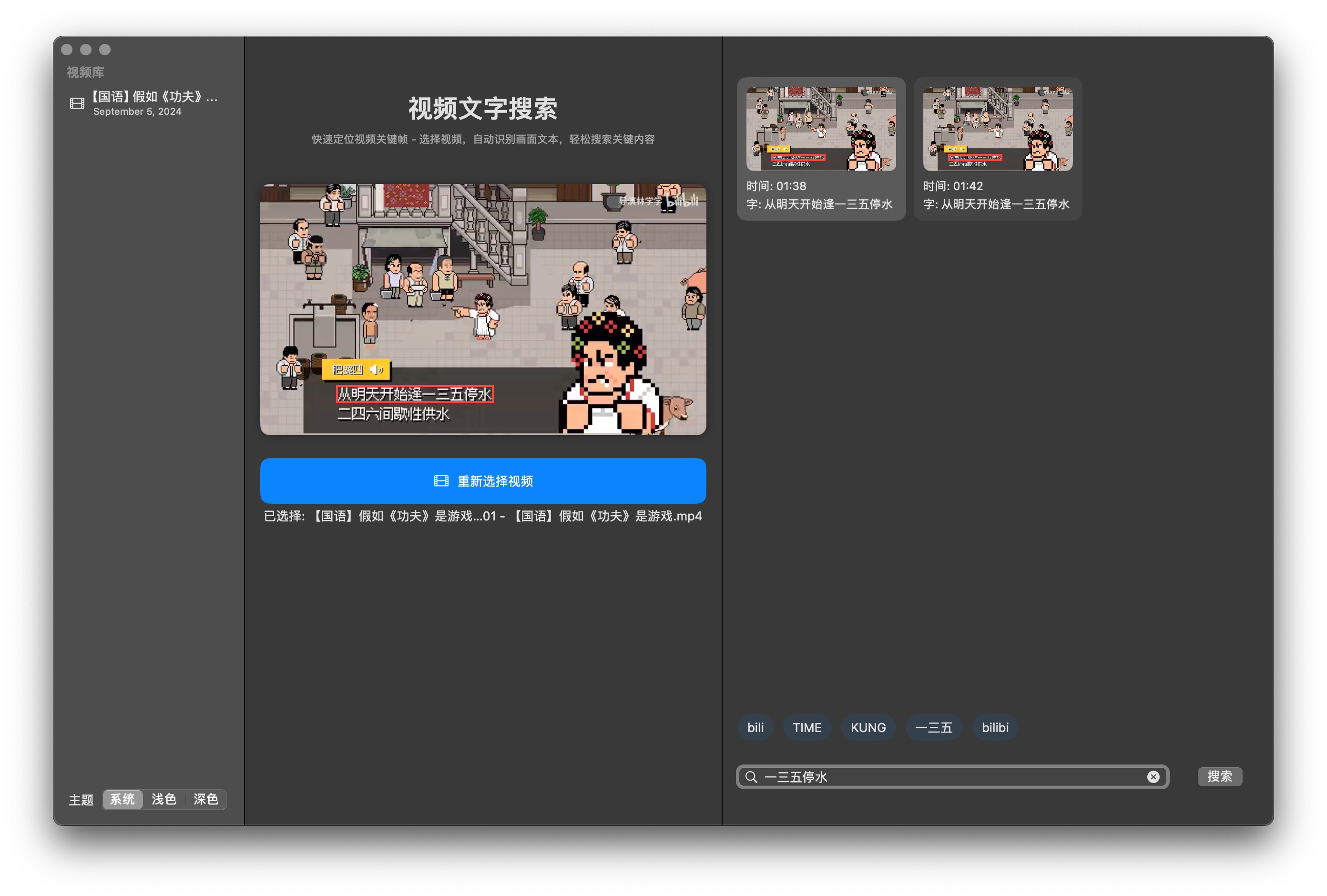
- Automatically recognizes text content in video frames
- Supports Chinese and English recognition
- High-precision OCR technology ensures recognition accuracy
Key Features
Quick Search & Locate
Enter keywords to search the entire video, with real-time display of search results and corresponding timestamps.
One-Click Jump to Play
Click on search results to jump to the corresponding video segment, automatically pausing at the key frame.
Hot Word Recommendations
Intelligently analyze video content, generate hot word lists, and quickly understand video themes and key concepts.
Smart Text Recognition
Automatically recognize text content in video frames, supporting Chinese and English recognition.
Video Library Management
Save processed video records, quickly access frequently used videos, sorted by date for easy management.
Custom Themes
Supports light, dark, and system-following themes to meet different usage environments and personal preferences.
Use Cases
Experience the Revolutionary Change in Video Content Search!
Search YouTube, Bilibili, and TikTok videos in one place. Our free AI video search engine surfaces the best content in seconds.
Related BibiGPT AI workflows
Pair this feature with complementary tools to build your end-to-end content pipeline.
Feature → Hub
Explore more AI summarization tools
Send visitors from every feature page to the central hub so they keep discovering BibiGPT workflows that convert.