
BibiGPT’s Early AI Audio & Video Summaries: A Look Back at Growth Series Episode 8
Revisit an early demo of BibiGPT to see how one-click AI summaries, article mode, mind maps, and export workflows were designed from day one to tame dense audio and video content.
BibiGPT’s Early AI Audio & Video Summaries: A Look Back at Growth Series Episode 8
Welcome to episode 8 of the “BibiGPT Growth Series.” This instalment digs up a treasured recording from BibiGPT’s early days—“BibiGPT Audio & Video One-Click Summary”. Although the product has evolved rapidly since then, the footage still captures the team’s north star: use AI to compress long-form media into actionable knowledge. Consider this a time capsule that reminds us where the product DNA came from.
One-Click Intelligence for Any Link or File
BibiGPT set out to solve a simple but painful problem: long videos and podcasts are hard to digest. The earliest prototype already supported a one-click summary experience—drop in a link or upload a local file and get a structured overview in seconds.
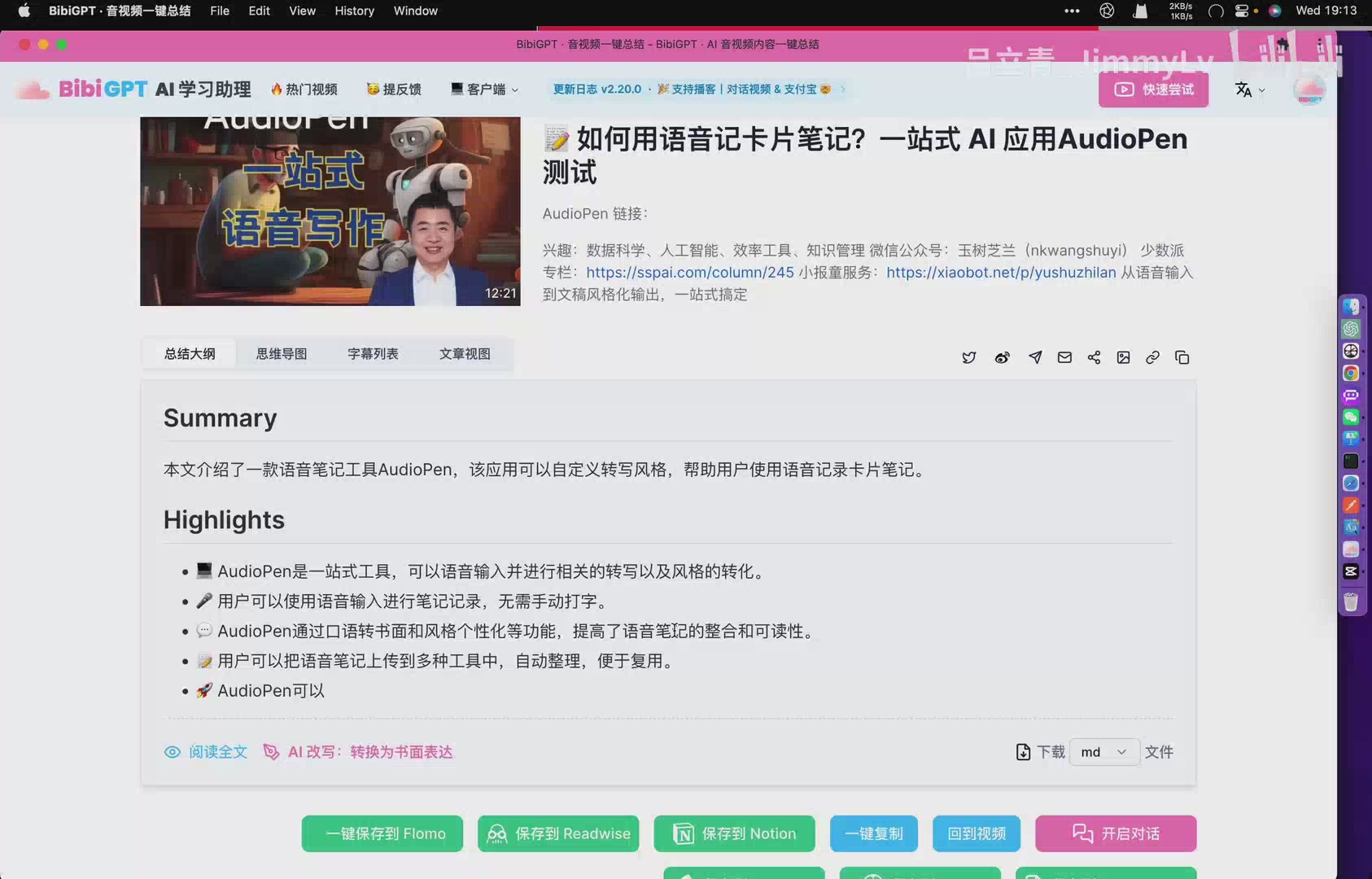 Early AudioPen summary demo
In the demo, an AudioPen tutorial is summarised into a tidy Summary plus Highlights block. Users no longer had to scrub a timeline hunting for takeaways; they could scan bullet points, understand the gist, and then decide whether to dive deeper. Support for Bilibili, YouTube, and other sources was already in place, signalling the ambition to be platform-agnostic from the beginning.
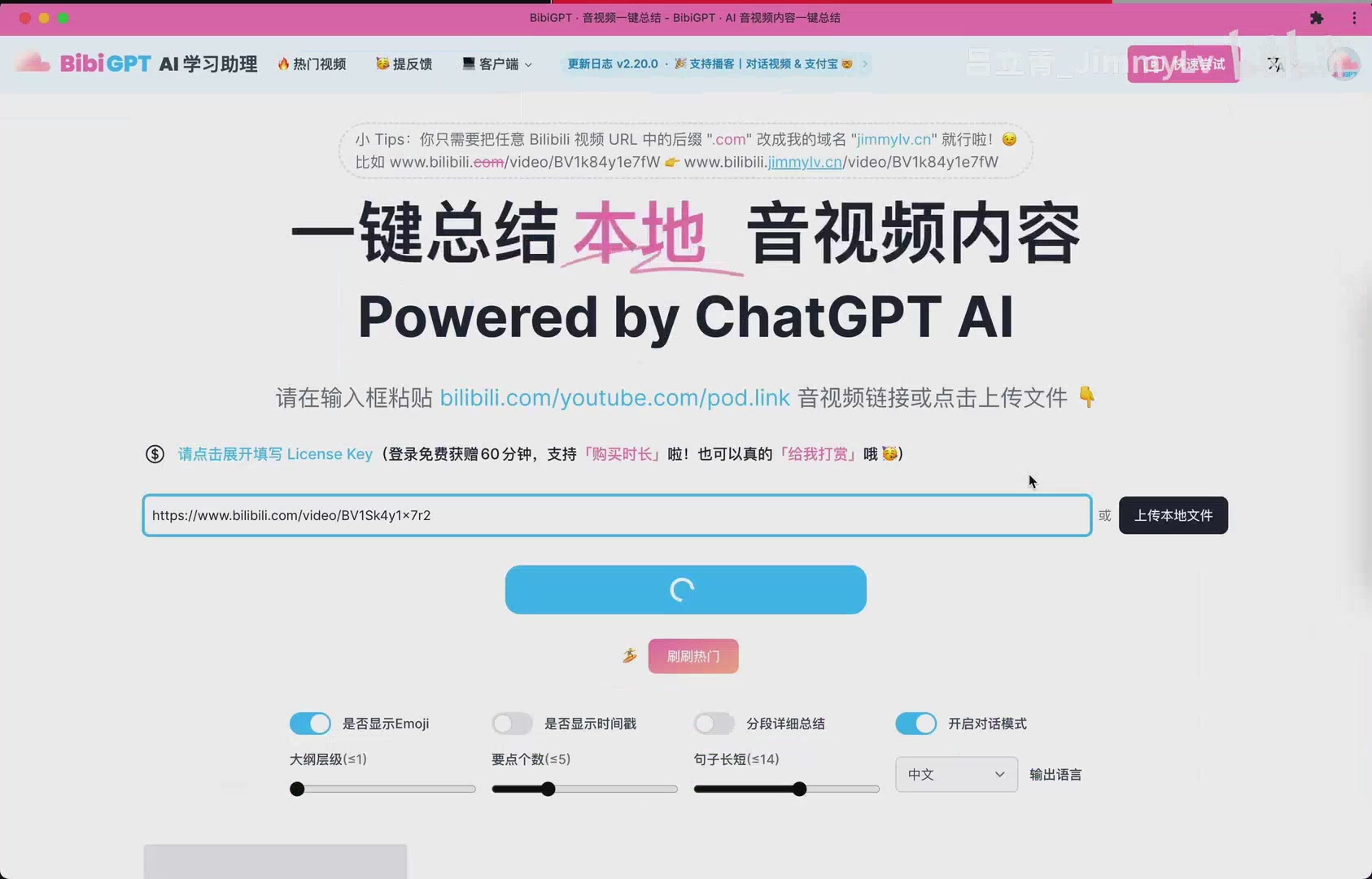 Inputting a Bilibili link
Multiple Lenses for Deeper Understanding
The team quickly realised that no single format fits every learner. Early BibiGPT therefore offered several complementary views:
- Article View rewrote the summary as a flowing narrative so readers could revisit key ideas in context.
- Segmented Highlights paired concise takeaways with timestamps, making it trivial to replay the exact moment a concept was mentioned.
- Mind Maps transformed dense lectures into hierarchical diagrams, perfect for visual thinkers and spaced-repetition workflows.
- Display Options let users toggle emojis, timestamps, and paragraph density so the output matched their preferences.
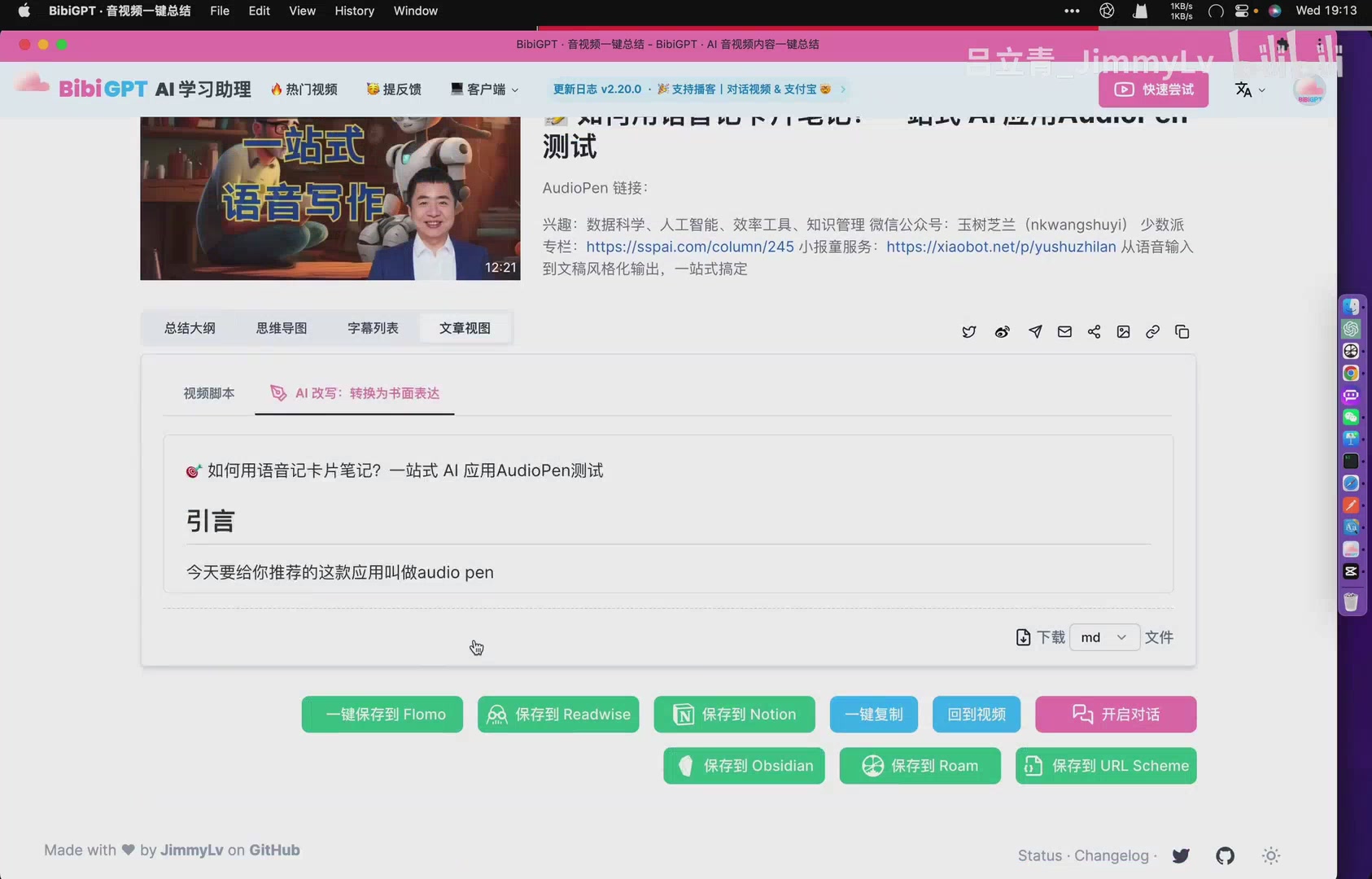 Article mode of the early interface
Technical explainers, medical lectures, and creative talks were all put through BibiGPT to demonstrate that the system could adapt to wildly different topics without losing precision.
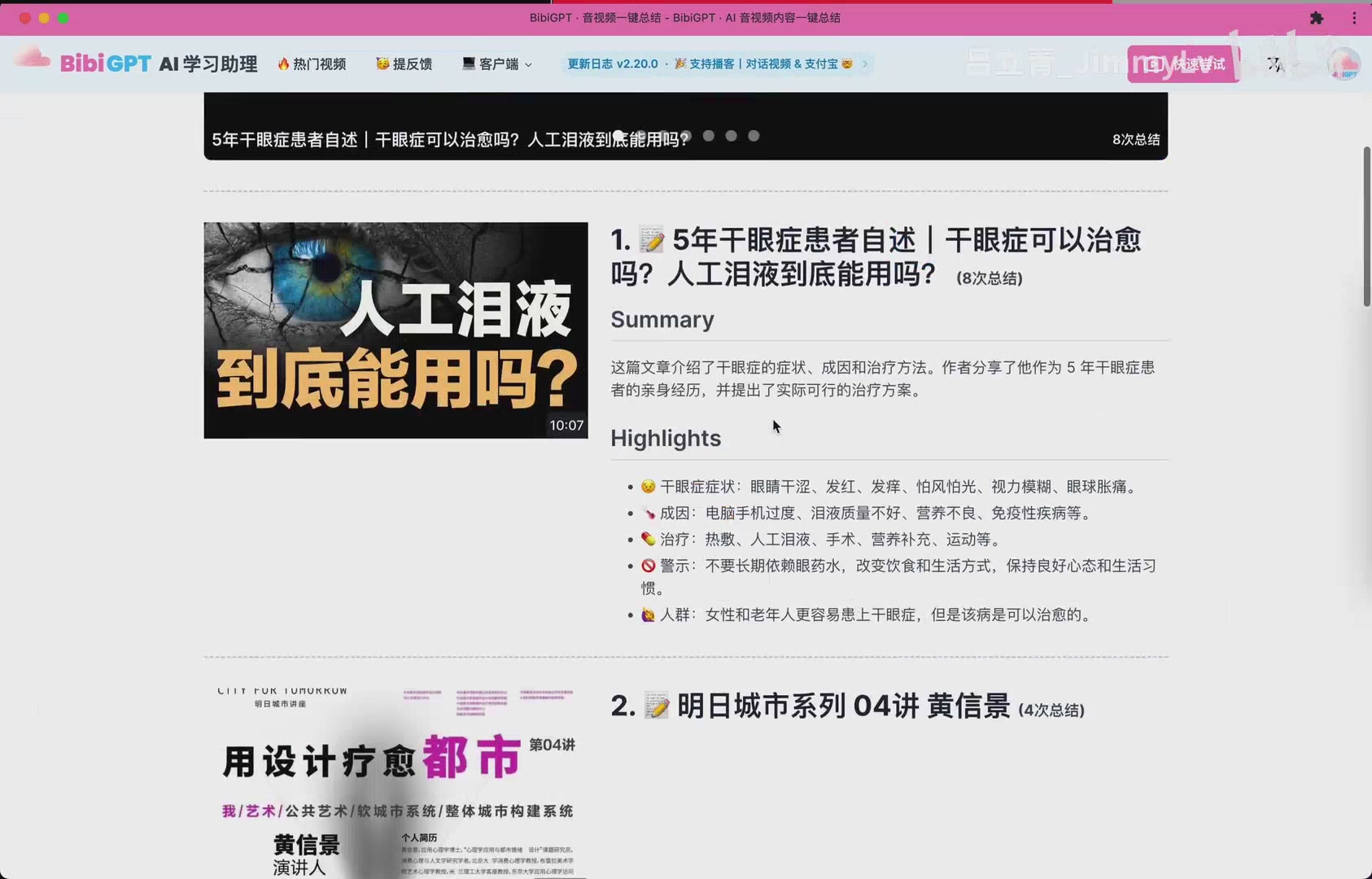 Mind map generated for a dry-eye tutorial
Built-In Exports for Knowledge Management
Another theme that aged well: summaries are only valuable when they become part of your knowledge base. Even in the early build, the footer offered quick actions to save to Flomo, Readwise, Notion, or simply copy everything into another app.
 Export options lined up in the footer
These integrations turned BibiGPT into a bridge between raw media and long-term learning systems. Once highlights were in Notion or Readwise, they could power spaced repetition, editorial workflows, or collaborative research.
Lessons from the Early Days
Rewatching the prototype reveals how much of today’s product philosophy was already visible:
- Focus on accuracy and speed so users trust the output.
- Offer multiple representations of the same content because different brains learn differently.
- Make exporting effortless so insights are never stranded.
- Keep experimenting—the UI has changed a lot, but the mission of saving people time has not.
Try BibiGPT Today
Curious how far the product has come since that early recording? Visit BibiGPT to summarise your next lecture, meeting, or documentary. You’ll still find the one-click workflow, now supercharged with advanced models, richer prompts, and more integrations—proof that the original vision continues to compound.