
BibiGPT Weekly Update · September 14, 2024 – Subtitle Enhancements, VideoSearch App, Notion Save 2.0
Automatic subtitle translation, a new macOS VideoSearch app, improved mobile UX, Markdown-rich email summaries, and a major Notion integration upgrade headline this week’s release.
BibiGPT Weekly Update · September 14, 2024 – Subtitle Enhancements, VideoSearch App, Notion Save 2.0
Missed recent releases? Catch up on August 16 and August 30 to see how we got here.
Watch Faster
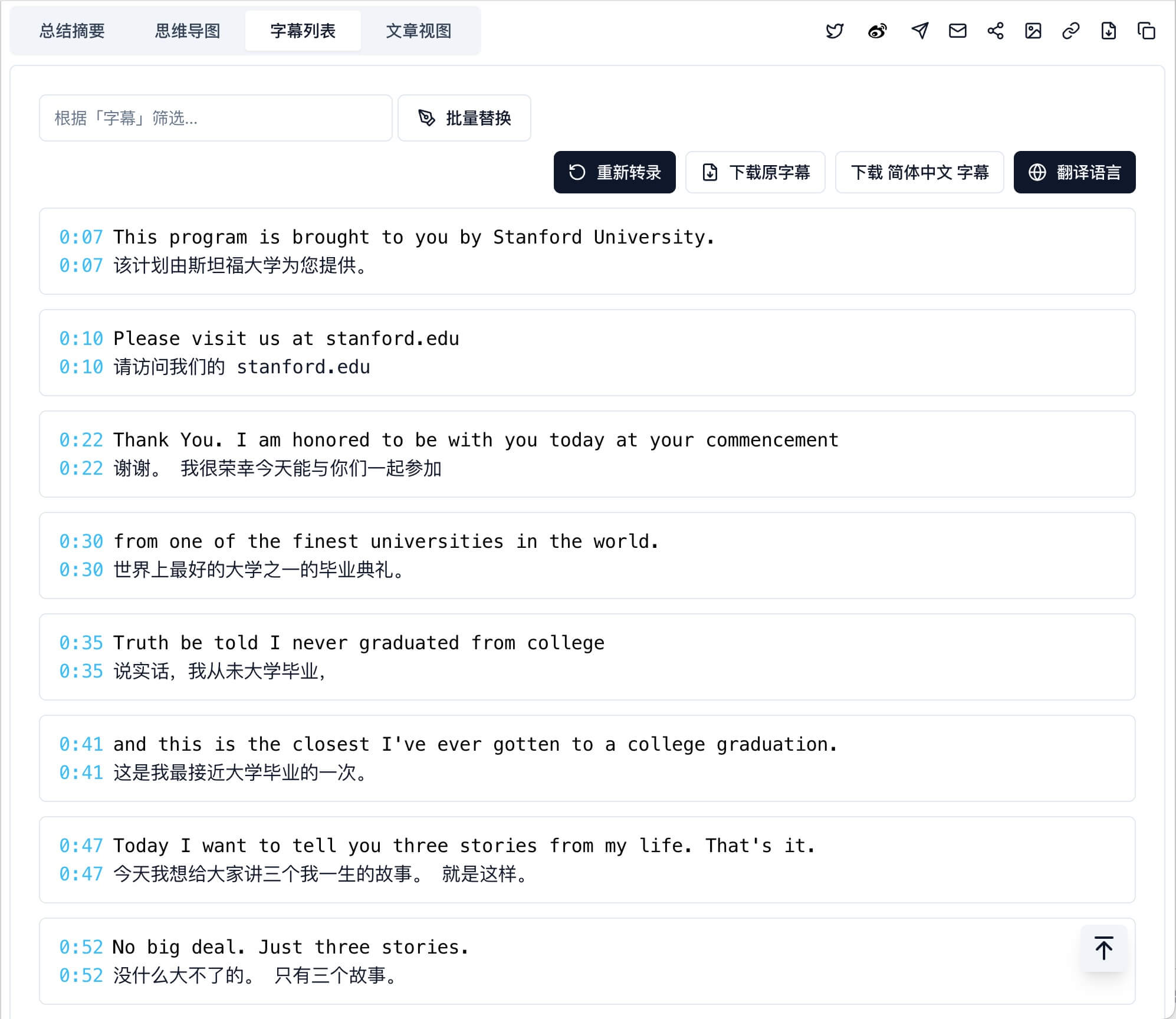
- Auto translate YouTube English captions when your output language is set to Chinese.
- Scroll-to-top button in the transcript panel for easier navigation.
- Cached translations load instantly the second time you open a summary.
- Subtitle overlap bug fixed – clicking lines now lands exactly where you expect.
- Chapter summaries gained copy/save/export controls for better sharing and archival.
Find Smarter
Introducing VideoSearch for macOS
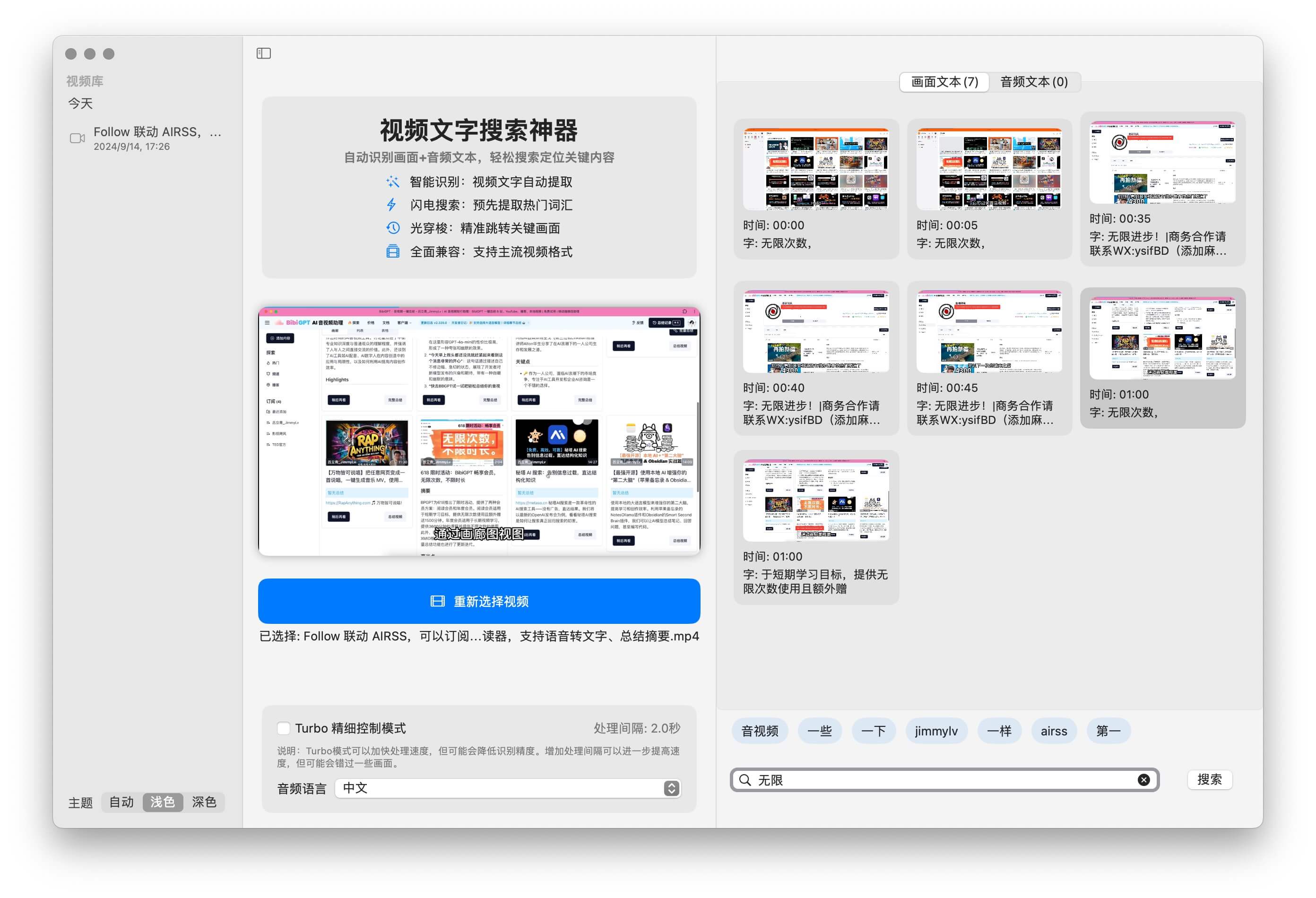
Our native Mac app lets you search across both visuals and transcript text—pinpoint exact moments without scrubbing. Download links available in the app banner.
Use Better
Mobile Drawer Refresh
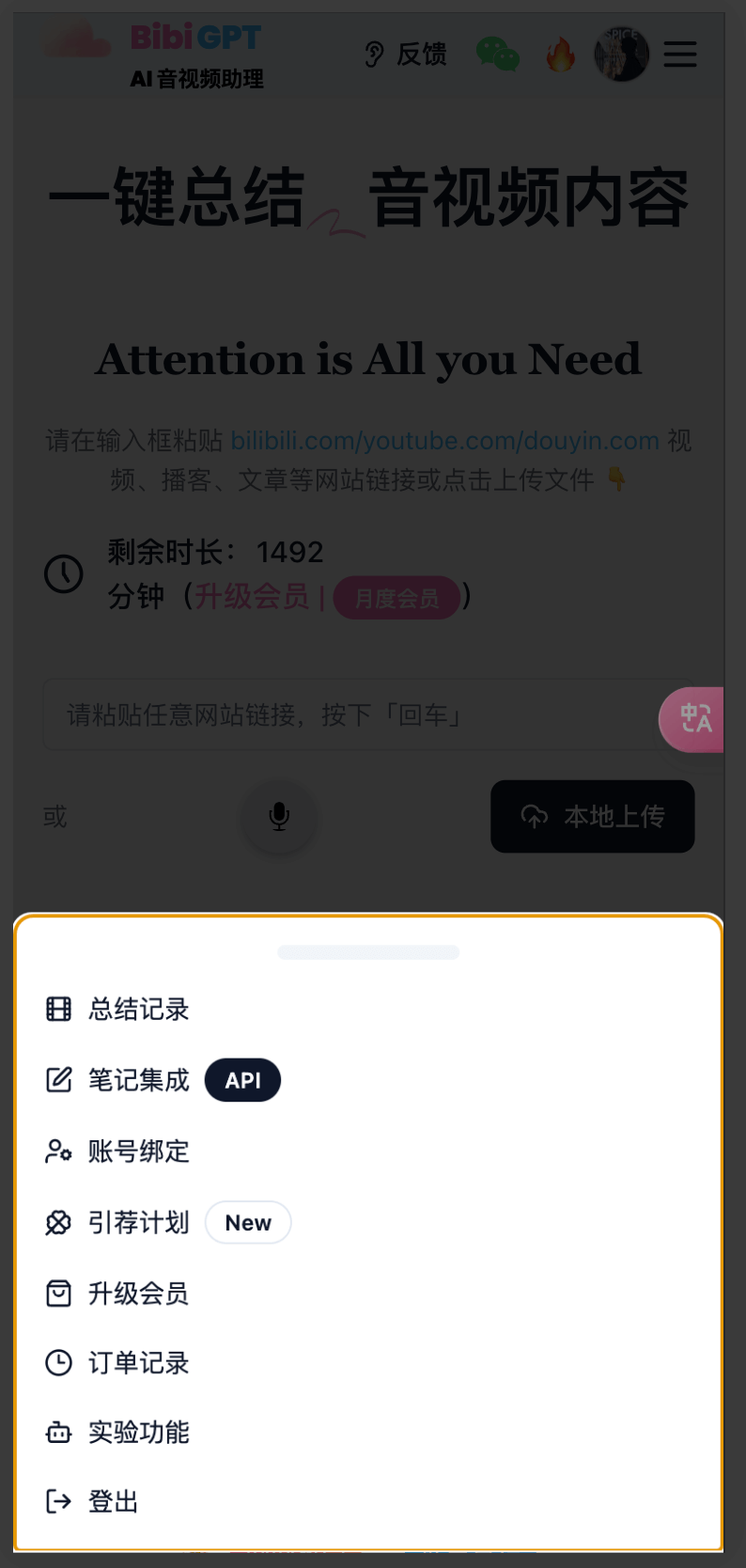
Tap your avatar to open a bottom sheet with account shortcuts—faster navigation on phones.
Email Summaries Now Render Markdown
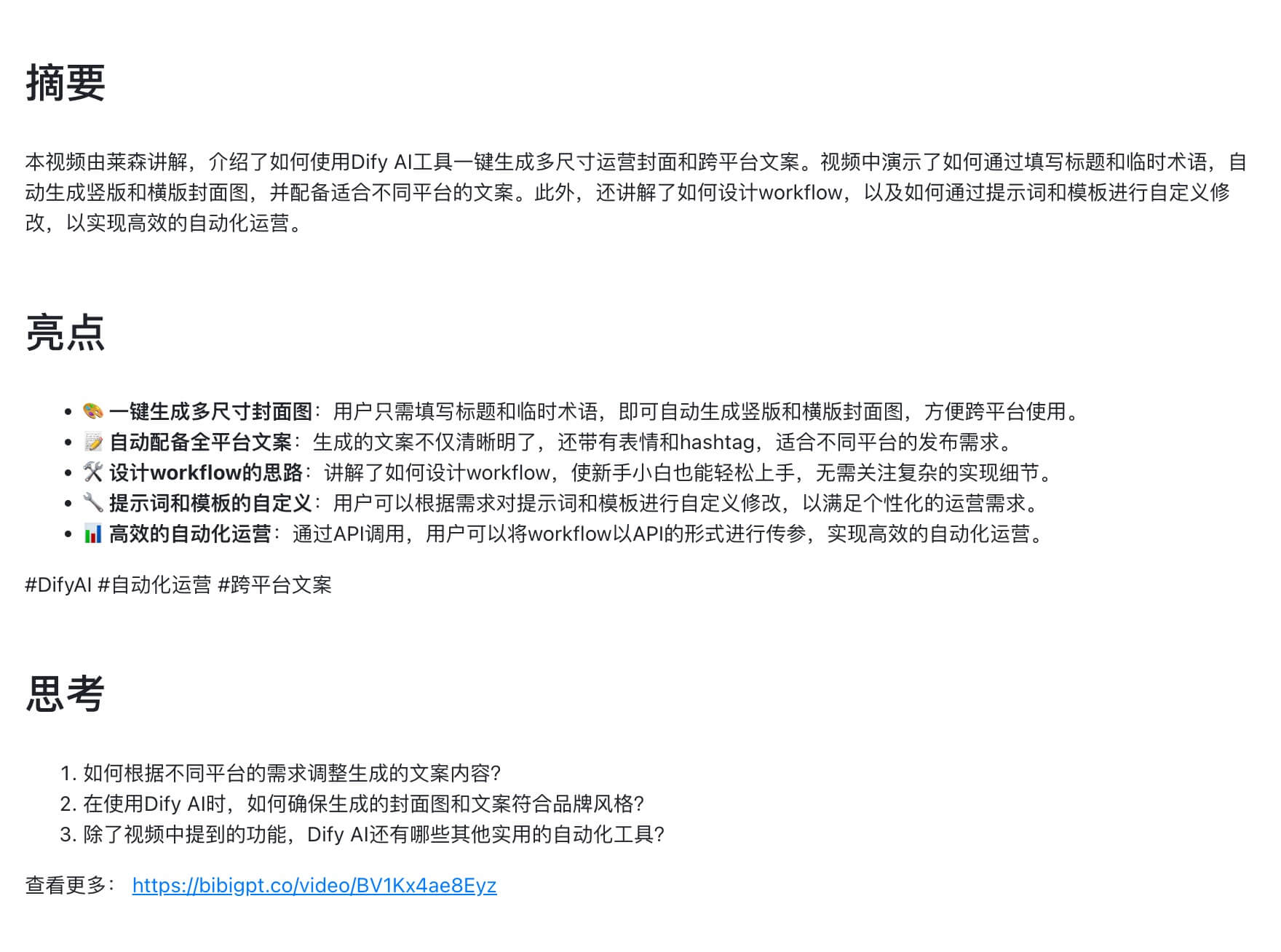
Exporting to email preserves headings, images, and links—no more raw text blocks.
Notion Save 2.0
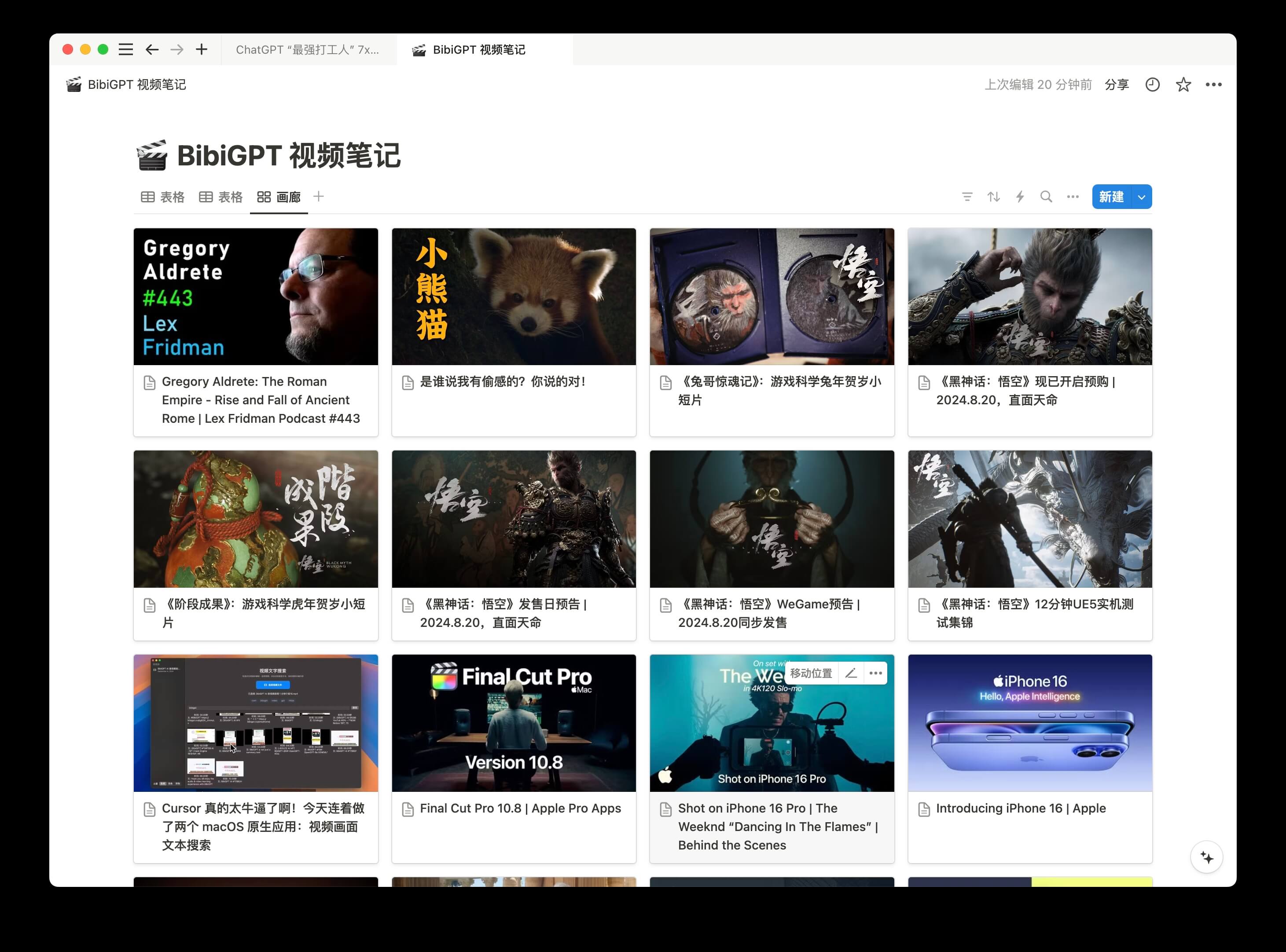
- Save summaries directly into specific Notion blocks.
- Auto-generate chapter tables of contents, support #hashtags, add cover images.
- Timestamp links jump back into the media instantly.
Smarter AI Chats
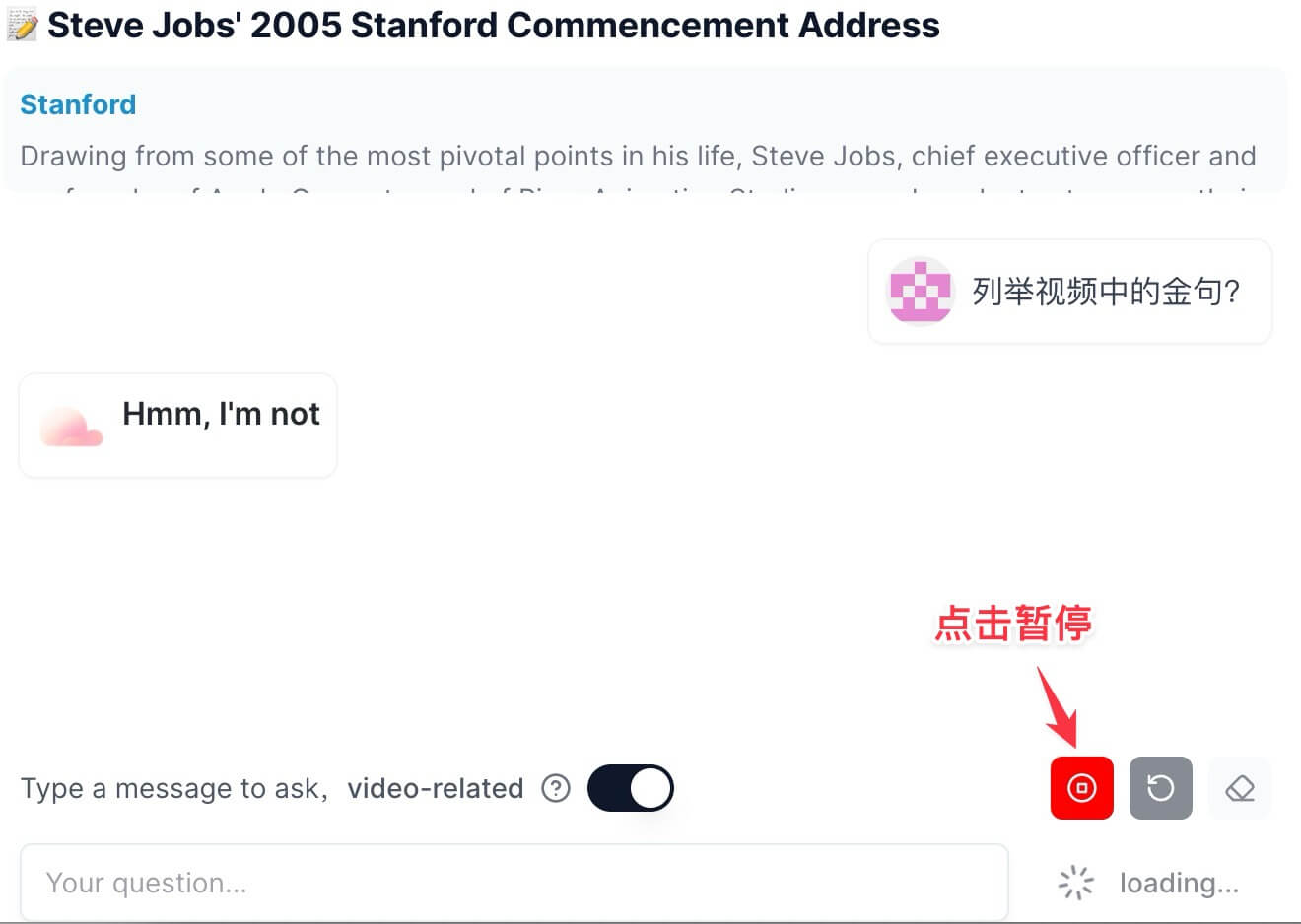
Stop responses in progress with a new “Cancel reply” button.
Free Online Video Compressor
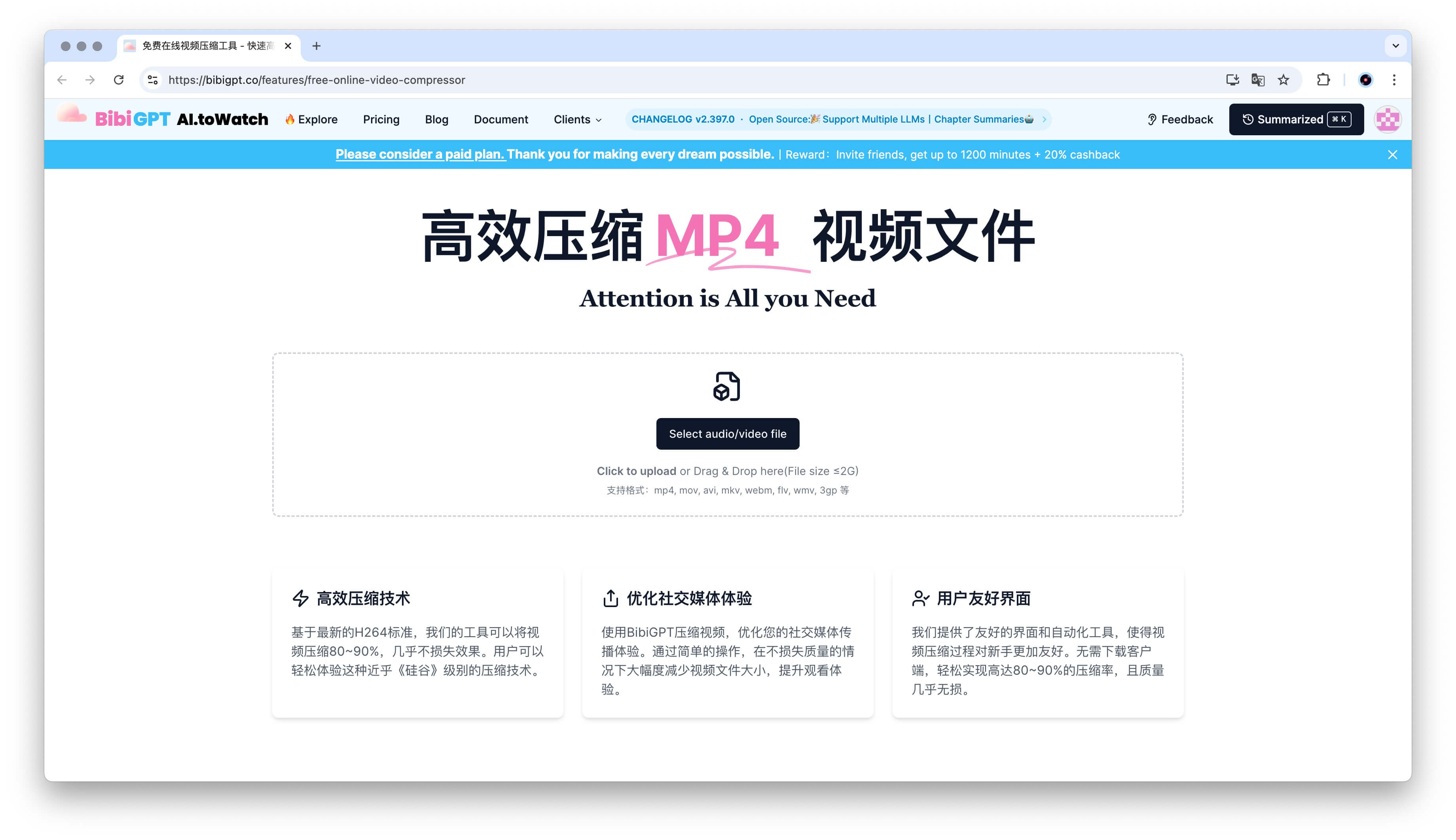
Compress MP4/MOV clips by 80–90% using our H.264-based tool—perfect for social uploads without quality loss. Try it at bibigpt.co/features/free-online-video-compressor.
Want to know what happened next? Read the September 27 update.
As always, thanks for your feedback—we build BibiGPT with you.
— BibiGPT Team