
BibiGPT Weekly Update · August 16, 2024 – Smarter Chapters, Better Subtitles, Mind Map Upgrades
Chapter summaries now support WeChat cards, cached web views, and multilingual output. We improved YouTube/Bilibili subtitles, added hotword replacements, shipped XMind exports, refreshed the API, and more.
BibiGPT Weekly Update · August 16, 2024 – Smarter Chapters, Better Subtitles, Mind Map Upgrades
Missed last week’s release? Catch up here →
Want to skip ahead? See the September 14 report →
Watch Faster
Chapter Summaries, Supercharged
- WeChat assistant cards now show chapter highlights alongside images—scan once, grasp the whole talk.
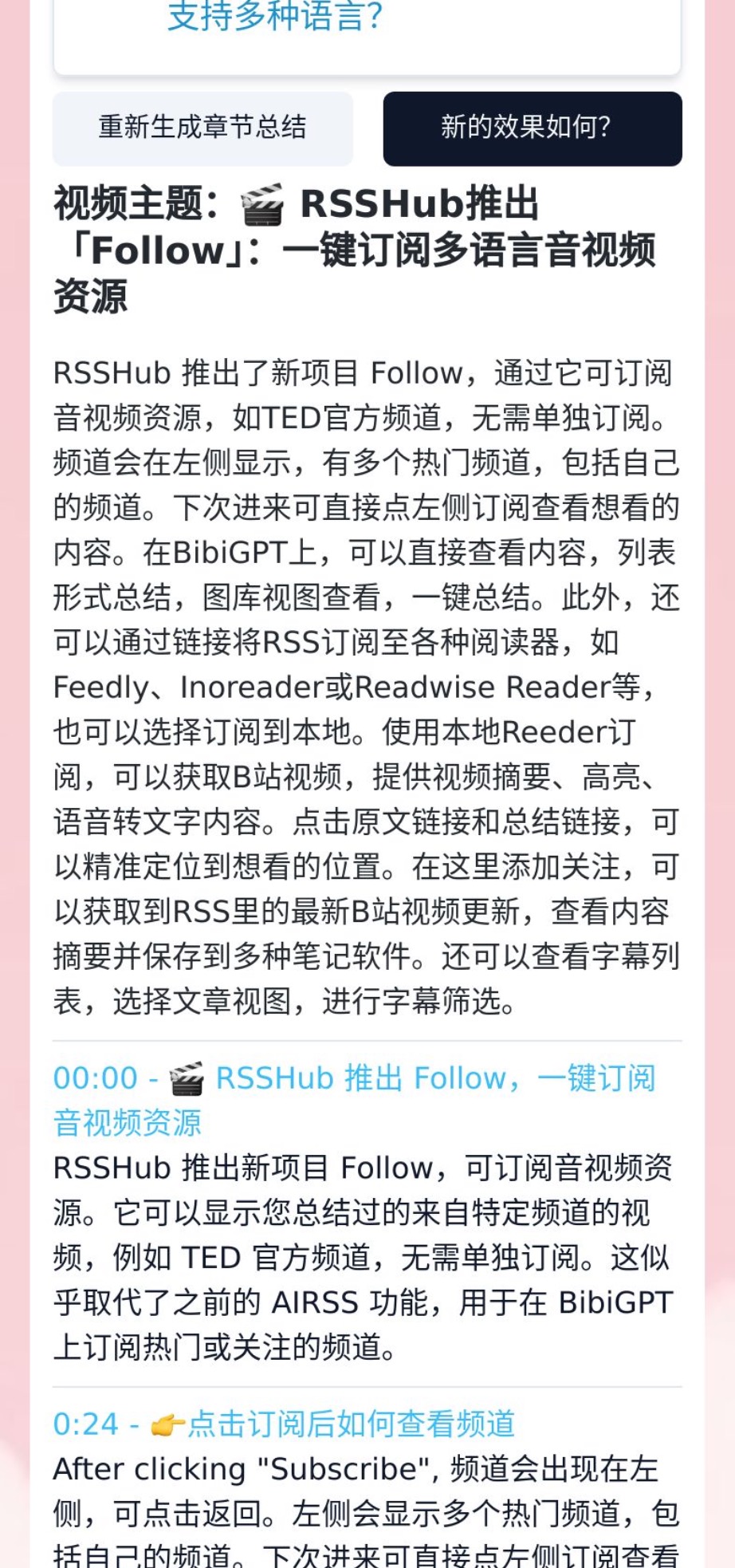
- Cached web view lets you review chapter summaries even before logging in.
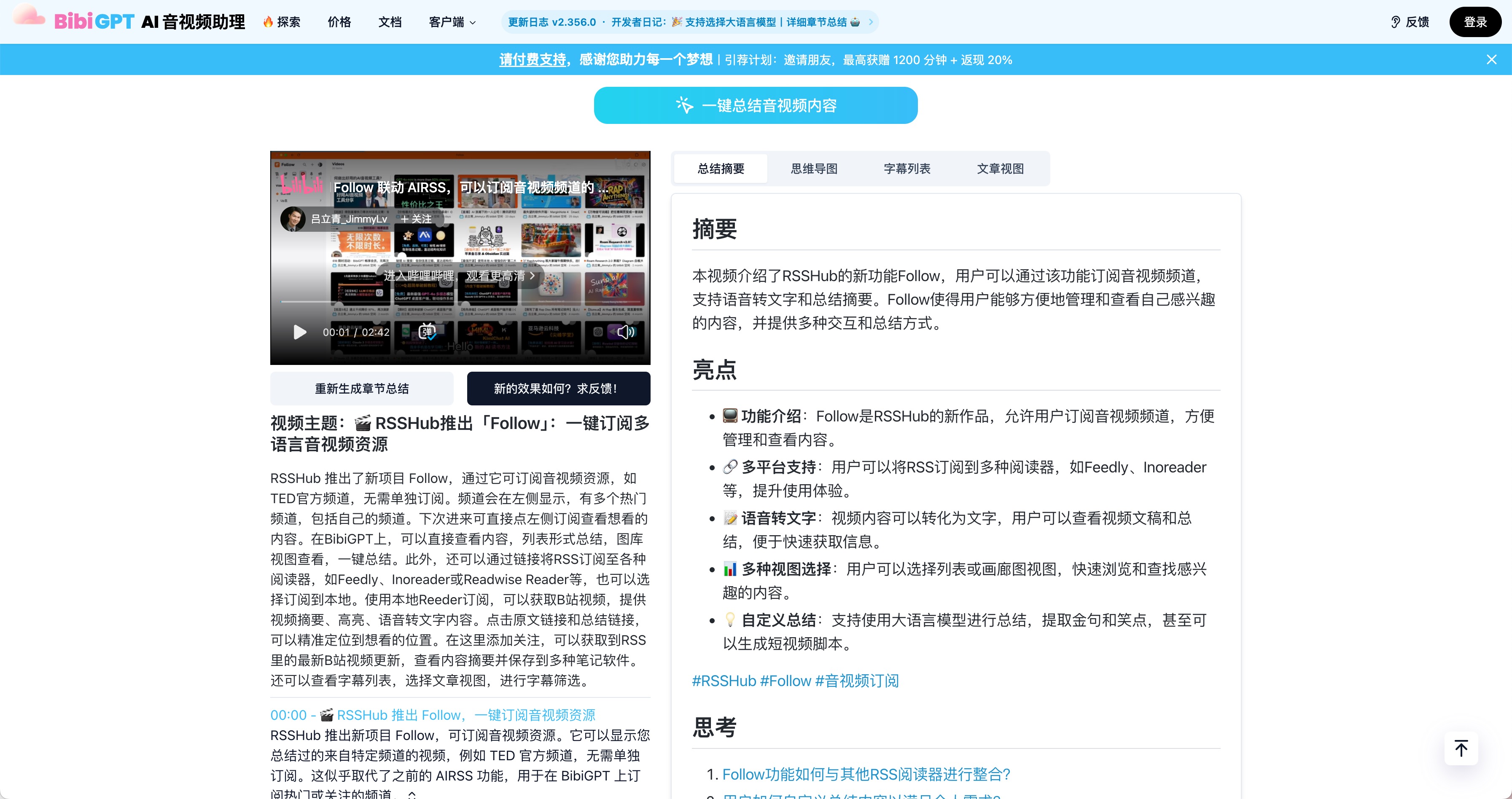
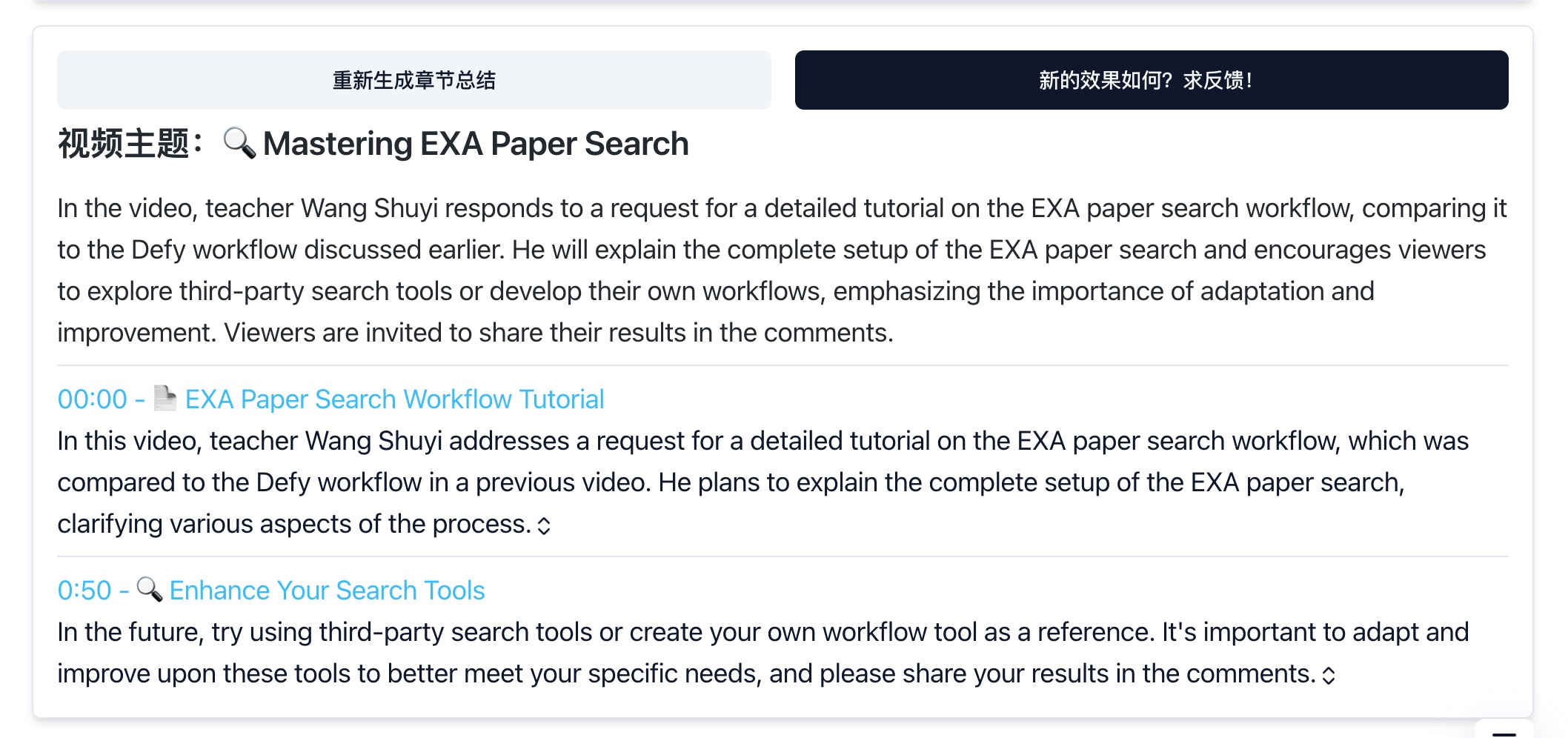
- Language selector so you can output chapters in English, Chinese, or any supported locale.
Subtitles That Match Your Language
- Fixed mismatched subtitles on YouTube: if Chinese captions are missing, we fall back to uploaded English tracks for translation.
- Bilibili English transcripts now stick—you’ll see English output when you choose English.
- The search bar accepts
总结 + 视频/频道链接to summarize directly from the search interface. Try it at bibigpt.co/search.
Find Smarter
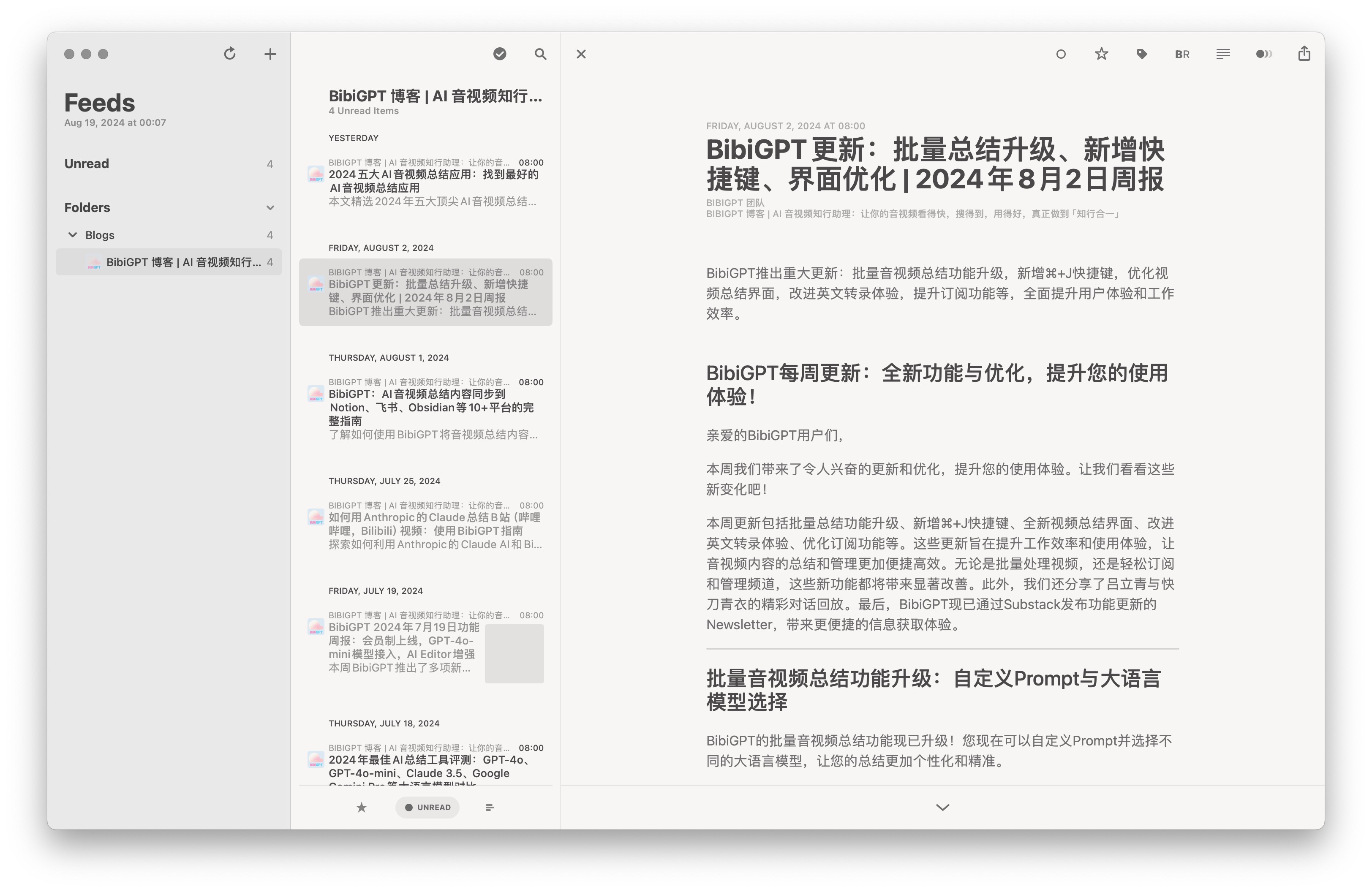
RSS Feed for New Blog Posts
Subscribe at https://bibigpt.co/rss to get product updates in your reader of choice.
Use Better
Hotword Replacement for Transcripts
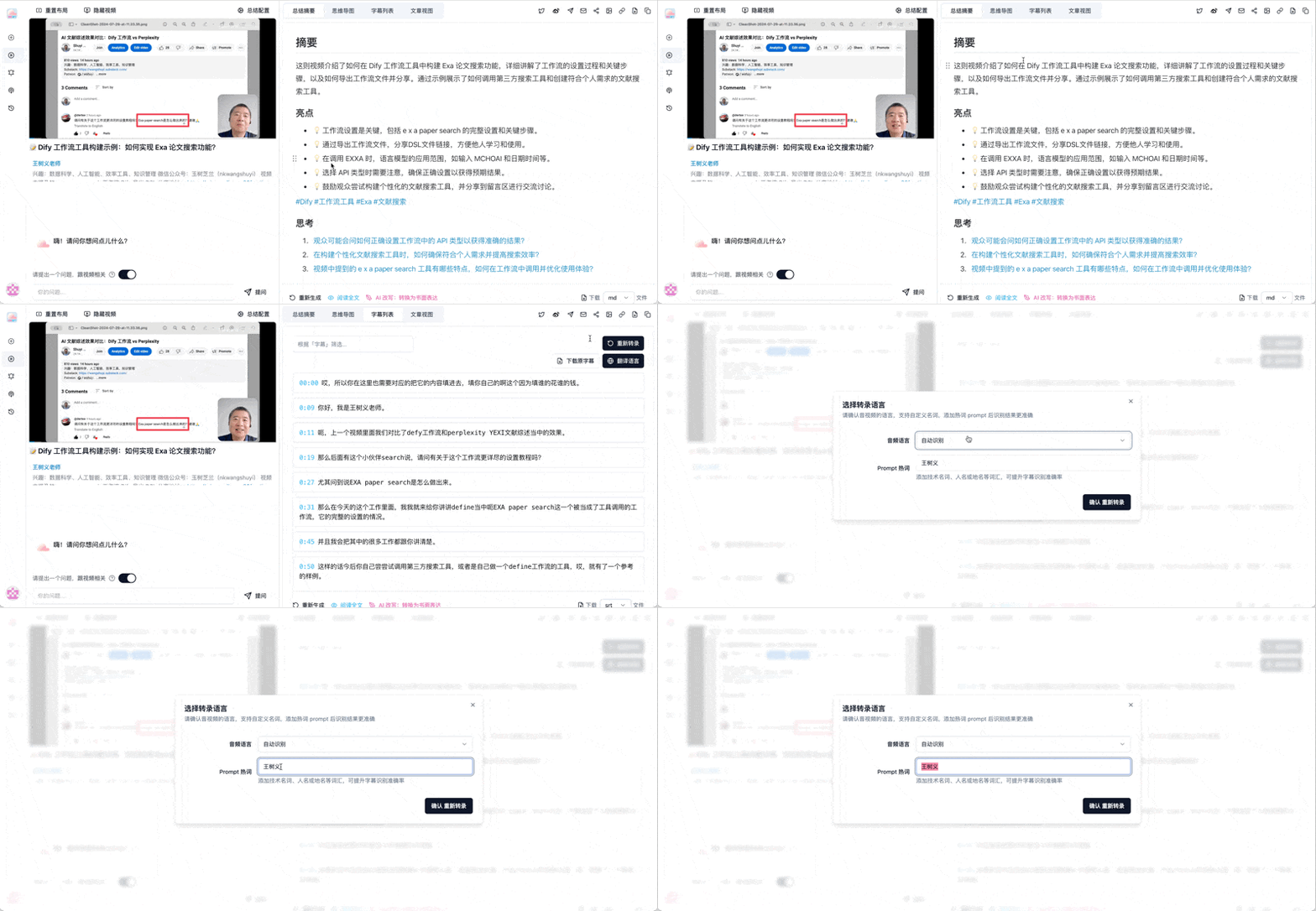
Add domain-specific names or terminology when you re-transcribe so Whisper and Paraformer nail pronunciation-sensitive phrases.
Summary Settings Persist
Refreshing the page no longer wipes your config—personalized settings stick session to session.
Mind Map Downloads (Pro)
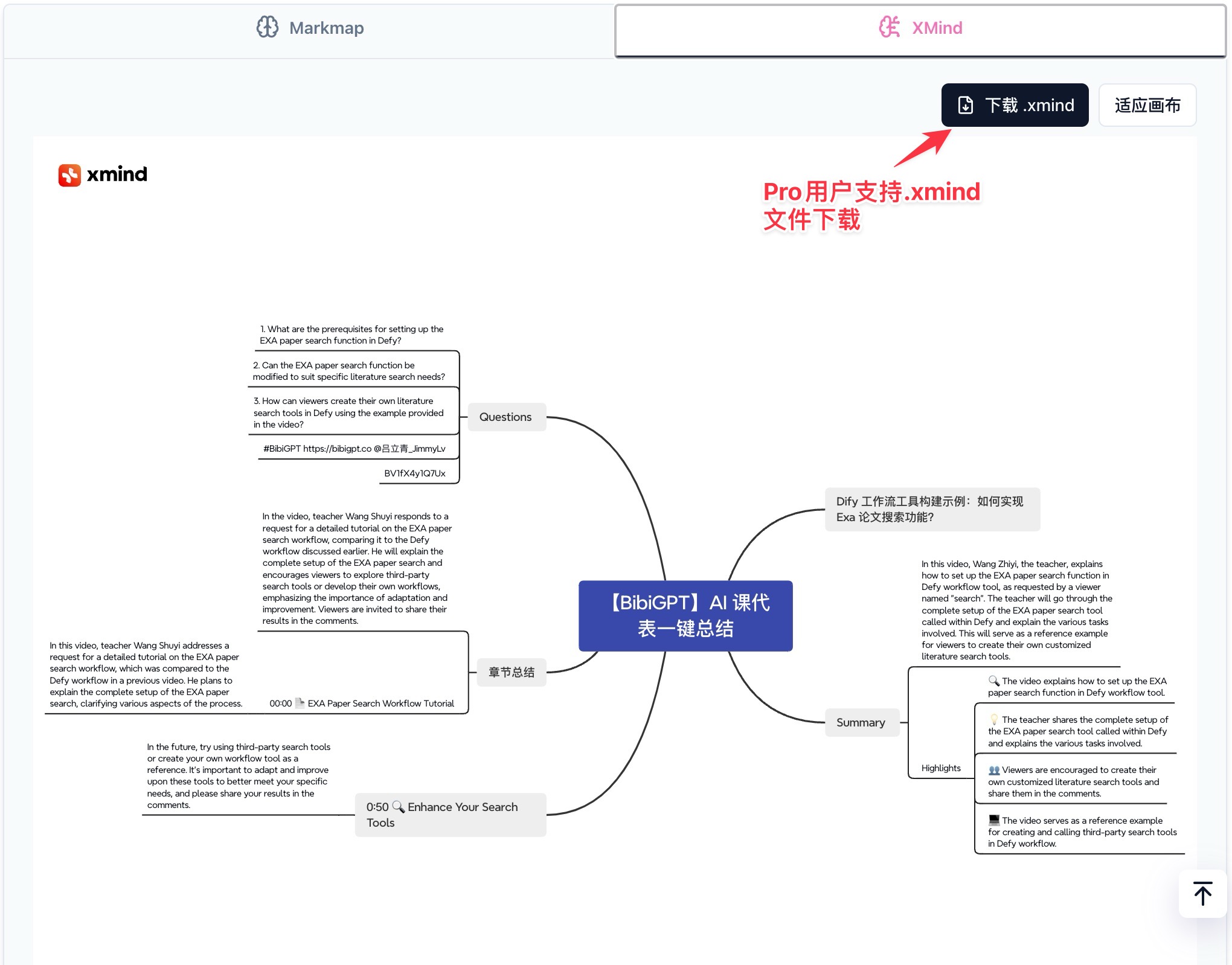
Pro members can now export mind maps as .xmind files for deeper editing in XMind.
New Open API
Developers: tap into BibiGPT’s media pipeline with the refreshed OpenAPI spec at https://bibigpt.co/api/openapi.json. Integrate with GPTs, Dify, or your own automation stack.
Other Highlights
- YouTube summaries are stable again—feel free to resume your recap routines.
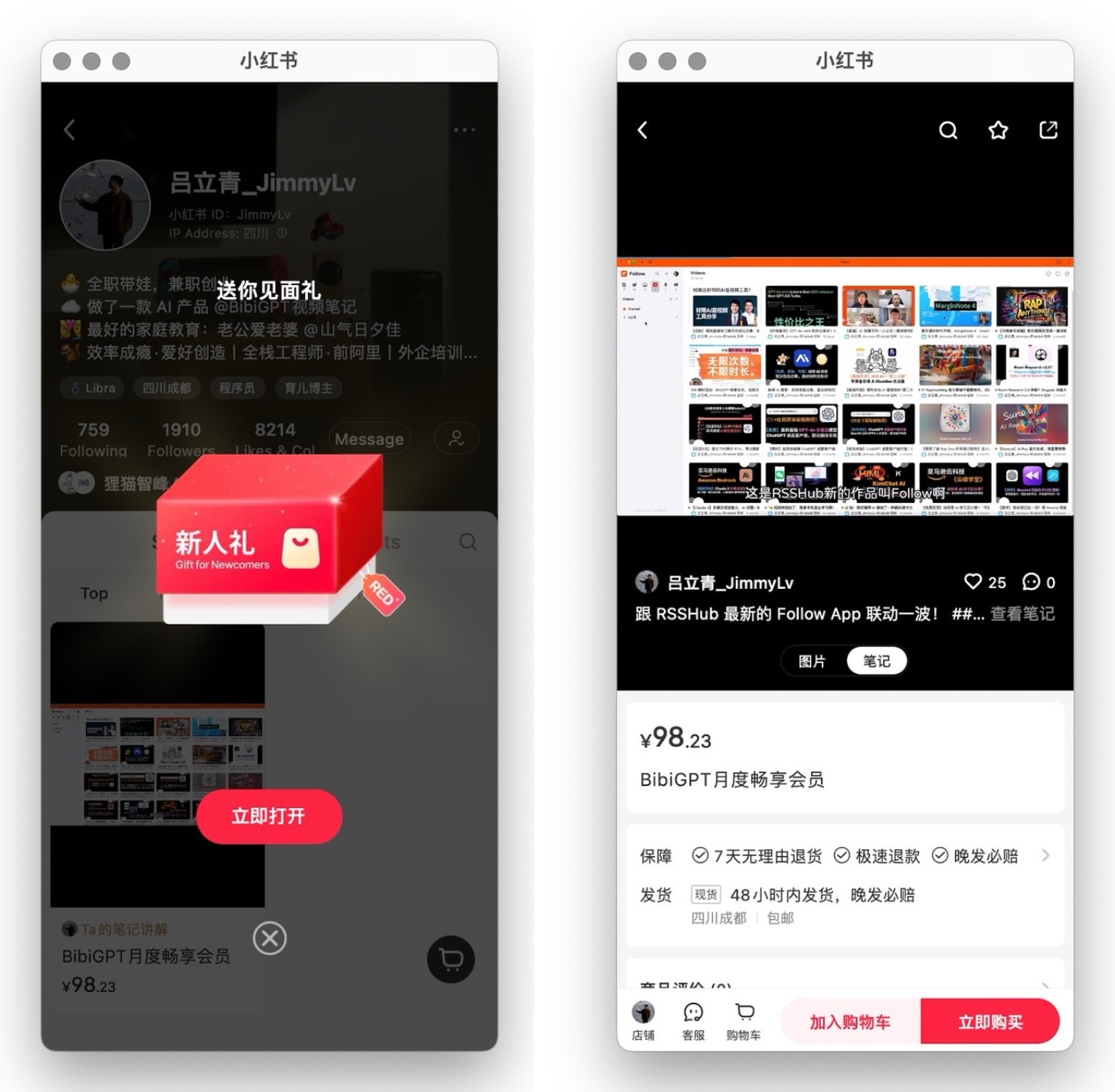
- We opened a Xiaohongshu store so you can buy memberships directly and grab newcomer coupons.
- ibi.bi short links – prepend
ibi.bi/to any video or channel URL (Bilibili, YouTube, Xiaoyuzhou, etc.) to jump into BibiGPT instantly. Query parameters now redirect correctly.
Thanks for your continued support—every suggestion helps us build a smarter assistant. Enjoy the updates and keep sharing what you’d like to see next!
— BibiGPT Team