
Best Video Compression Tools in 2024: Free and Pro Options Compared
Compress MP4, MOV, and other formats without losing quality. We review five standout tools—from free web apps to pro desktop software—to shrink files by up to 90%.
Best Video Compression Tools in 2024: Free and Pro Options Compared
Huge video files slow down uploads, clog hard drives, and complicate sharing. The right compressor balances size and quality so you can post faster and store more. We tested five tools—covering desktop, mobile, and web apps—to help you pick the perfect fit.
BibiGPT Free Online Compressor
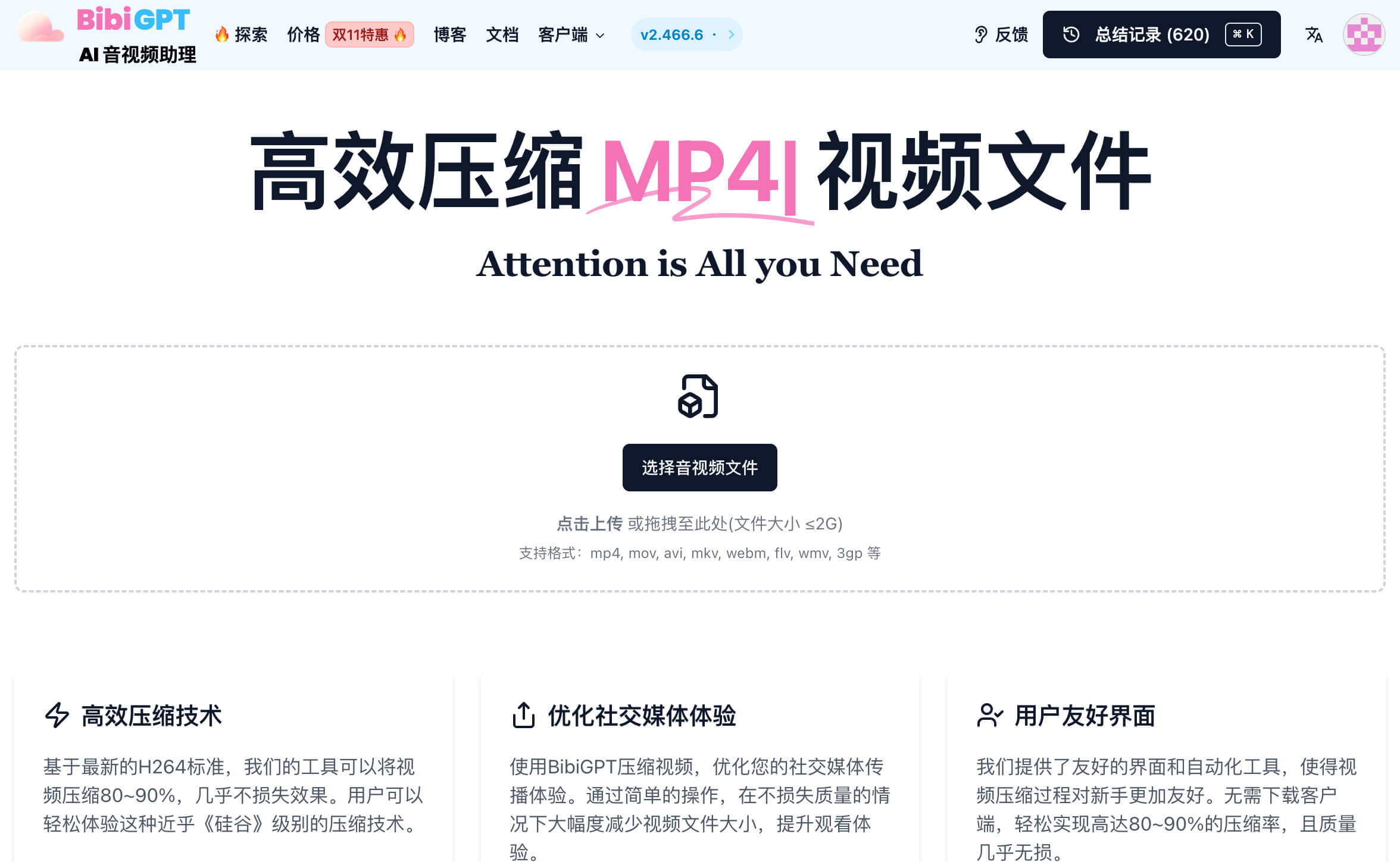
BibiGPT’s free video compressor shrinks files by up to 80–90% using H.264, all inside your browser. Upload MP4, MOV, AVI, MKV, WebM, FLV, WMV, or 3GP (up to 2 GB), choose your target size, and download in minutes—no installs, no watermarks, no account required. Ideal for creators who want a frictionless, privacy-friendly pipeline.
Need to download and summarize videos that platforms “don’t yet support”? See our BibiGPT advanced guide.
Adobe Premiere Pro
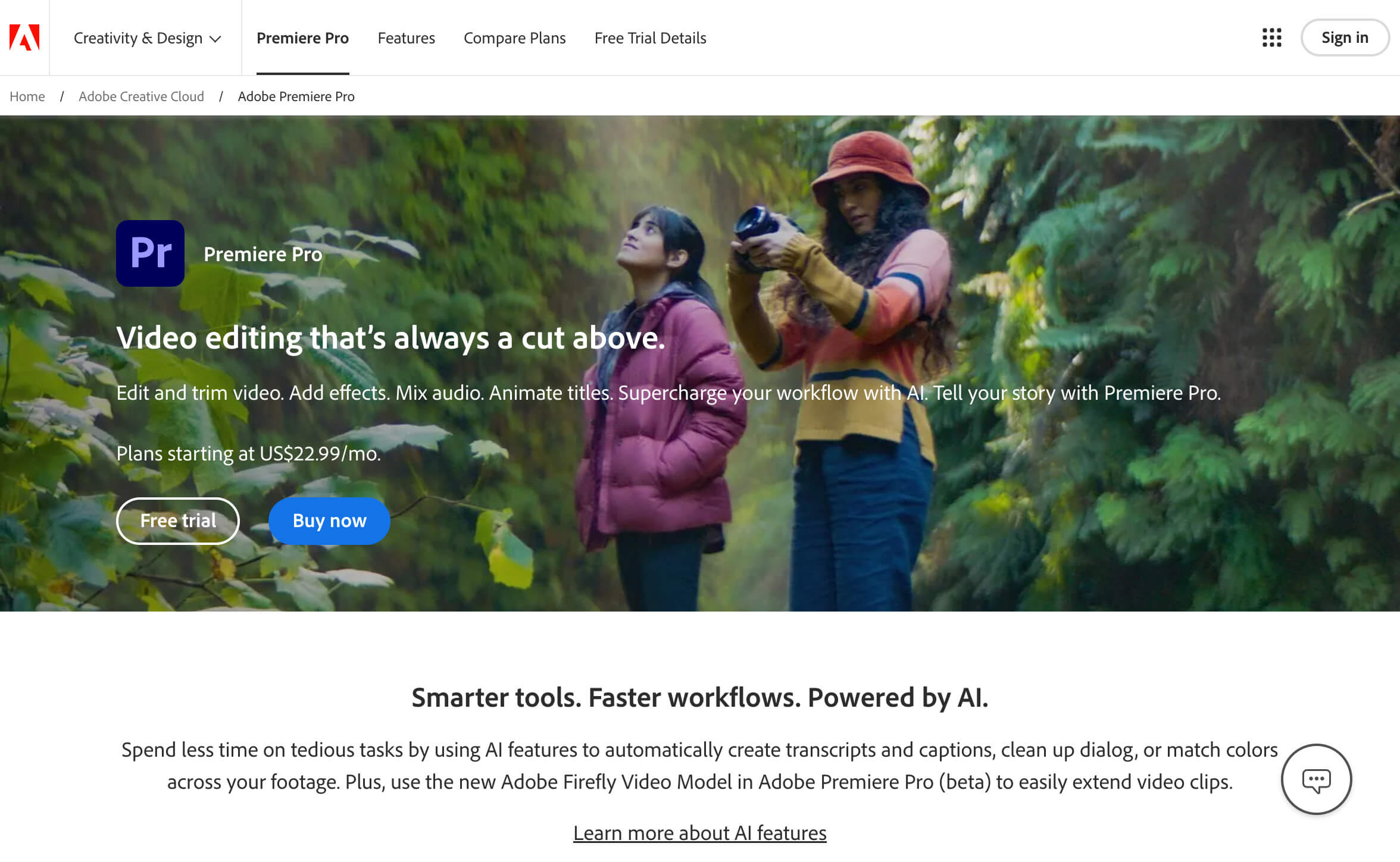
Adobe Premiere Pro gives professionals full control over bitrate, resolution, codecs, and export presets. If you already edit in Premiere, use Media Encoder to batch-export lightweight files for YouTube, social media, or broadcast—while keeping quality high.
CapCut (JianYing) Mobile App
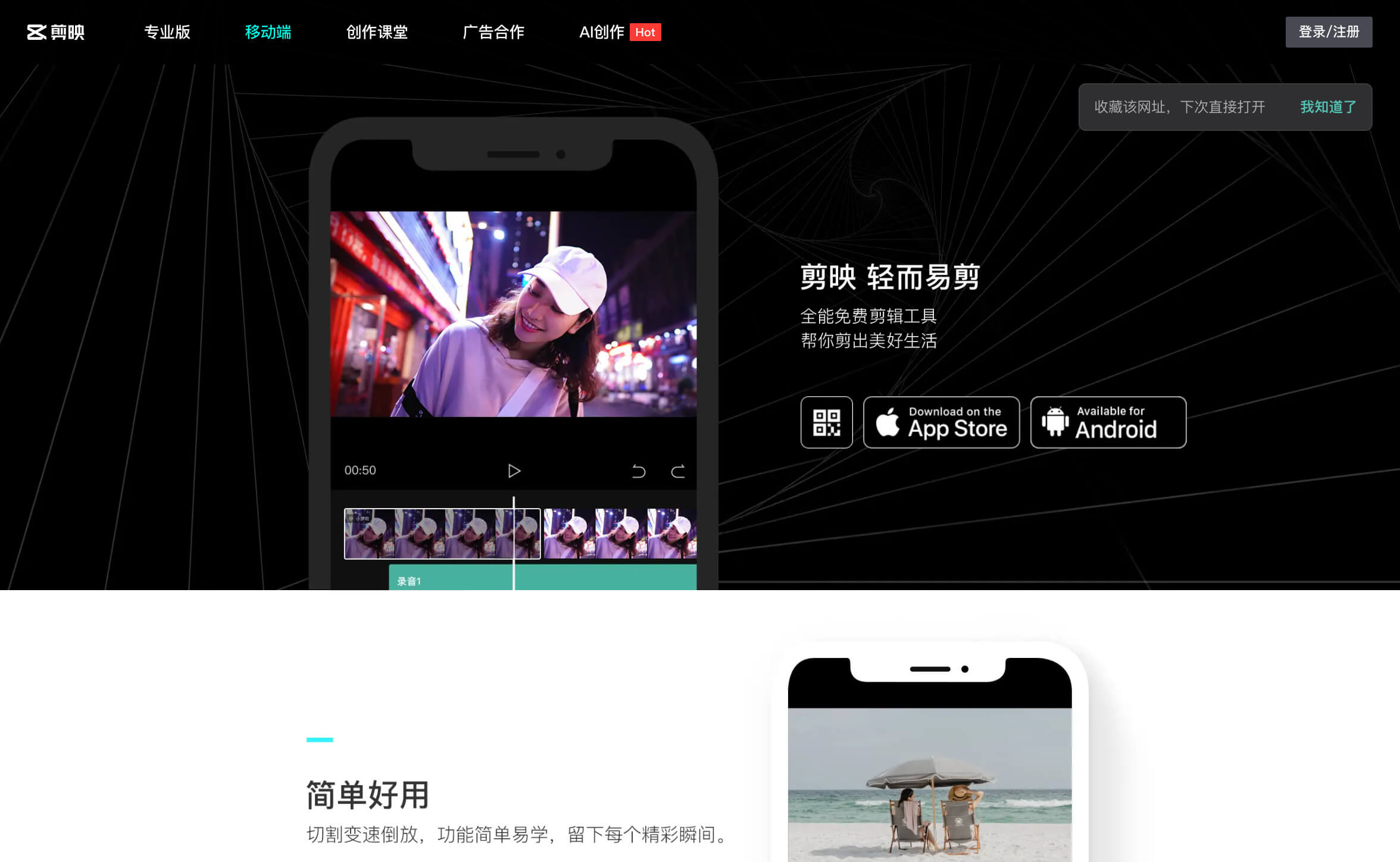
CapCut (known as JianYing in China) compresses videos directly on iOS or Android. Choose your resolution, frame rate, and bitrate, then share to Douyin, TikTok, Instagram, or WeChat Moments in one tap. Great for on-the-go creators who need quick edits plus compression.
FreeConvert Online Service
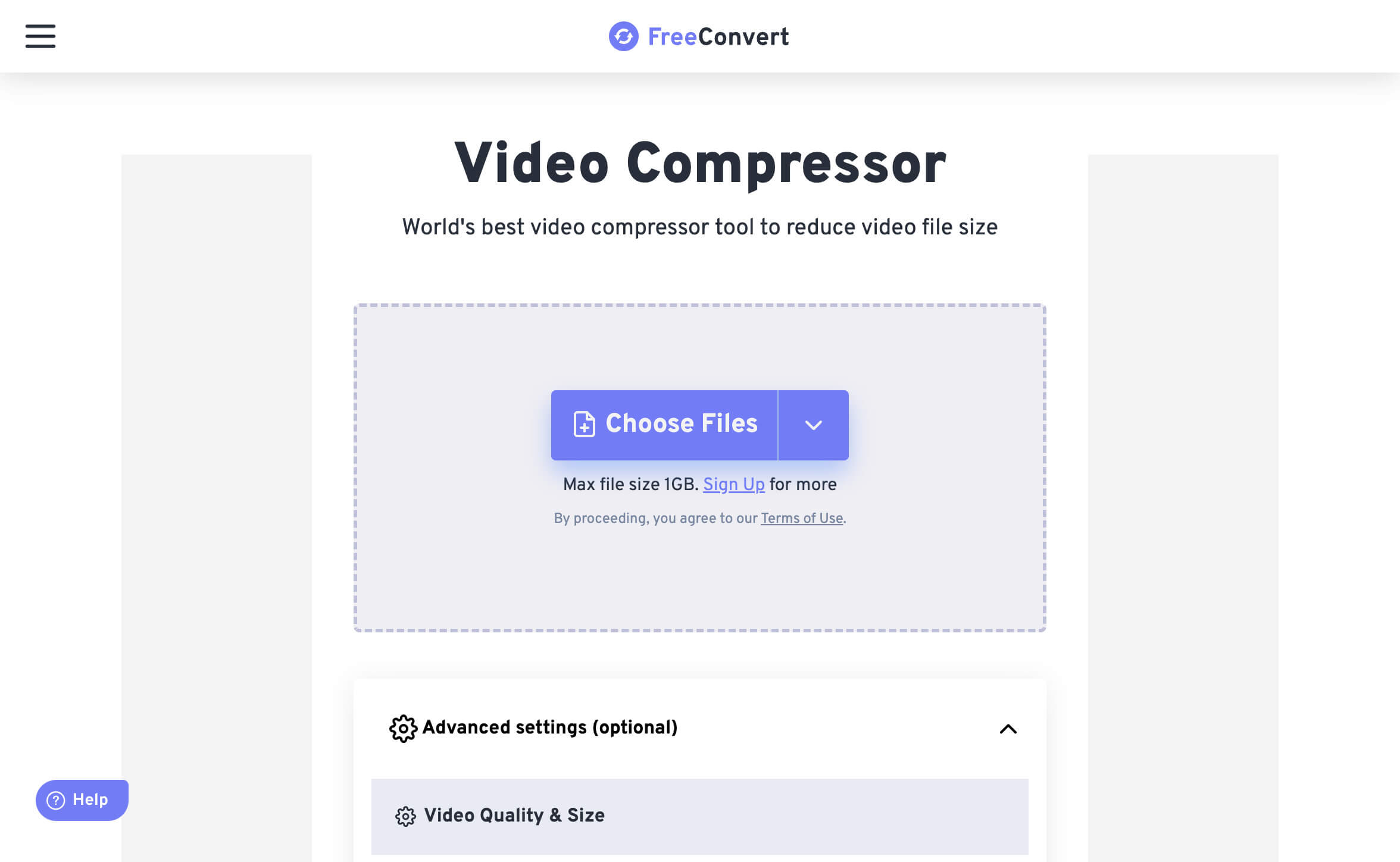
FreeConvert runs entirely in the cloud. Upload a file, pick a target size, bitrate, or quality (CRF), and let its H.264/H.265 engine do the rest. Supports MP4, FLV, MKV, MOV, AVI, and more. Perfect when you need adjustable presets without installing anything.
PickFrom Lightweight Editor + Compressor
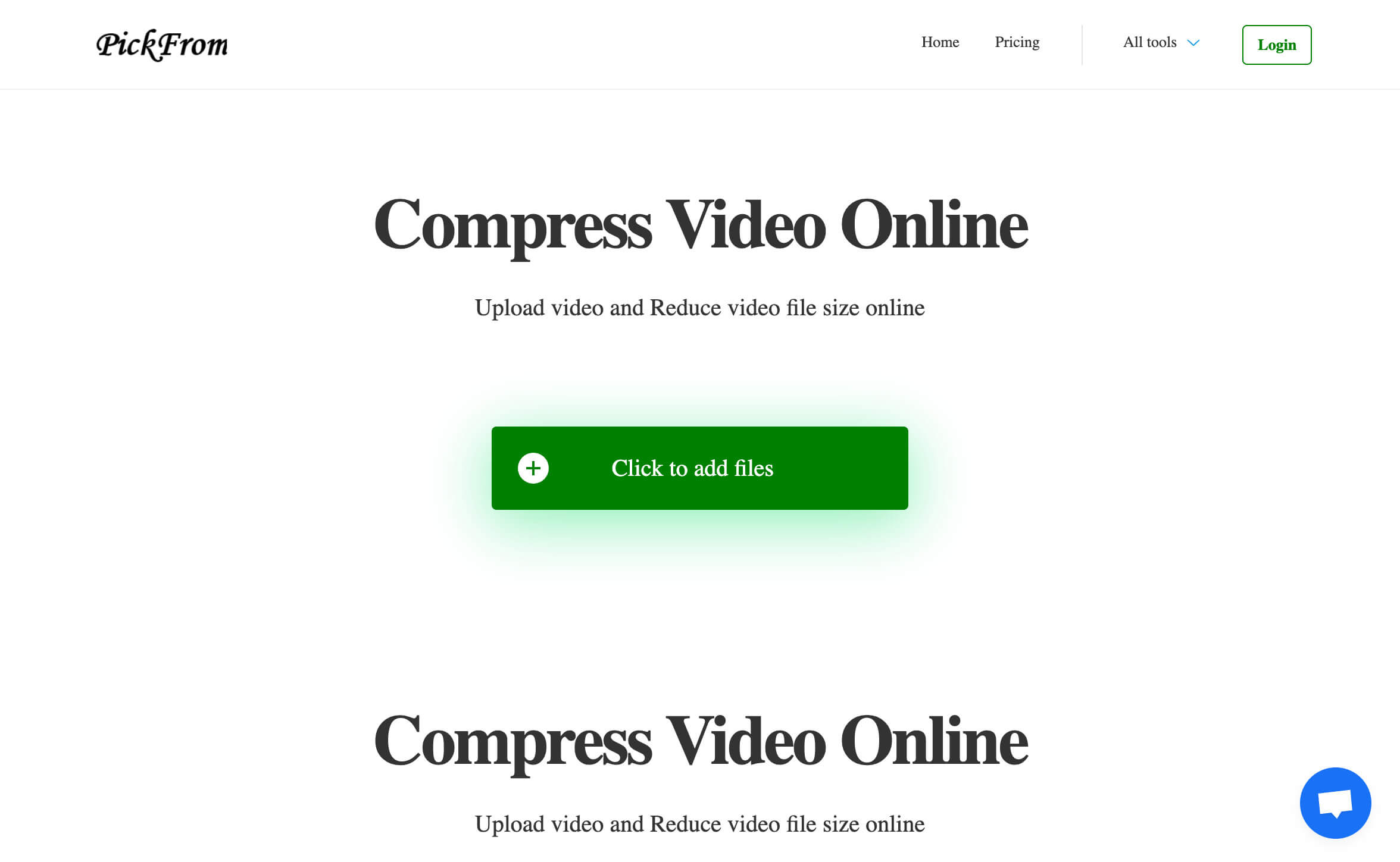
PickFrom combines basic editing (trim, crop) with compression so you only process the clips that matter. Works in the browser, supports major formats, and exports ready-to-share files—handy for long recordings that need a quick cut plus size reduction.
Our Recommendations
| Use Case | Best Choice |
|---|---|
| Free, no-install compression | BibiGPT |
| Professional control & batch export | Adobe Premiere Pro |
| Mobile-first workflows | CapCut |
| Adjustable web presets | FreeConvert |
| Trim + compress in one step | PickFrom |
Choose the tool that matches your platform, workflow, and quality demands—and keep publishing without worrying about file size.