

BibiGPT
Browser Extension
Save brainpower with AI. Summarize in-page — subtitles, mind maps, follow-up chat, all in one click.
Official on Chrome Web Store
Microsoft Edge Add-ons
Best when the Chrome Web Store is blocked — unzip, then drag into the extensions page
All browser ZIP builds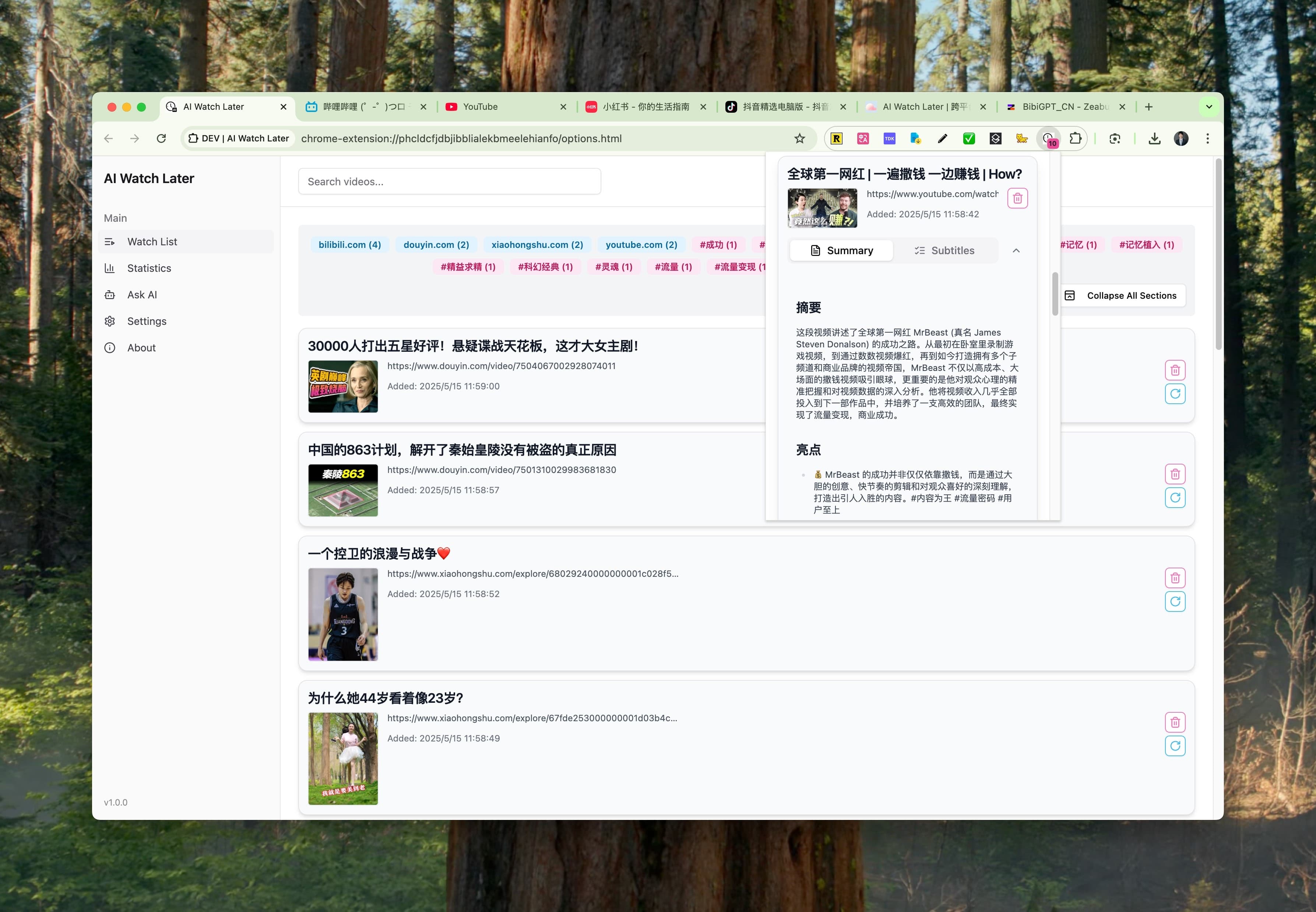
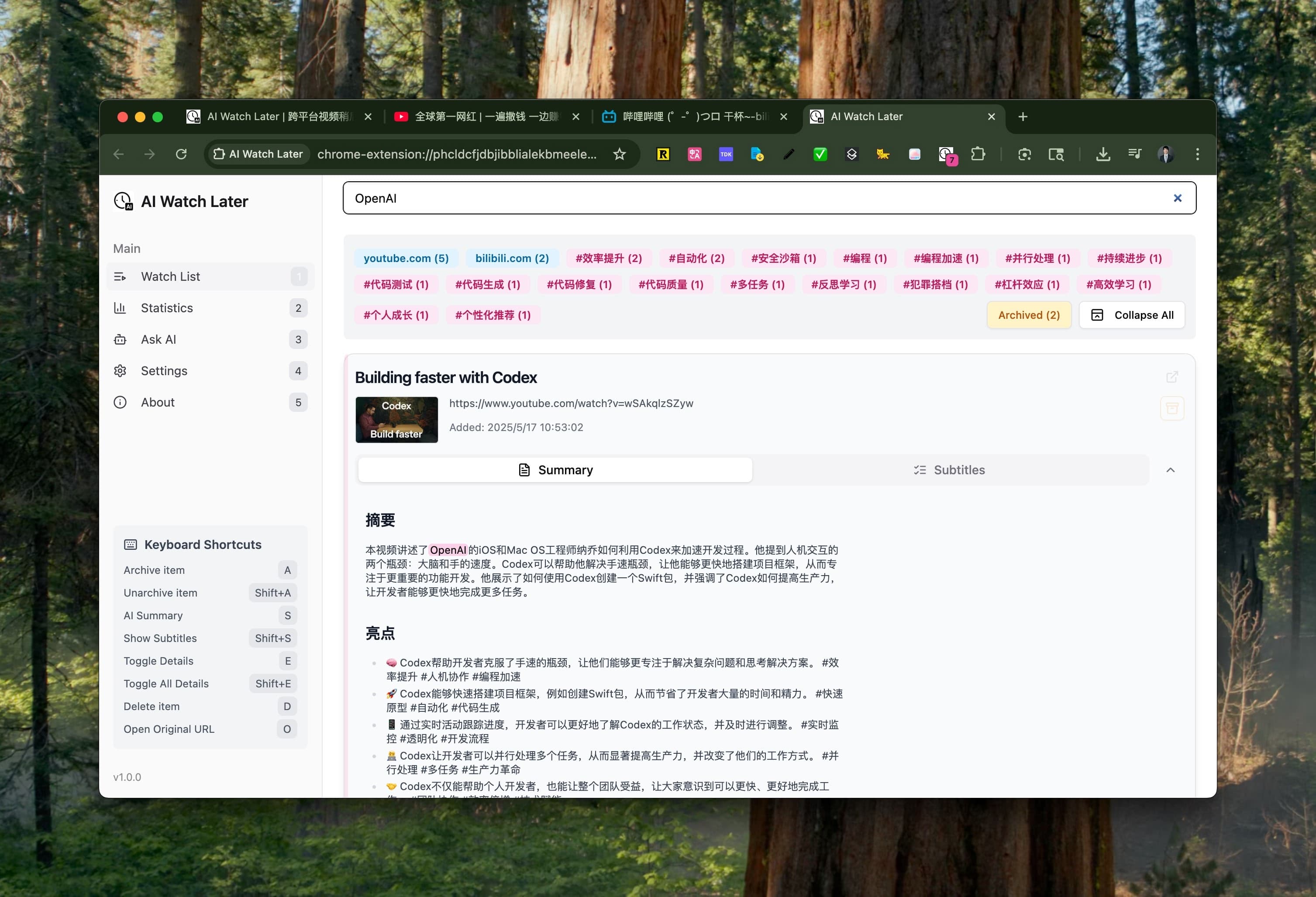
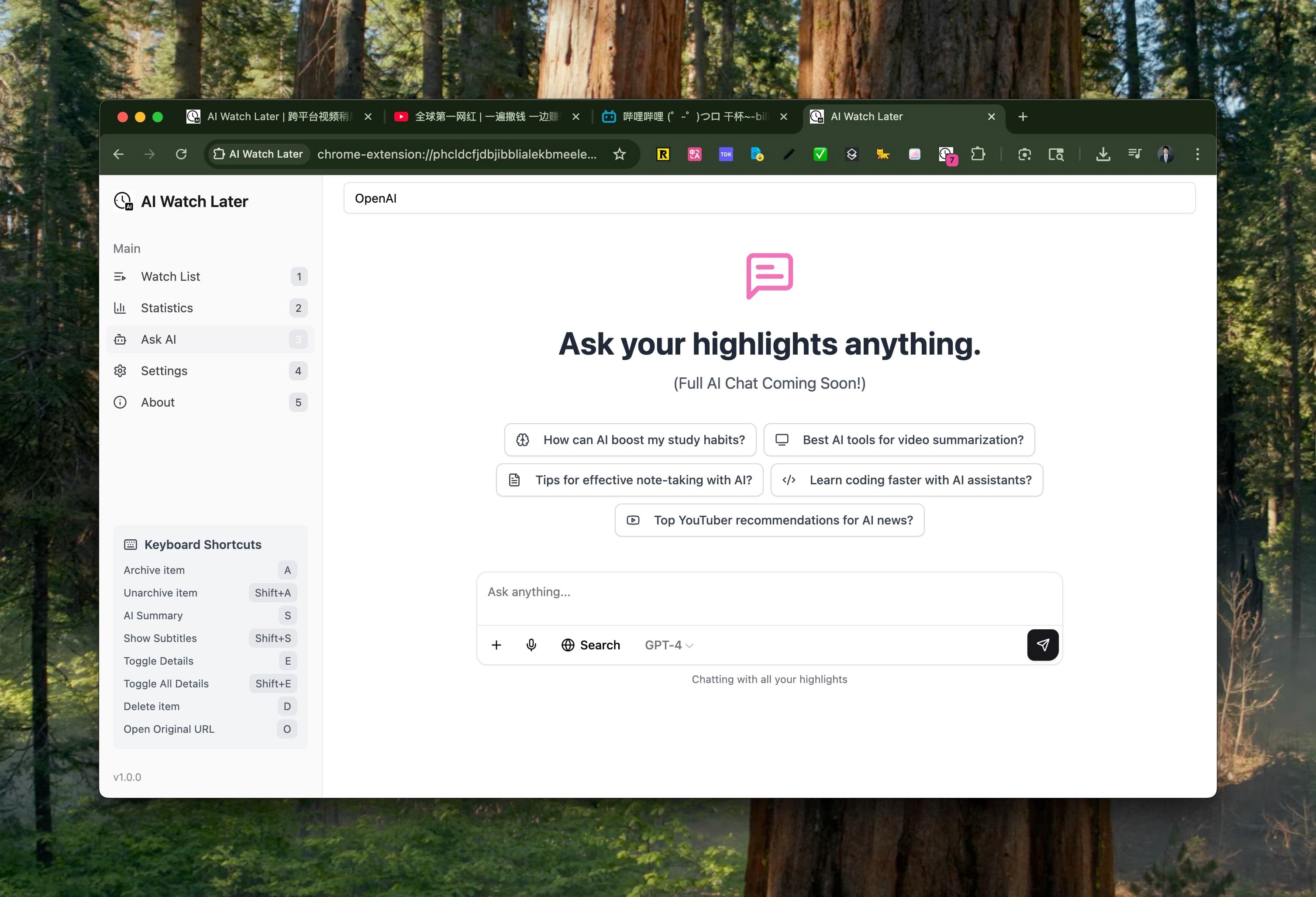
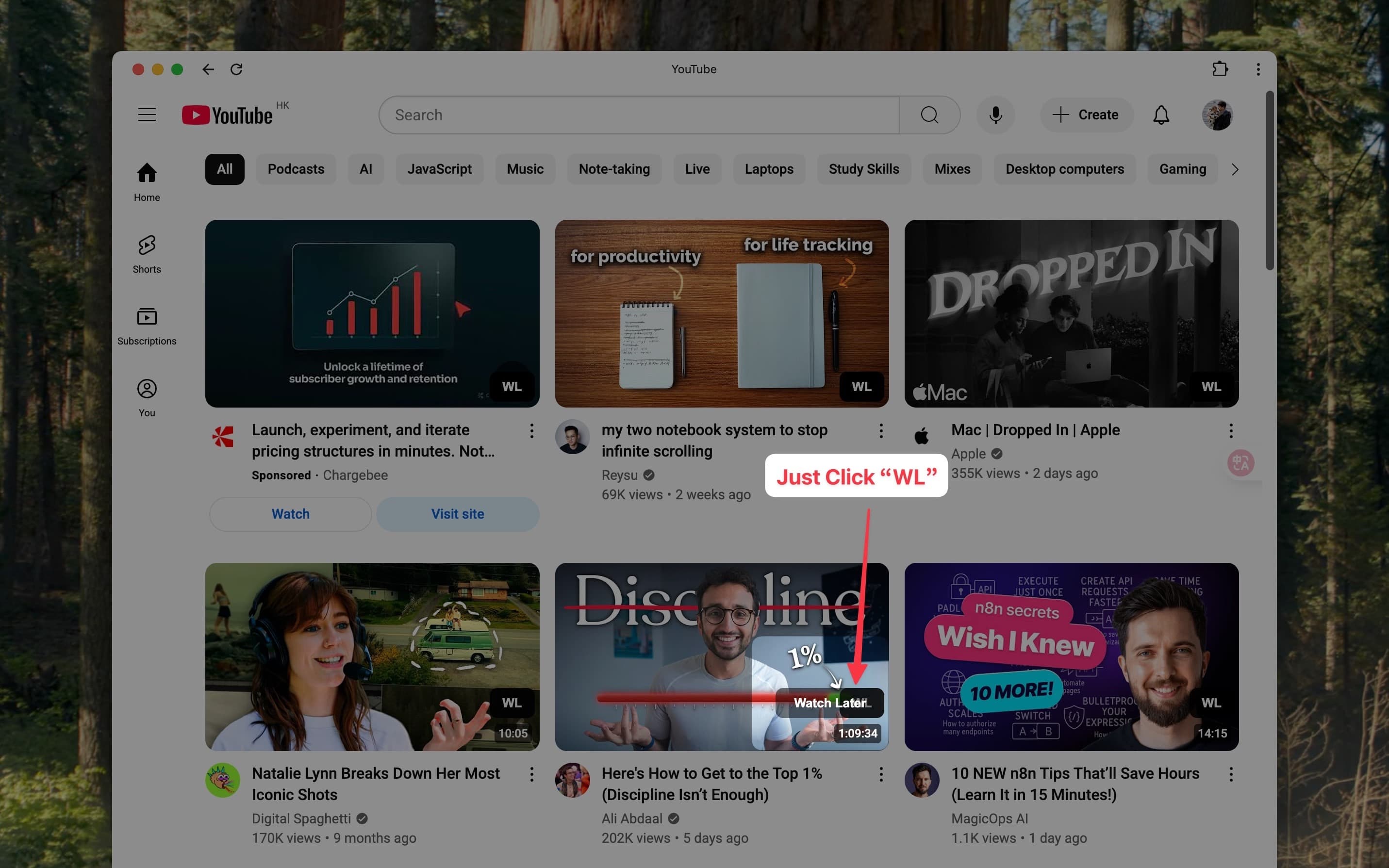
One-Click Summary
Open any video page, click the extension icon — instant summary and mind map
In-Page Sidebar
Never leave the page — read summaries and ask follow-ups alongside the video
Subtitles & Translation
Auto-extract platform subtitles, translate into multiple languages, export SRT
All Platforms
Works on YouTube, Bilibili, TikTok, X, podcasts and more
Availability
Chrome Store
Chrome Web Store
Published on Chrome Web Store. Auto-updates, zero friction.
Edge Store
Edge Add-ons
Microsoft Edge Add-ons — accessible without VPN in China.
Firefox Store
Firefox Add-ons
Firefox Add-ons official listing.
Early access
Latest build · Manual install
Can't reach the Chrome Web Store, or don't want to wait for review? Download the ZIP, unzip it, and drag the folder into your browser's extensions page.
Unzip the file, open your browser's extensions page, turn on Developer mode, then choose "Load unpacked" or drag the folder in.